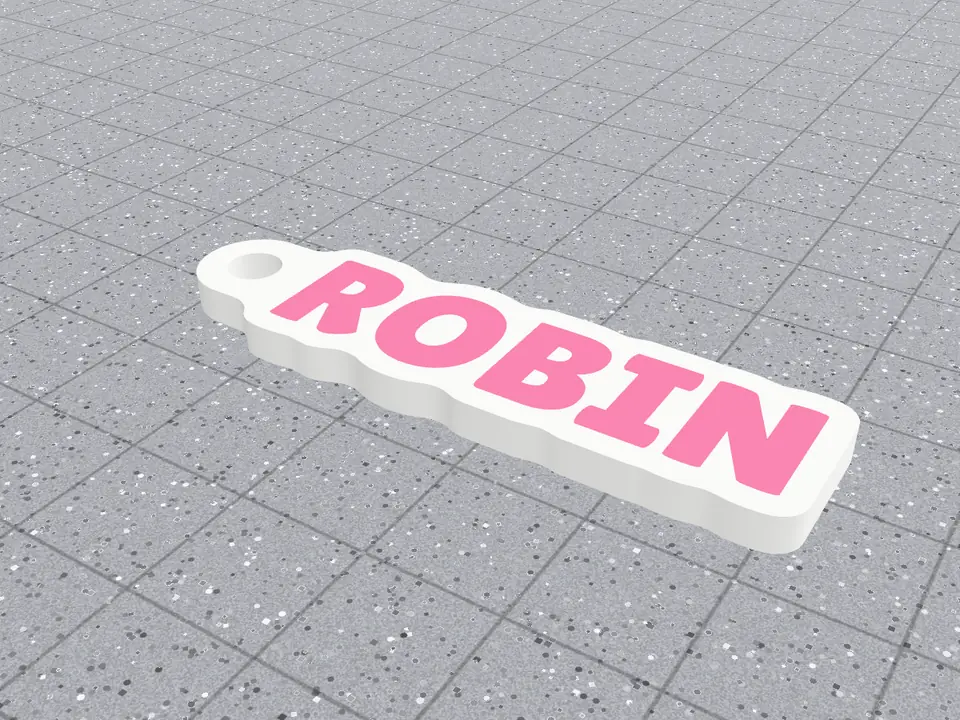
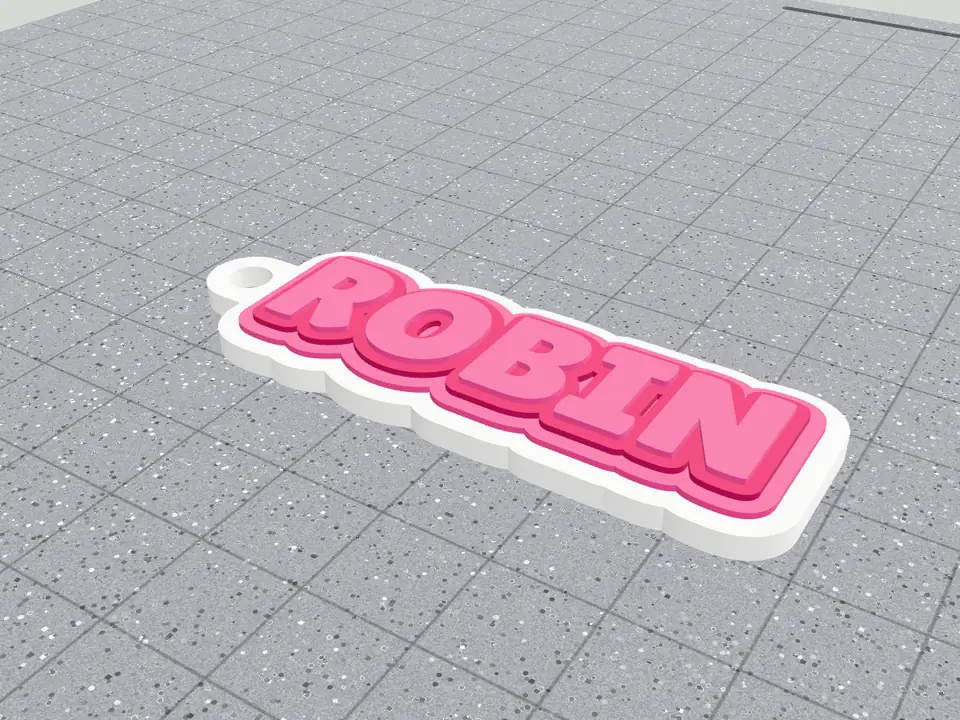
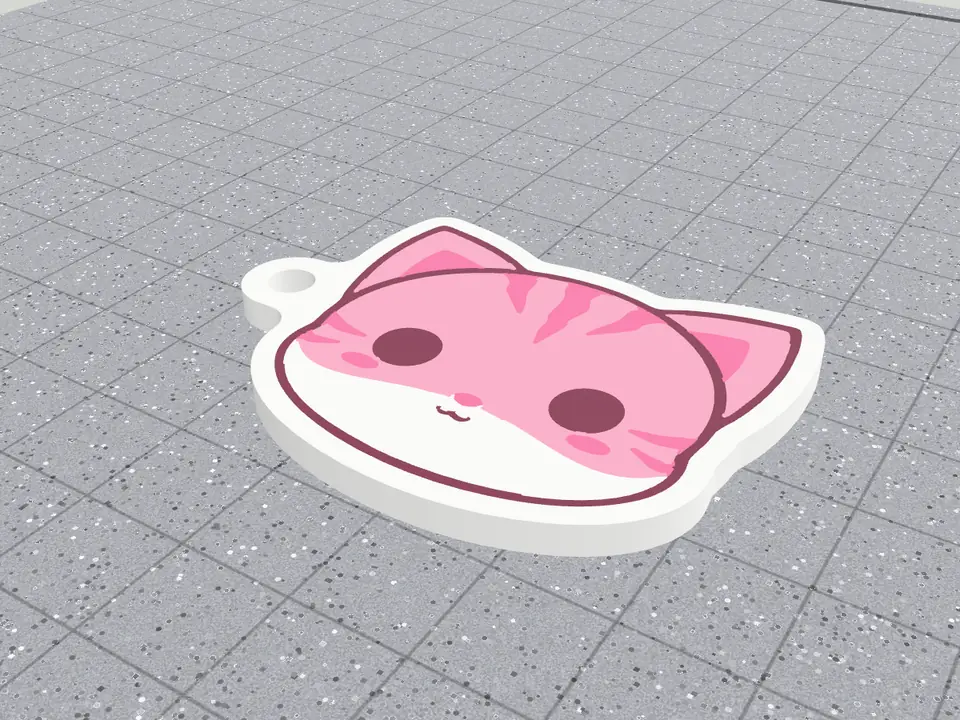
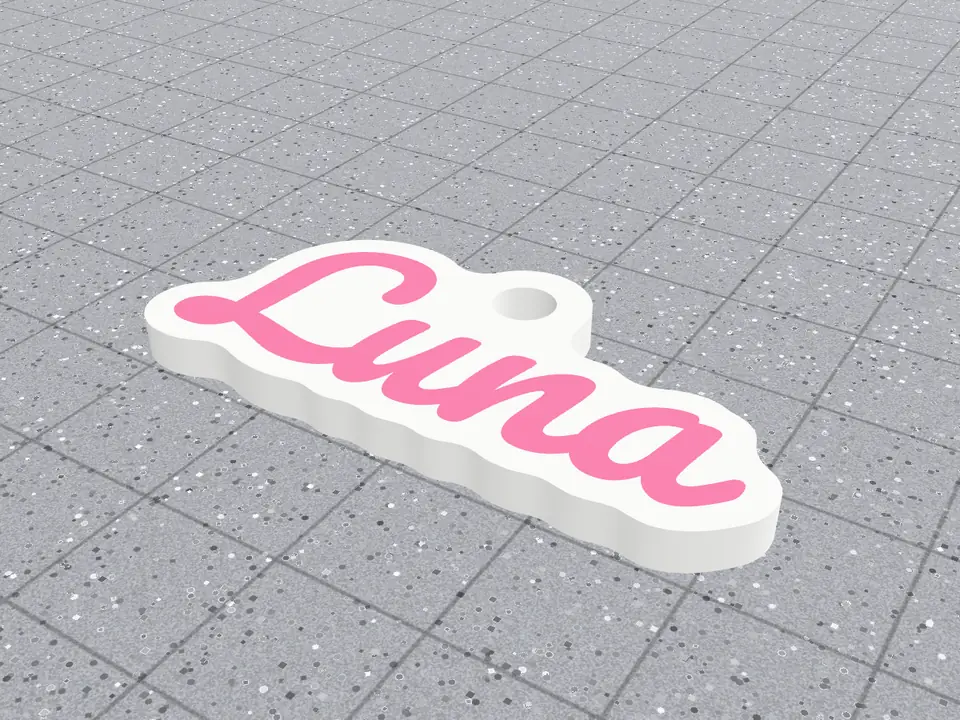
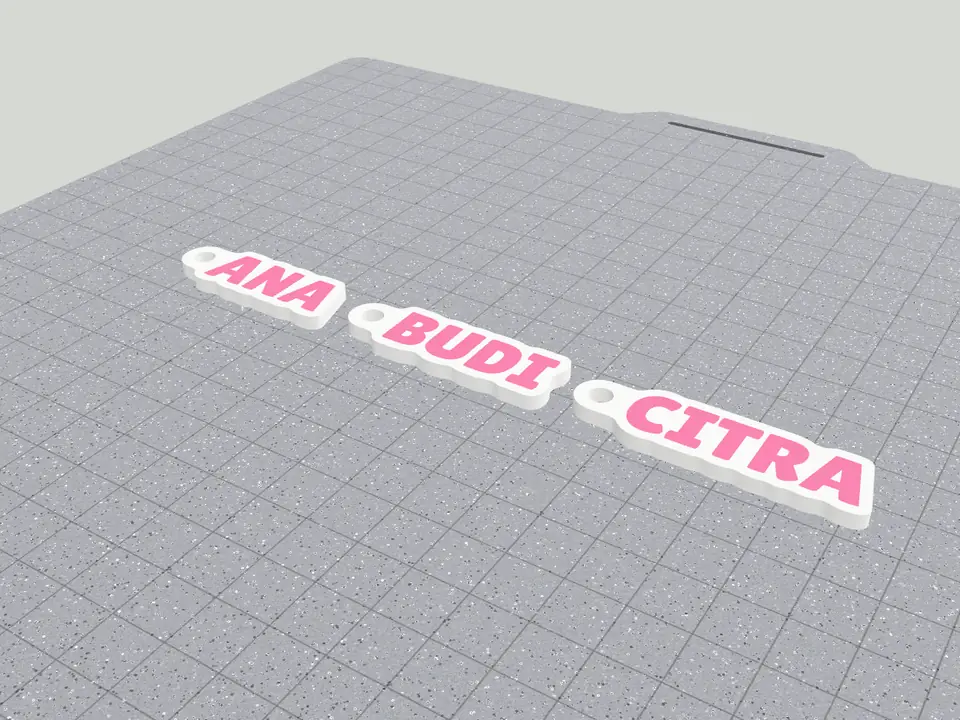
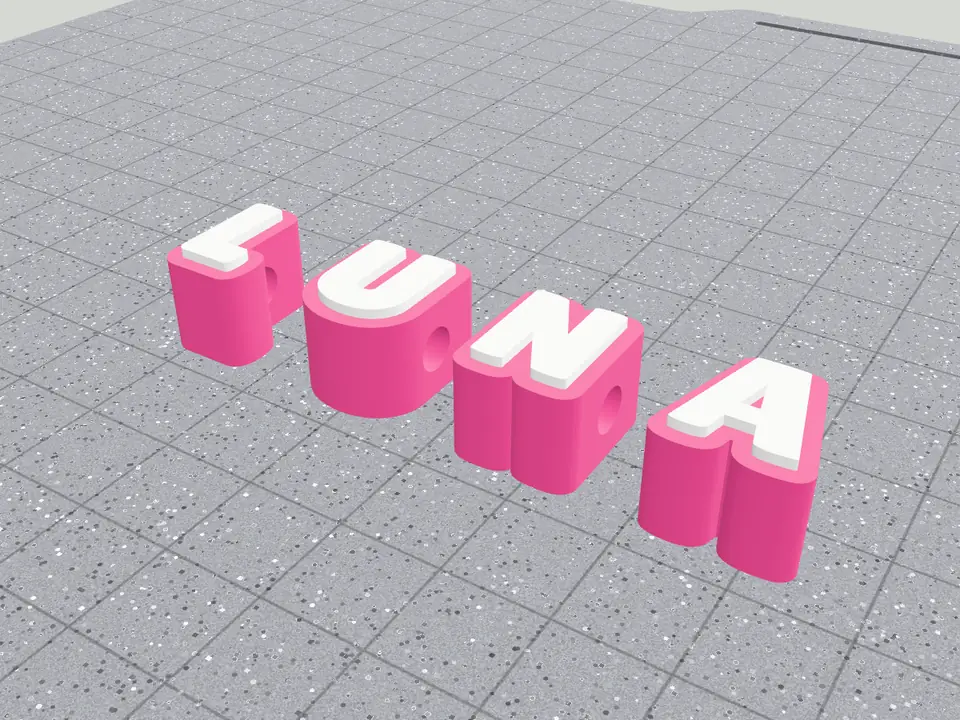
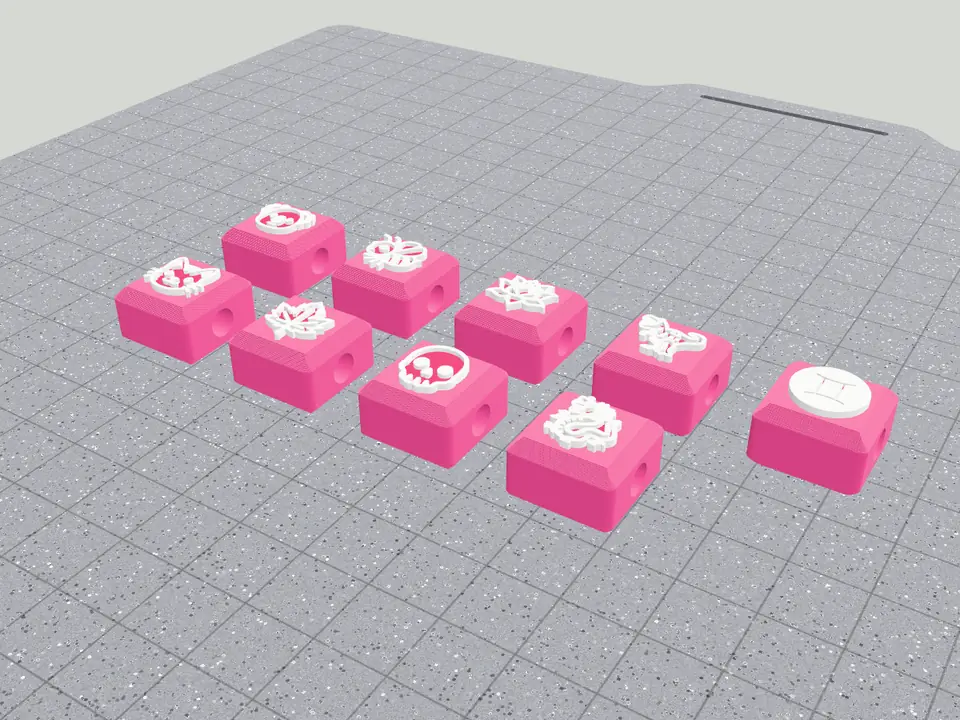
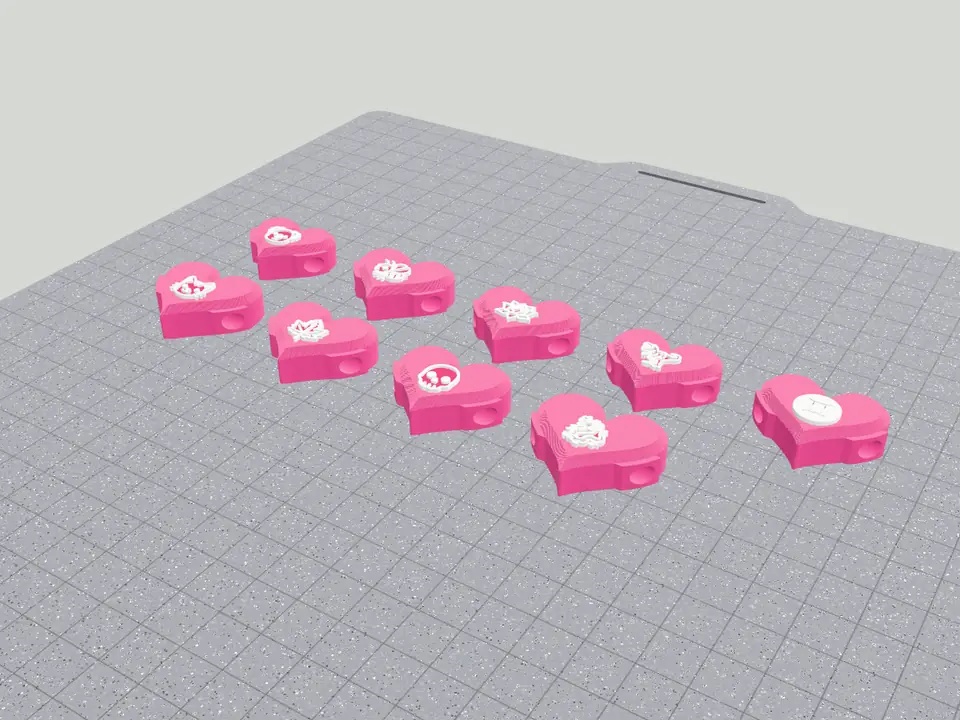
Name clickers, keychains, lithophanes, star maps and city models. Design your own in our generator or pick one from the catalogue, and we print it and ship it anywhere in Indonesia.
Twenty-six 3D print designs and Vectorizard in one generator. Pick a design to see the features and options you can set: text, pictures, shape, colour and hardware.
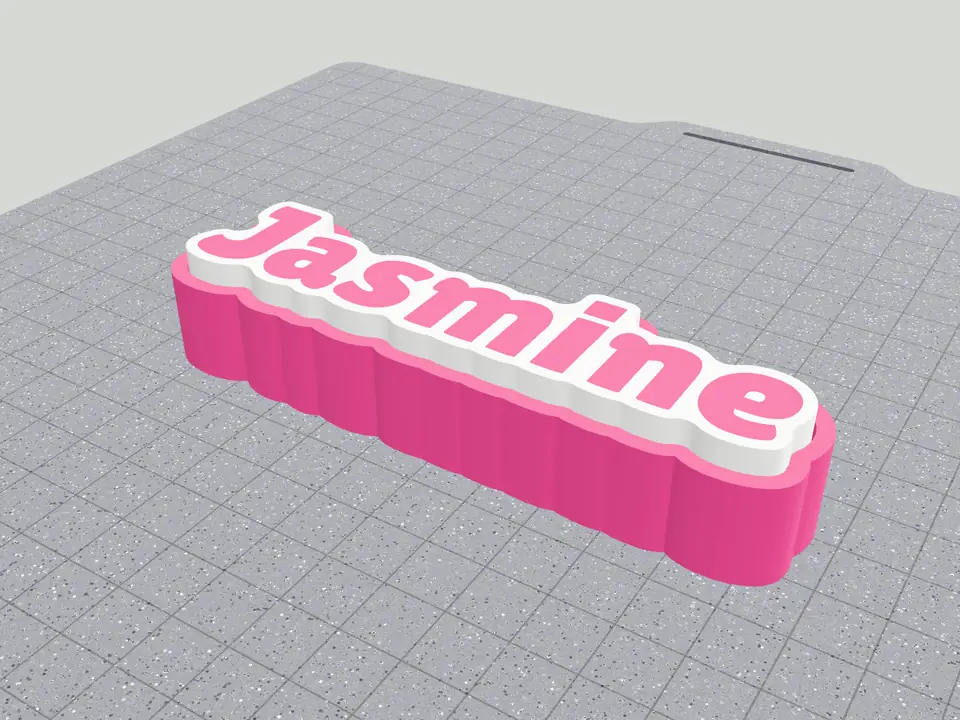
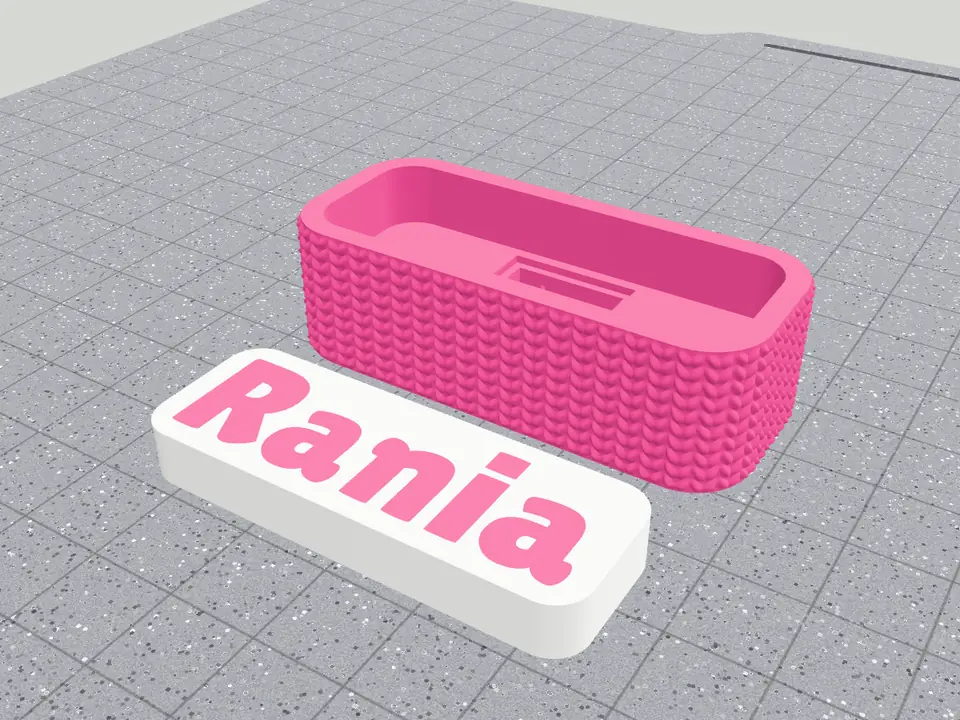
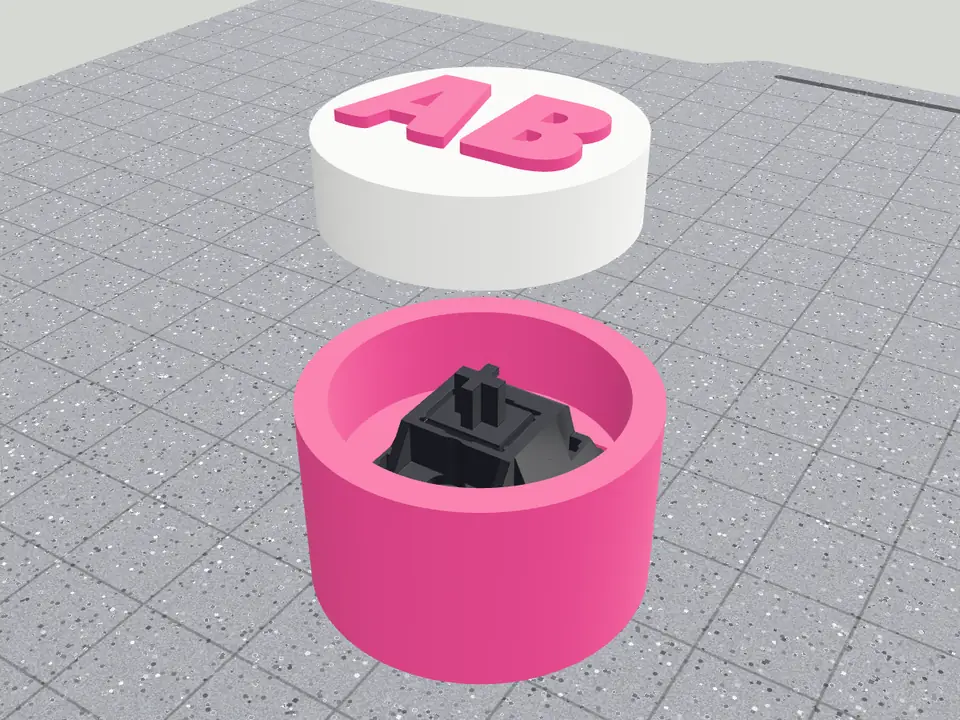
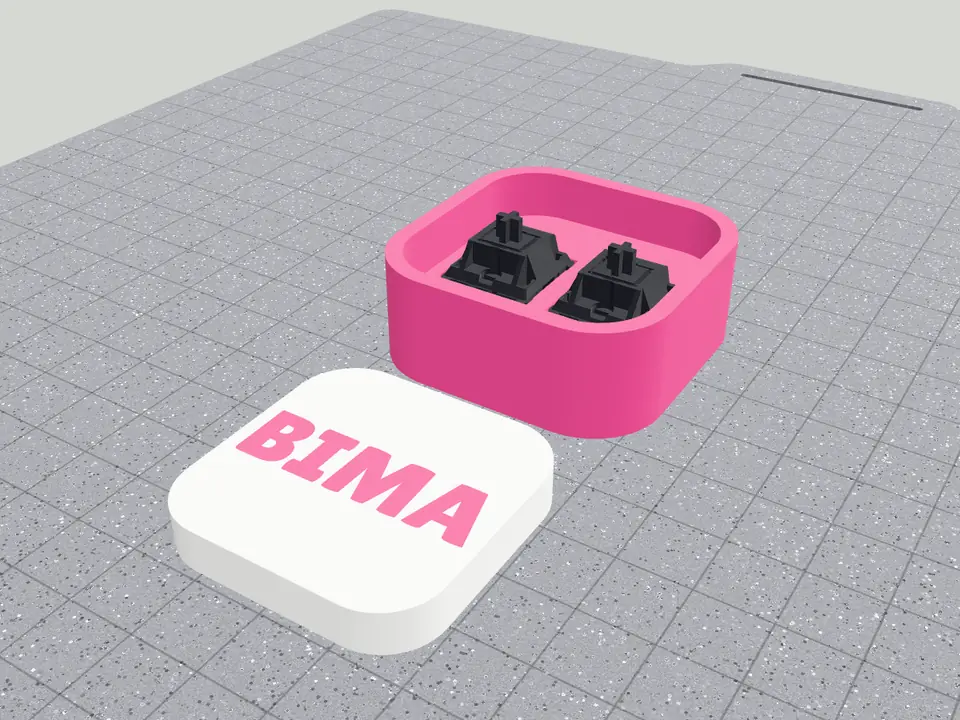
Name clicker
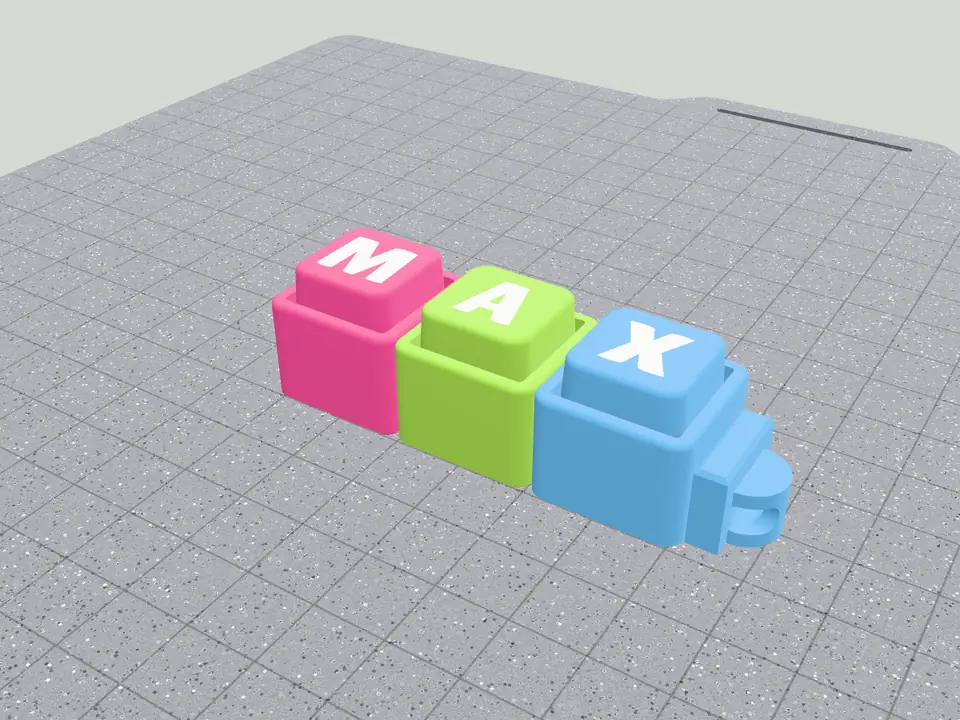
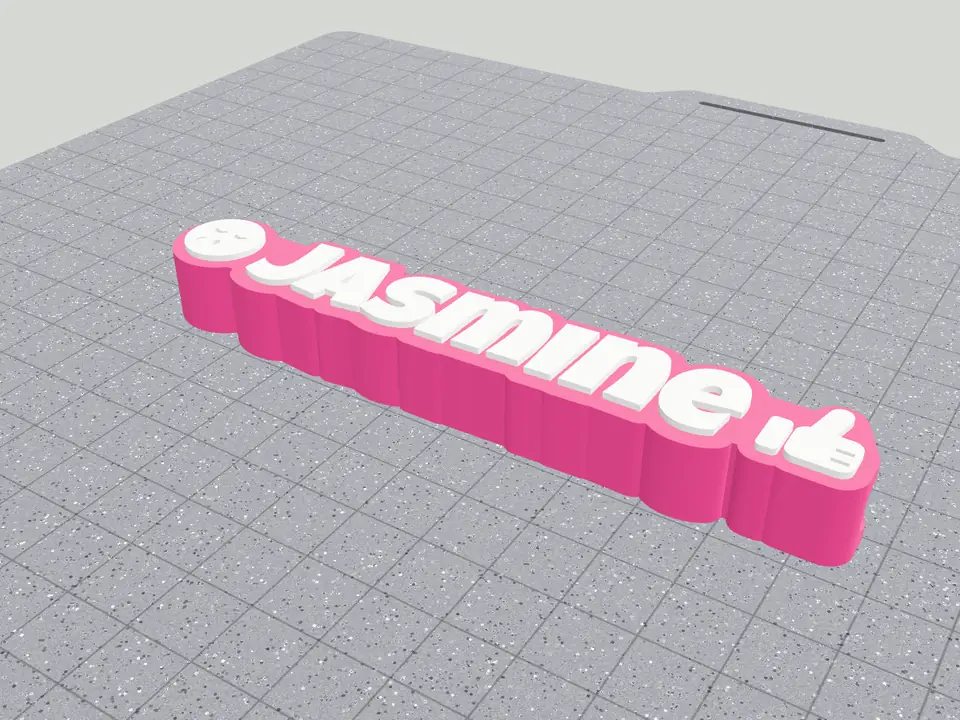
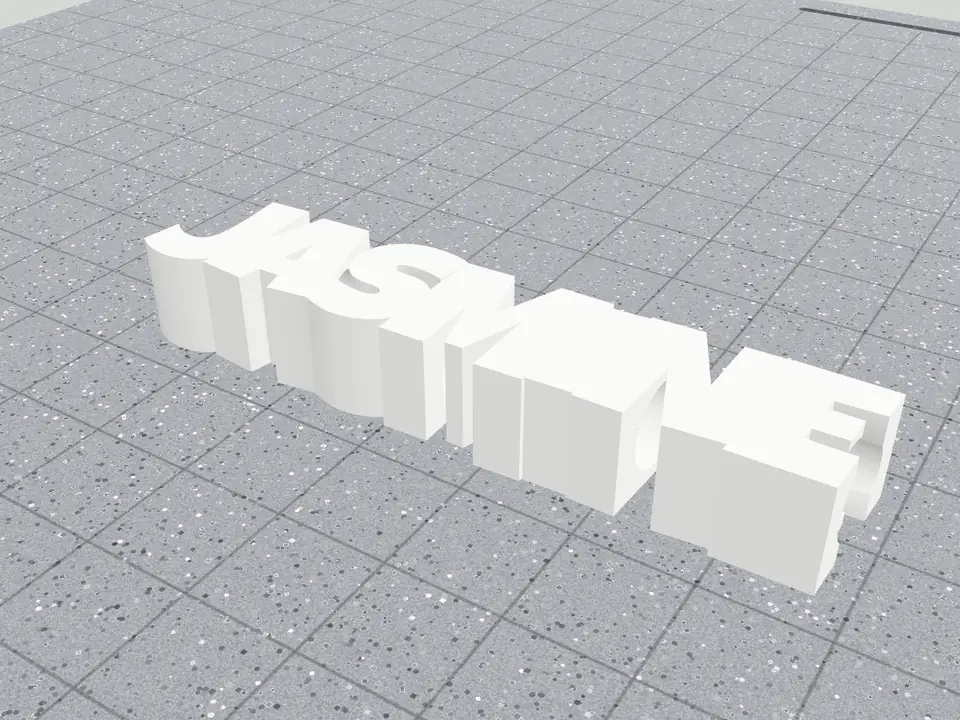
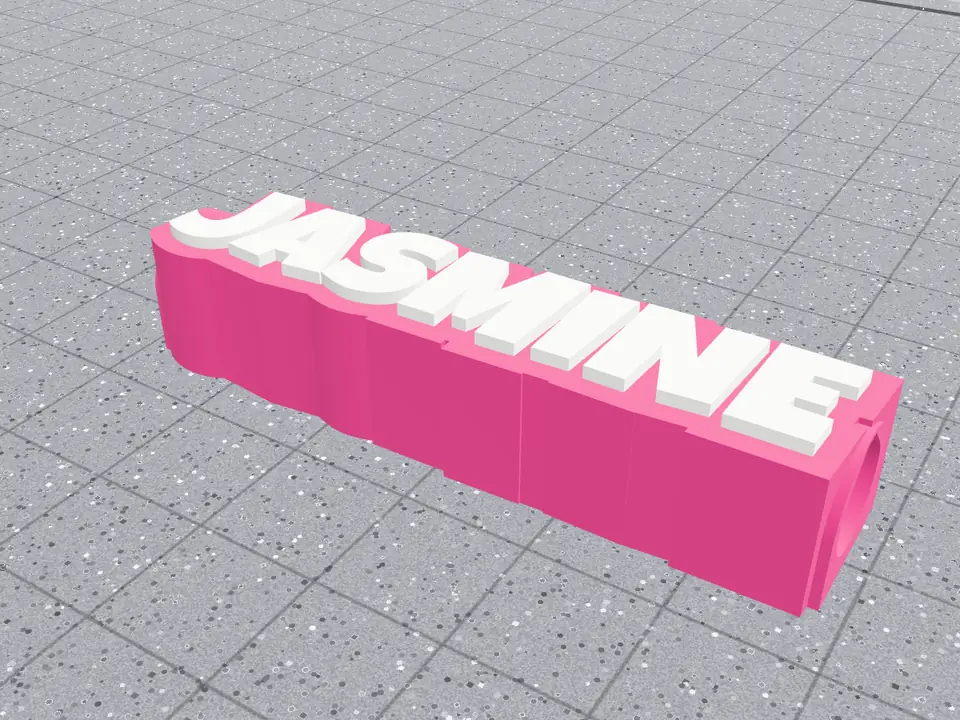
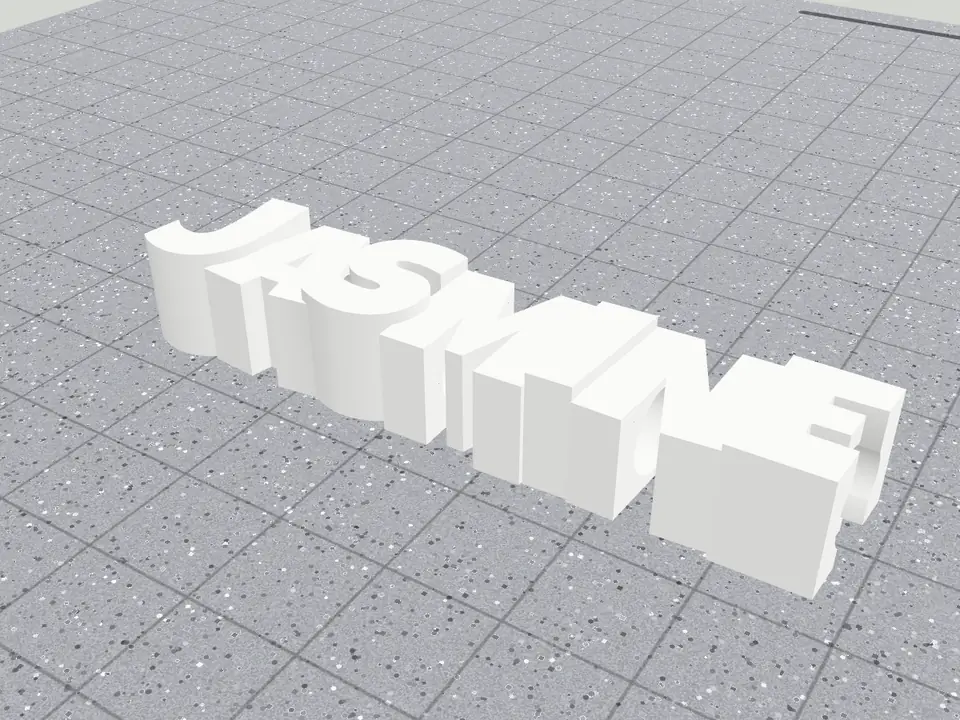
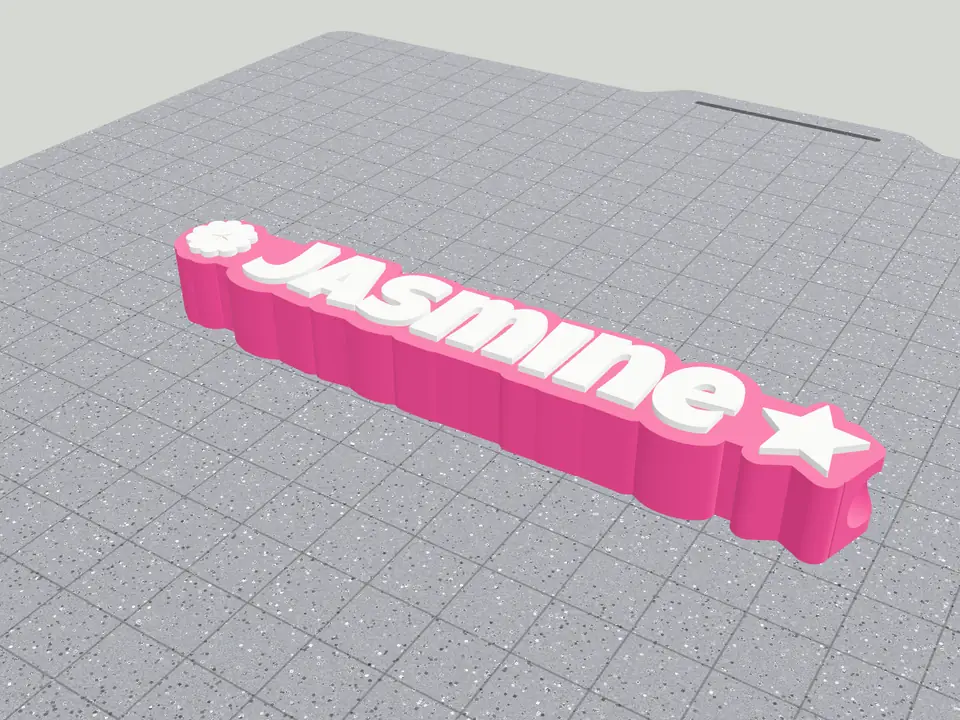
A name or word on a keyboard switch you can click. Its body follows the letters' shape.
Lifetime licence to sell the prints and the files: Annual plan only. Other plans: physical prints while the membership is active.
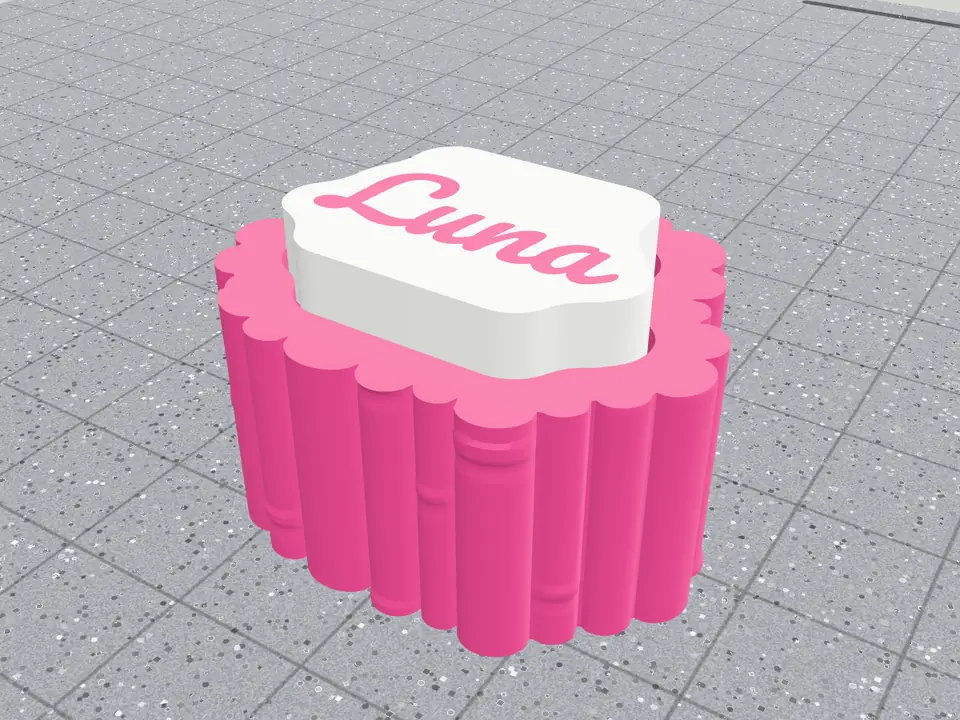
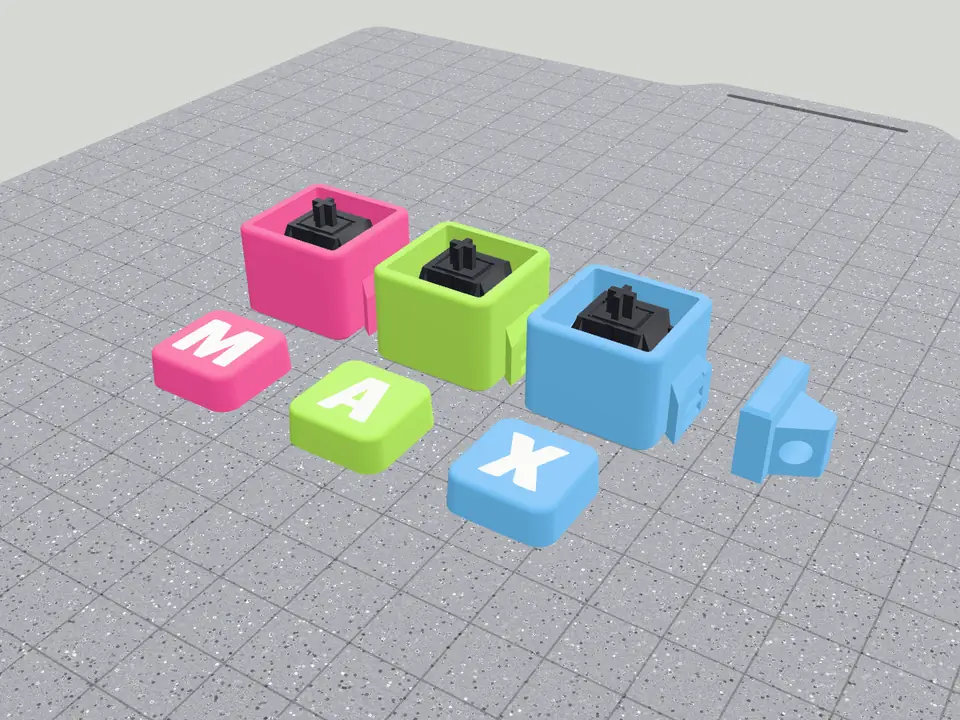
A name on a base that follows the lettersA rounded base with a knit texture, its parts apartA round base with raised letters, the cap lifted to show the MX switchA square base with two switches, apart with the MX switchesBamboo texture, script letters
Features and options in the generator
Content
One or more lines of text36 fontsIcons and symbolsMany names at once
Shape
Base following the letters, rounded, rectangle, square, circleSize and base widthLetters flush, raised, partly raised or engravedLetter outlineBody texture: rib, knit, diamond, crumpled, cheese, bamboo
Colour
Cap, letters, body and outlineA different colour per letter
Hardware
Number of switches and their spacingKeychain: side, loop, eyelet, snout or tab styleHole size, position, distance from the wall
Picture clicker
A picture, logo or character traced automatically into coloured shapes on a switch.
Lifetime licence to sell the prints and the files: Annual plan only. Other plans: physical prints while the membership is active.
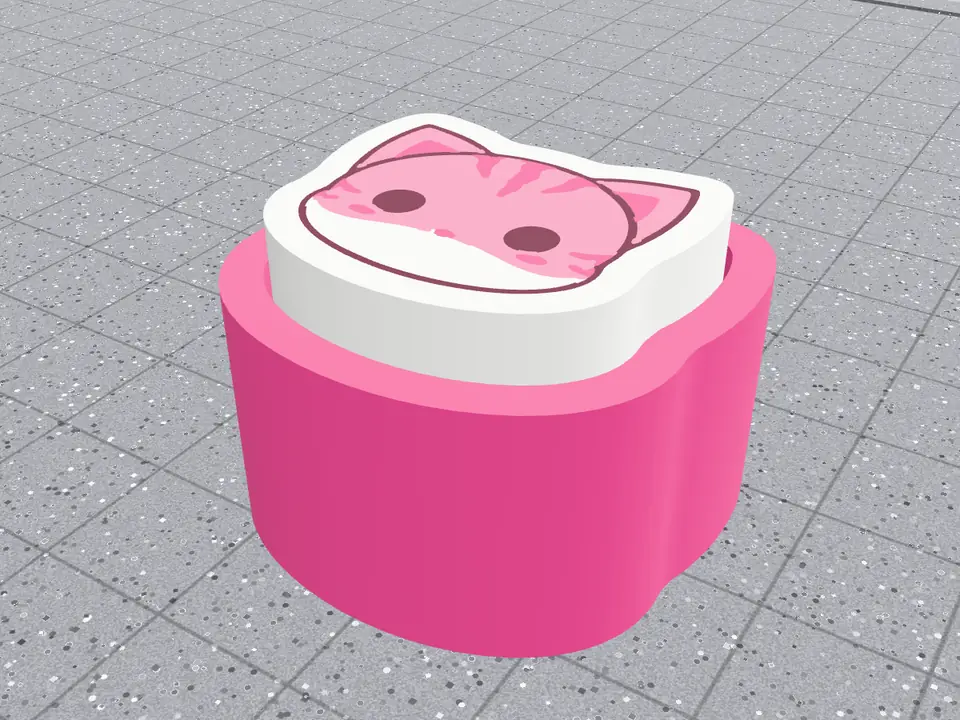
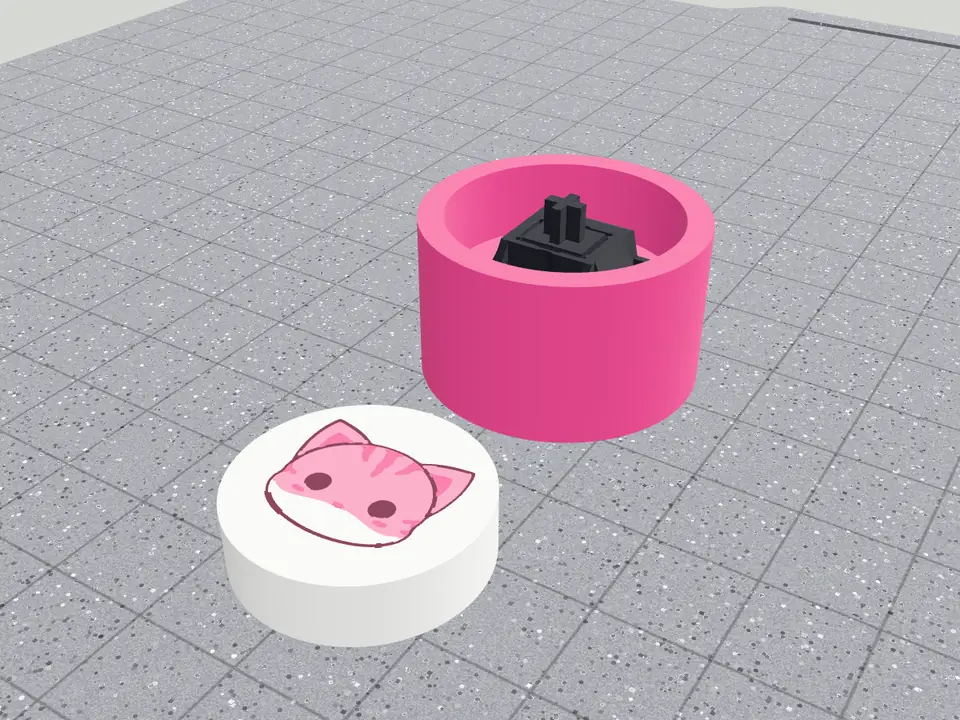
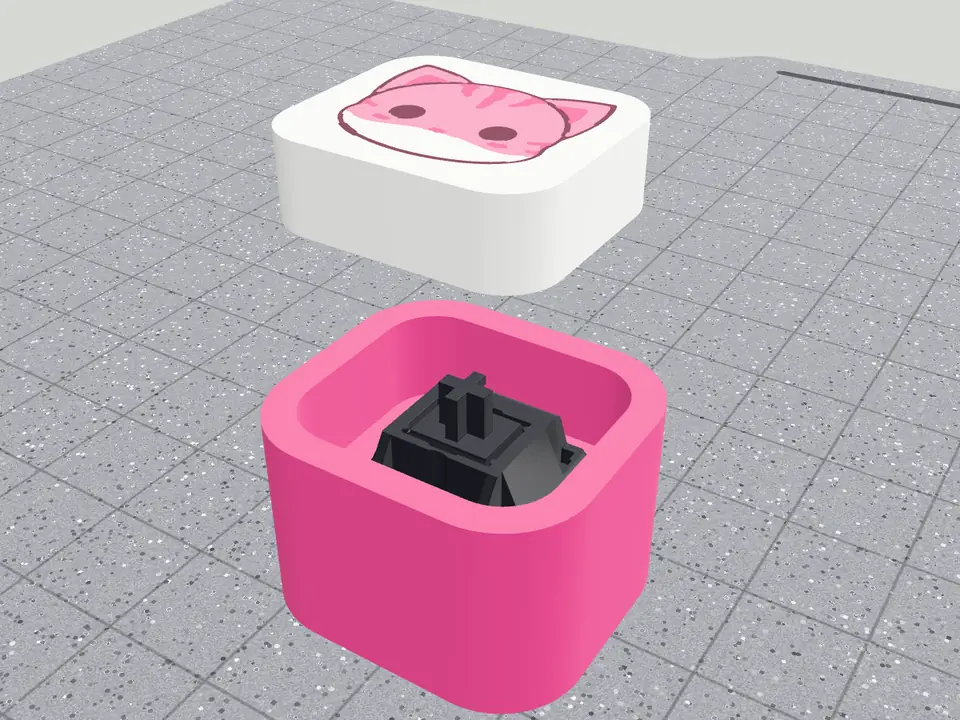
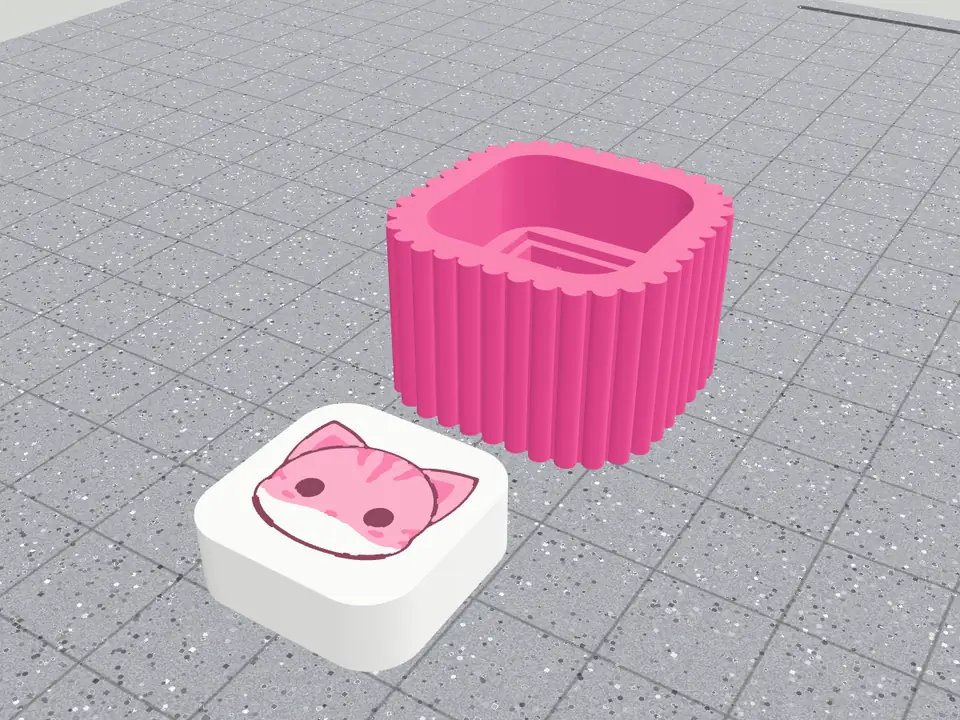
A traced picture on a base that follows its shapeA round base, apart with the MX switchA rounded base with a key ring, the cap lifted to show the MX switchA square base with a ribbed texture, its parts apart
Features and options in the generator
Content
Upload a picture (JPG, PNG)Traced in up to 4 coloursBackground removed automaticallyLine smoothness and smallest detailOutline guard keeps the edges crisp
Shape
Base following the picture or a fixed shapeSizeBody texture
Colour
Each traced colour can be changedBody and frame colours
Hardware
Switches and keychain, as on the name clicker
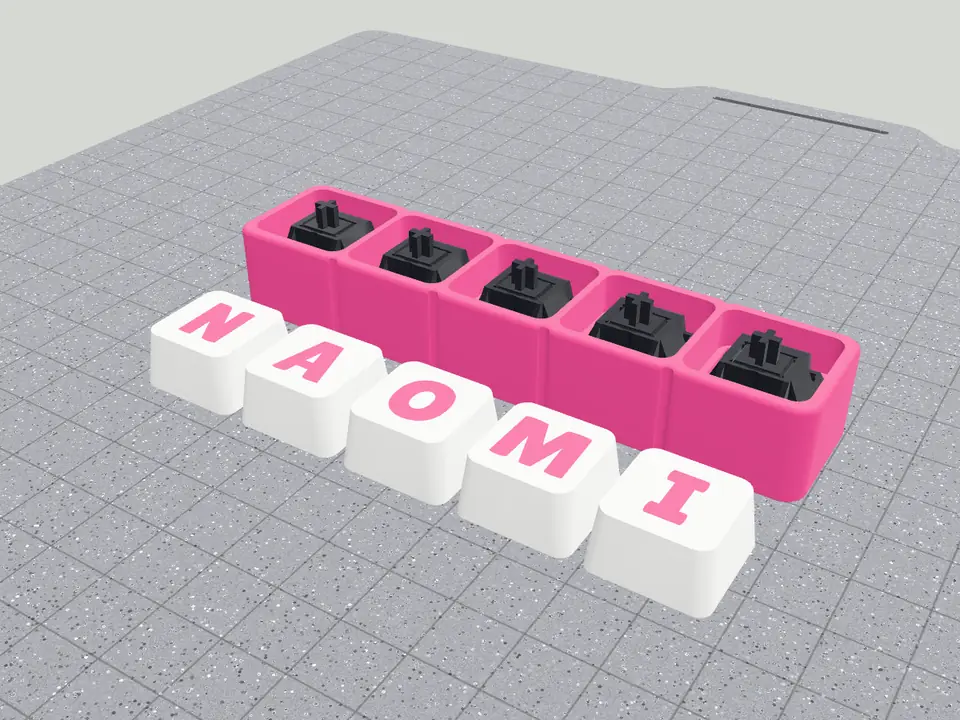
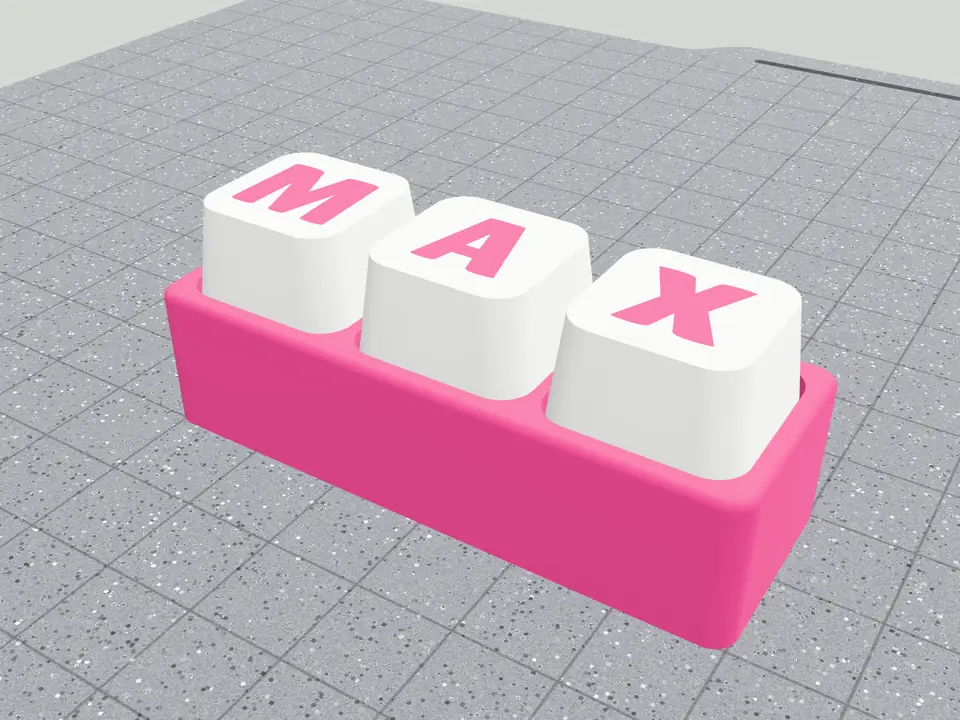
Keycaps
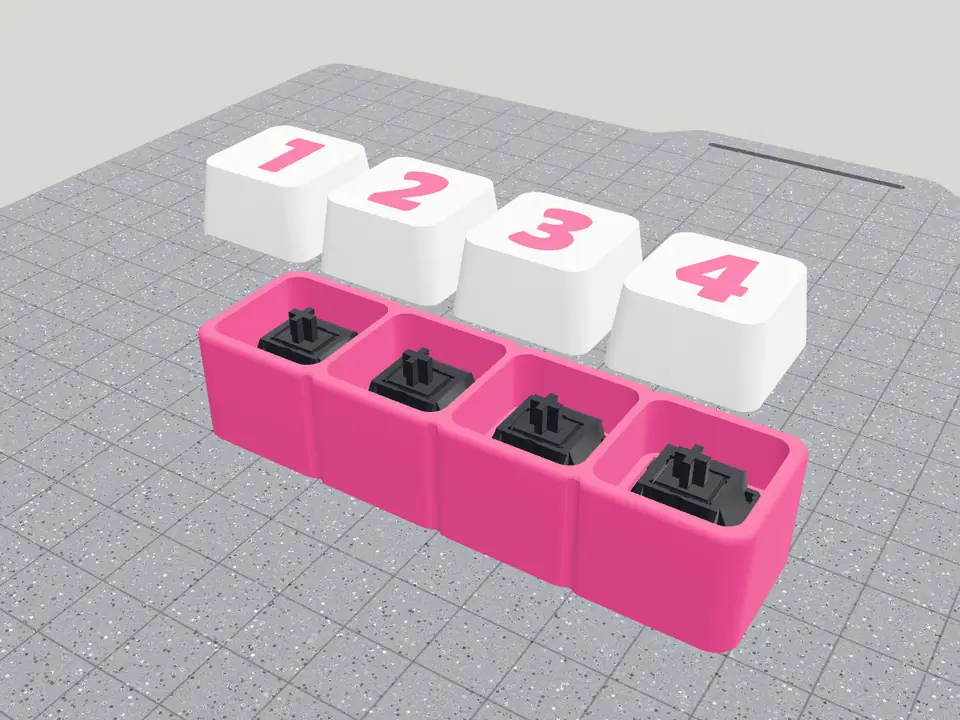
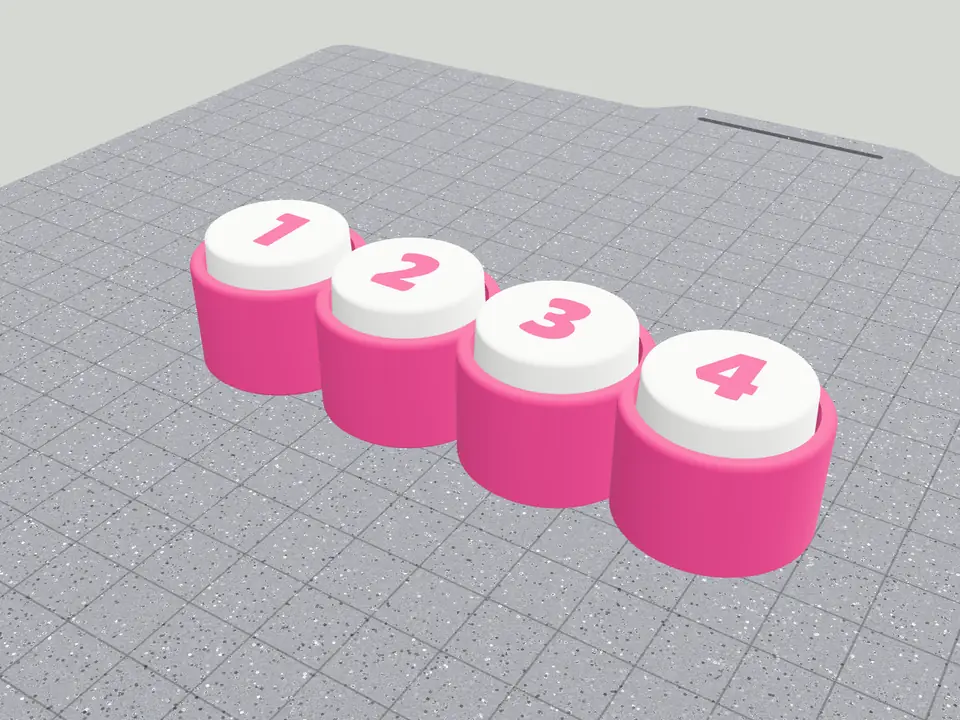
One keycap per letter, lined up on one long tray.
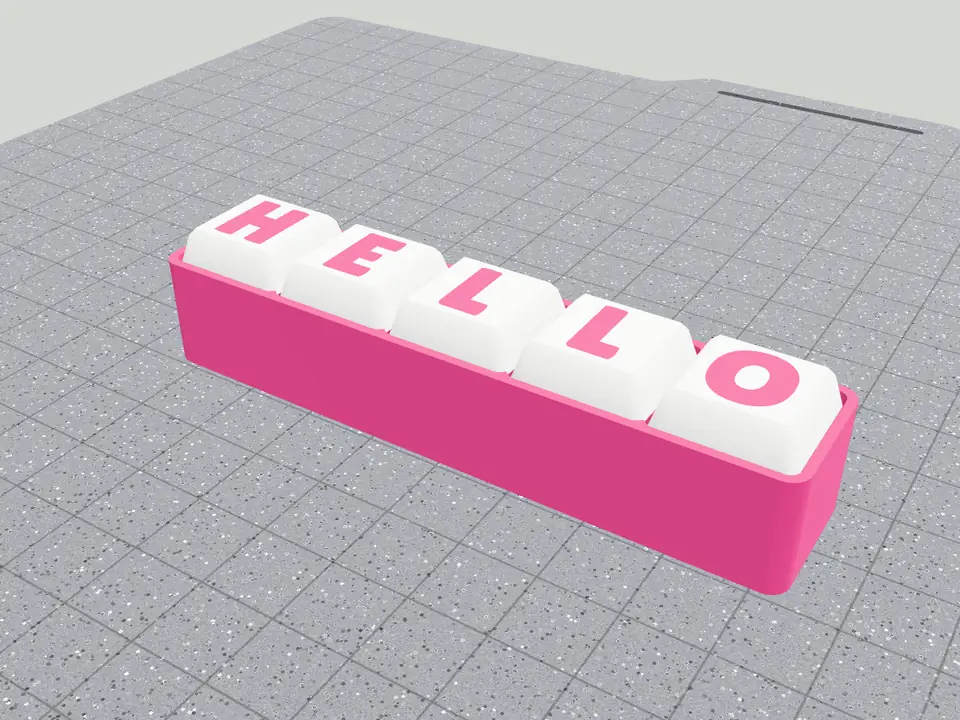
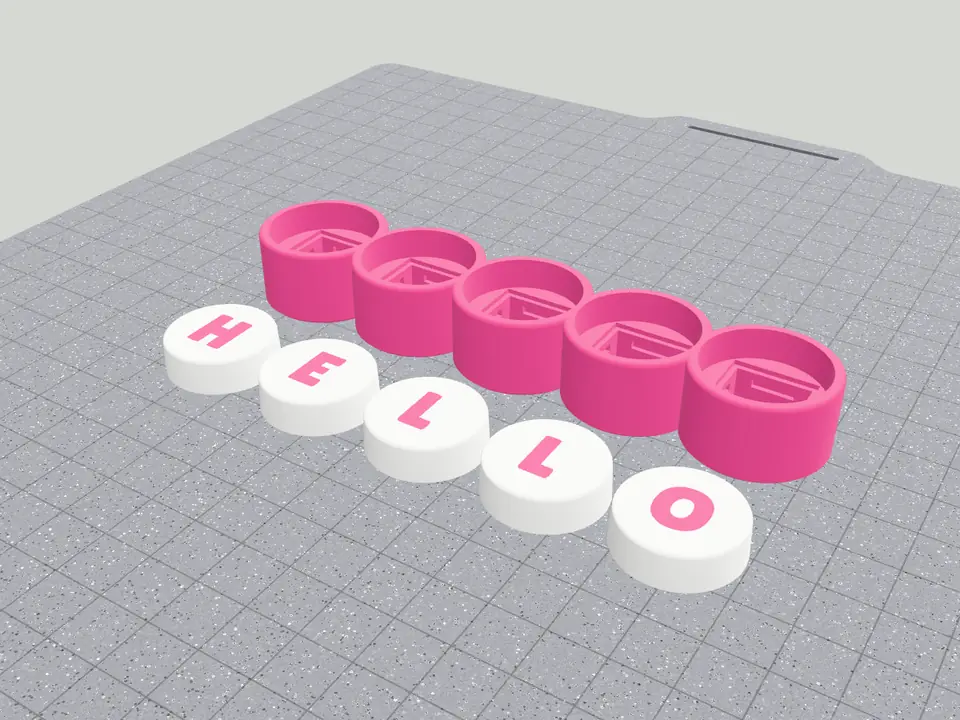
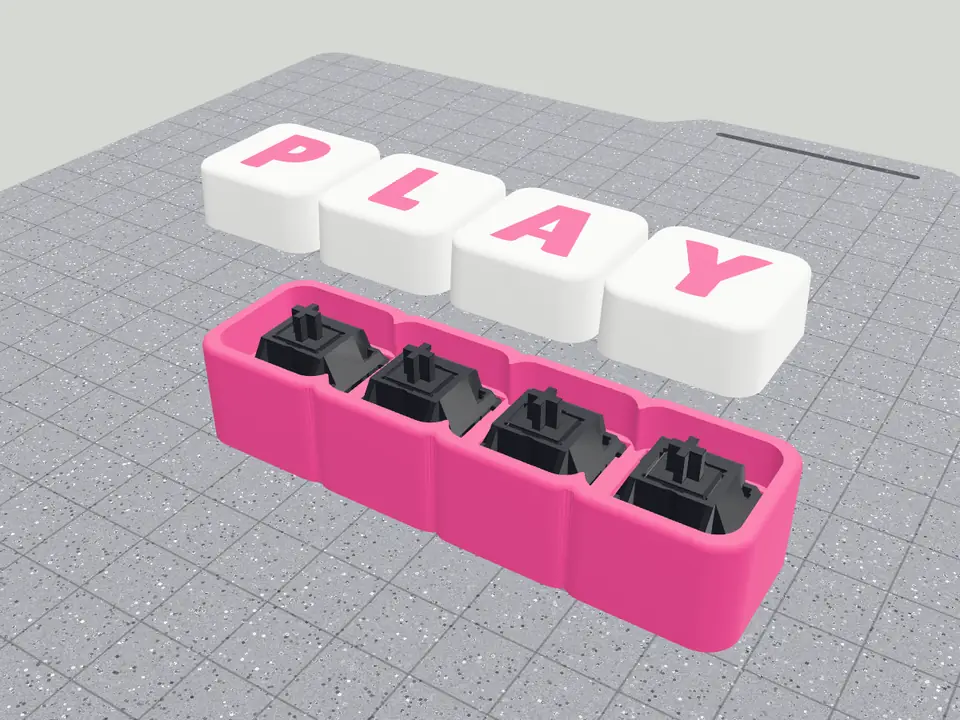
Low-profile keycaps on a trayRound keycaps, the parts apartChunky keycaps on a frame base, lifted to show the MX switchesSquare keycaps on a cell base, apart with the MX switchesRounded keycaps on a bar base
Features and options in the generator
Content
Up to 12 letters36 fonts and icons
Shape
Keycap style: low profile, block, rounded, chunky, roundBase: tray, cells, frame, round, barSlim versionLip height and gap between keycapsLetter sizeLetters flush, raised or engraved
Colour
Keycaps, letters and baseA colour per keycap
Hardware
Stem fit on the switchPrint everything, the base only, or the keycaps only
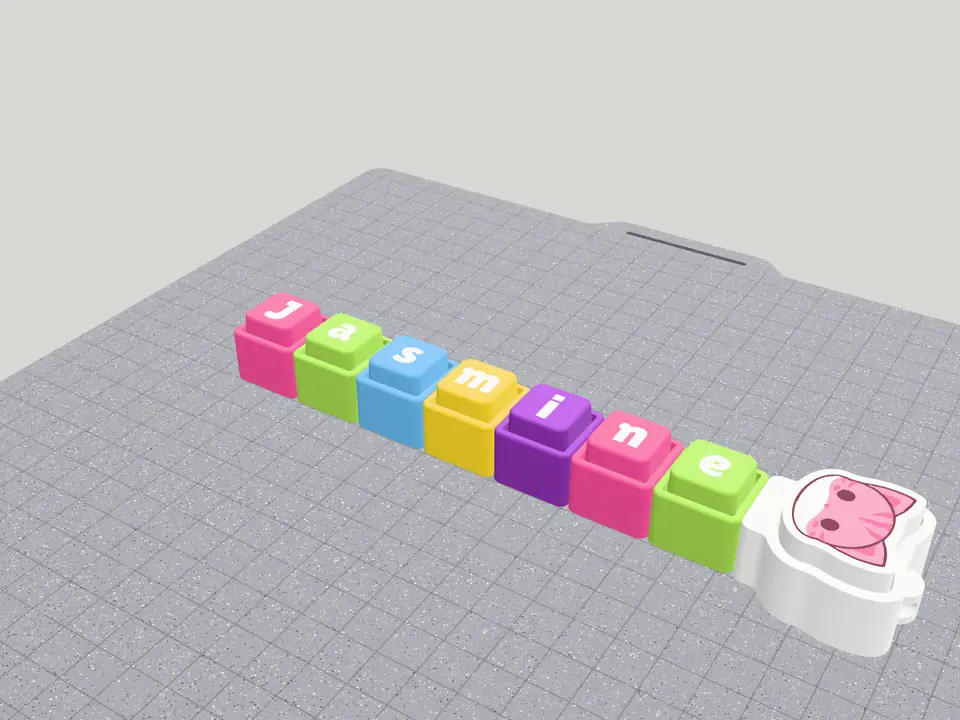
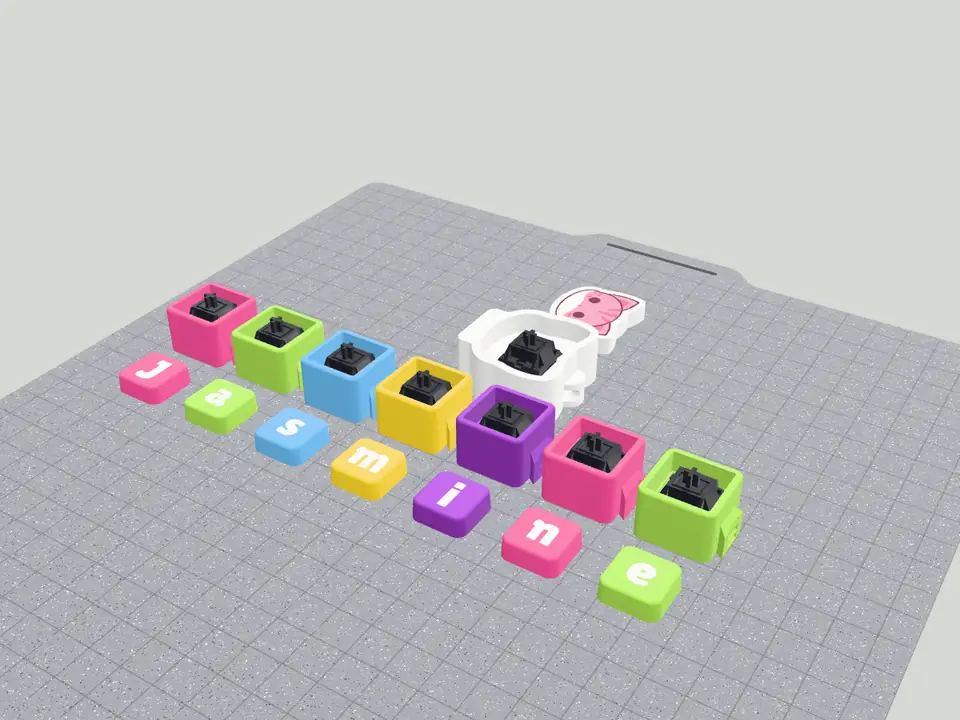
Modular caps
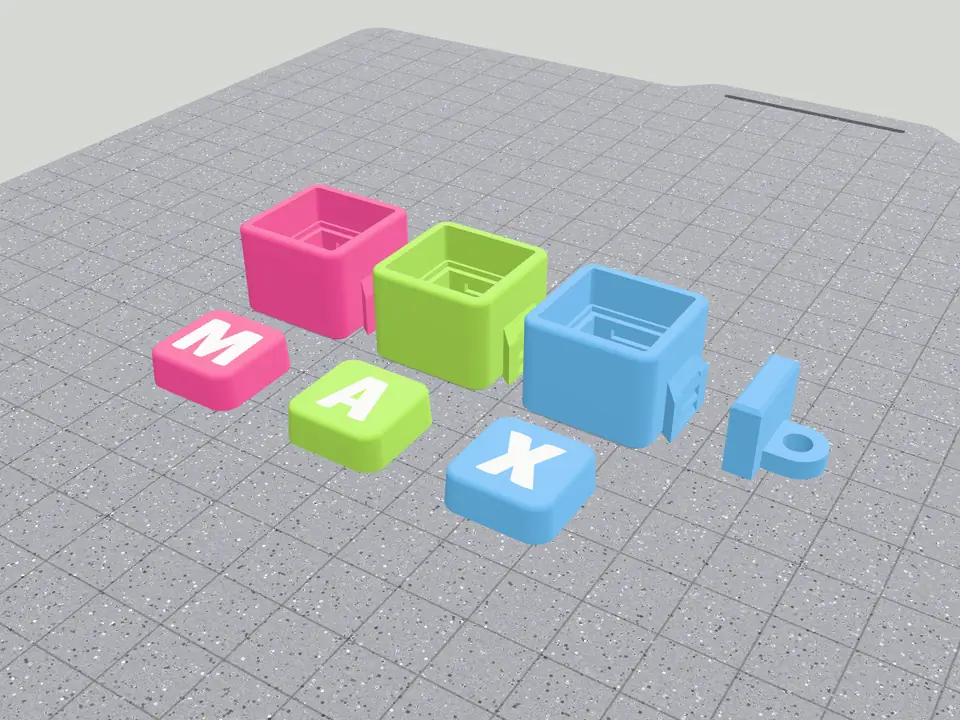
Every letter has its own body that locks into the next. Take it apart and put it together again.
One letter per body, ending in a character head that clicks tooApart: the bodies, the letter keycaps and the MX switchesAn end piece with a key-ring loopAn end piece with an eyelet, the parts apartA rounded end piece, apart with the MX switches
Features and options in the generator
Content
One letter per bodyFonts and icons
Shape
Low-profile or chunky keycapsKeycap sizeJoint clearanceSide and front locks
Colour
A colour per letter and per body
Hardware
End pieces: loop, eyelet, rounded, or a character from a pictureThe character can be a clicker tooLeft or right end, hole position and size
Blocks
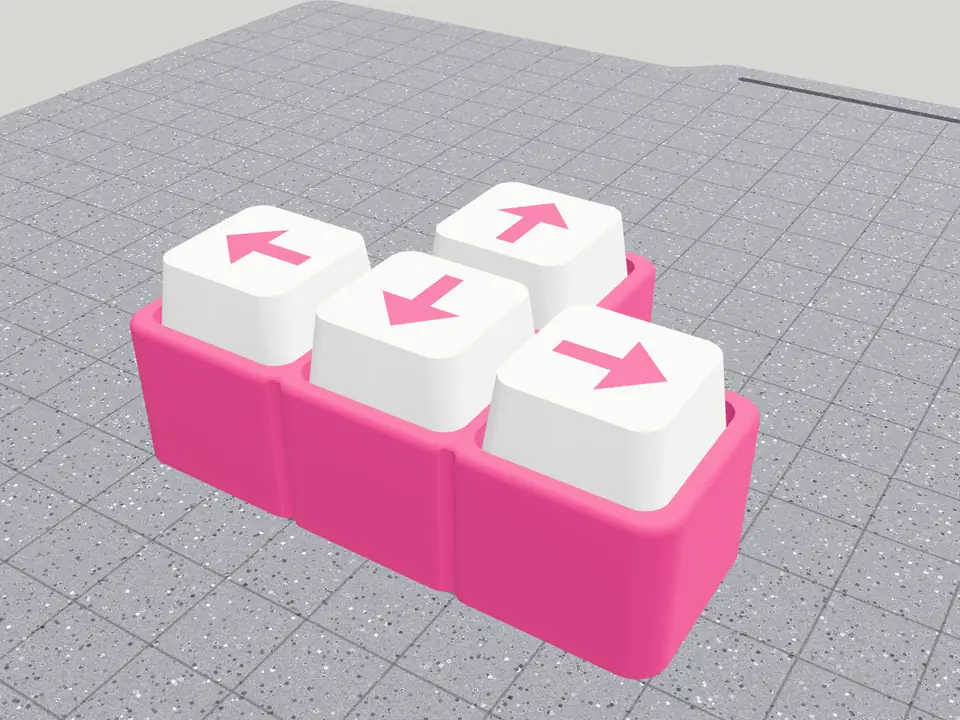
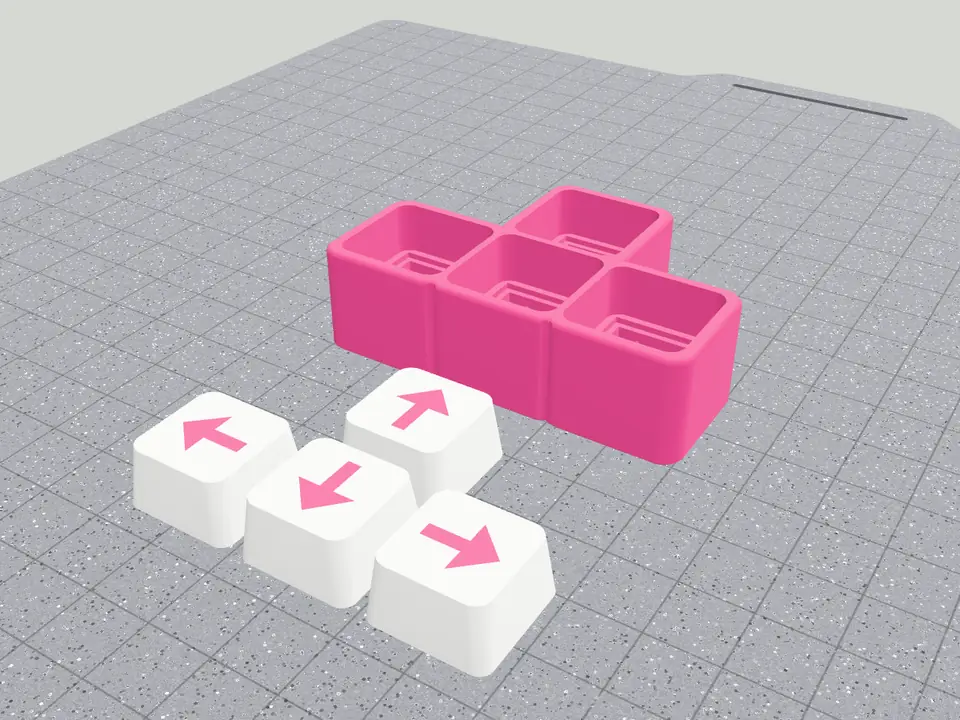
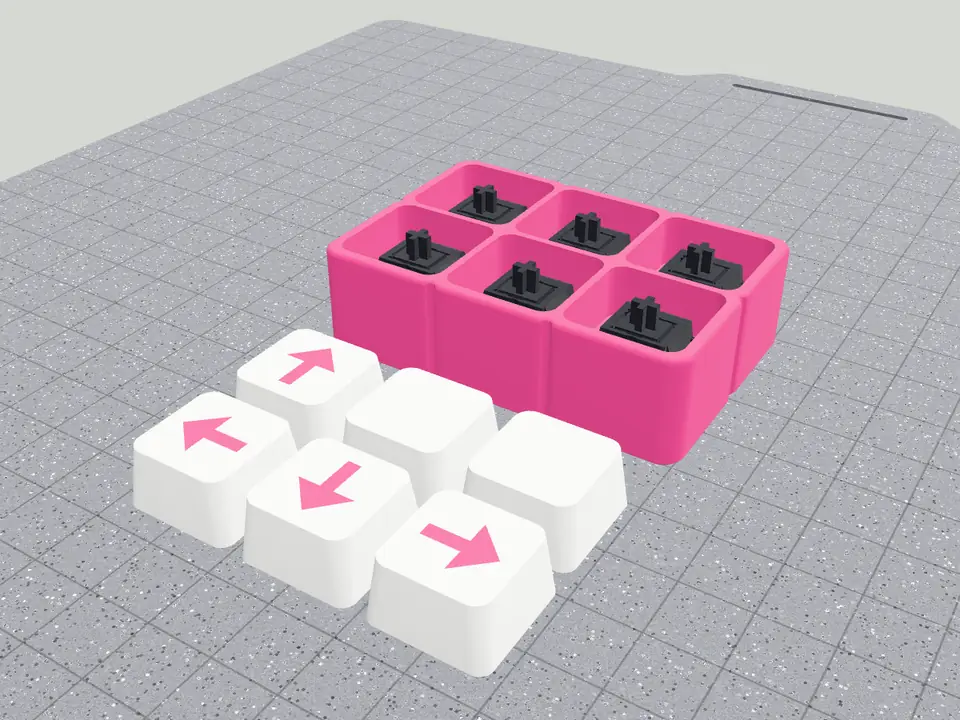
Keys on one board: arrows, WASD, or your own layout.
Arrow keysA WASD cluster, the parts apartOne row, the keycaps lifted to show the MX switchesA 2 × 3 grid, apart with the MX switchesRound keycaps in one row
Features and options in the generator
Content
Row, column, grid, WASD, arrows or a free layoutText or an icon on each key
Shape
Keycap and base styleScale, turn and place each labelNumber of rows and columns
Colour
Keys, labels and base
Hardware
One switch per keyA keychain
3D model clicker
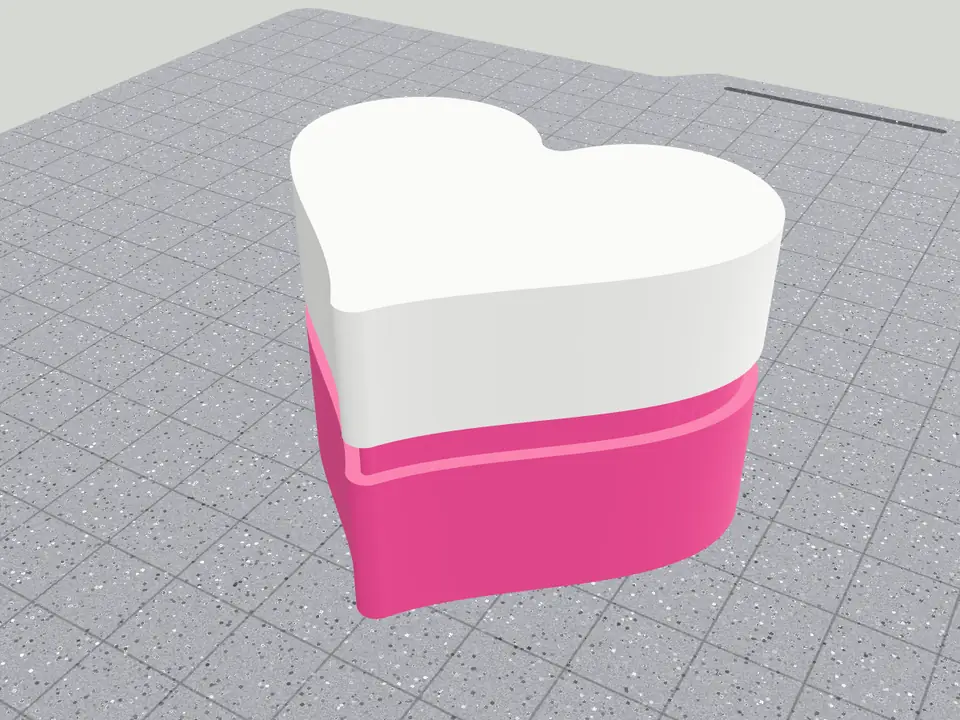
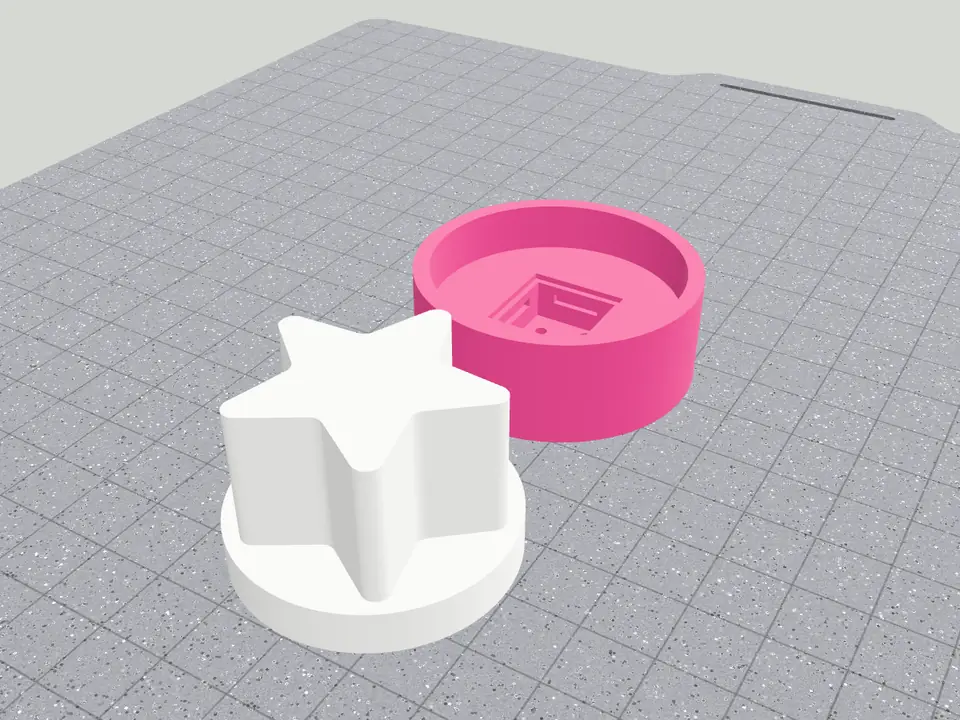
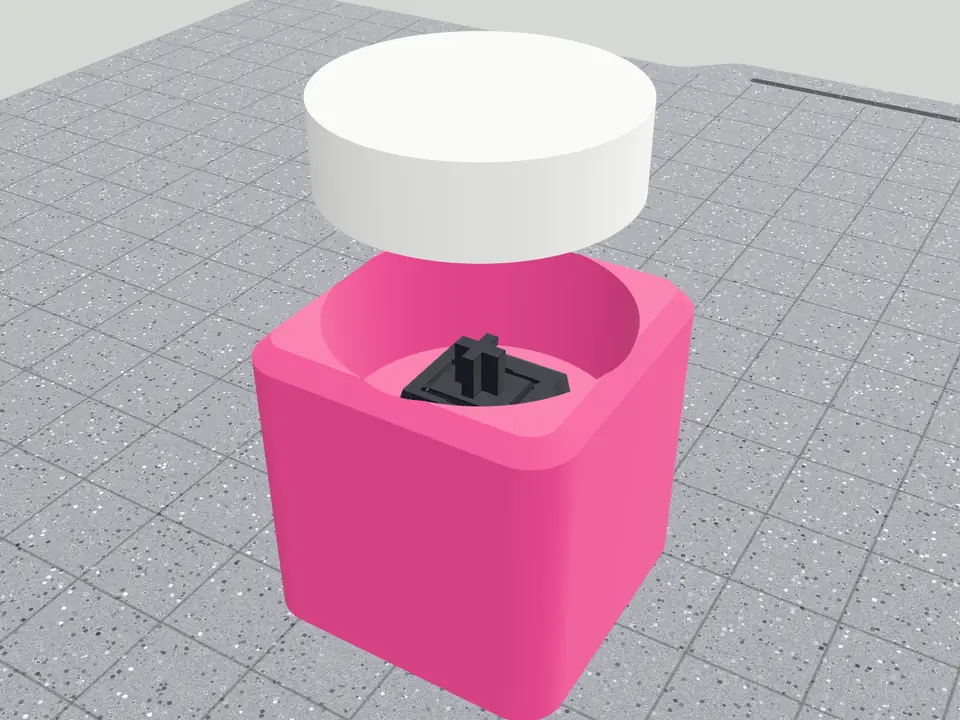
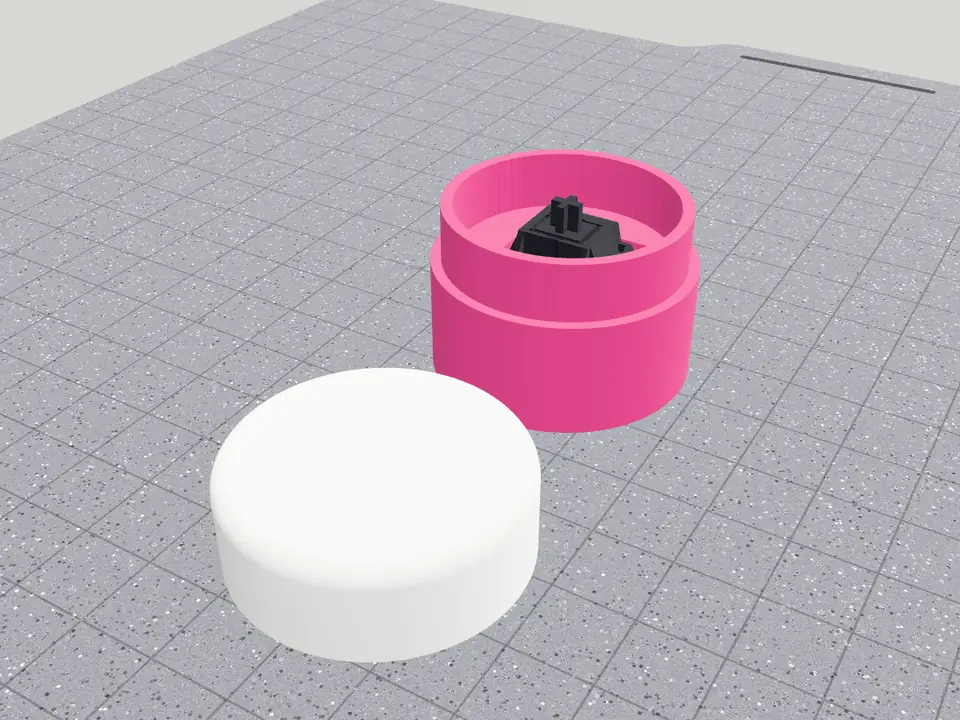
Your own 3D model, or one of our sample shapes, made into a clicker with a switch fitted inside.
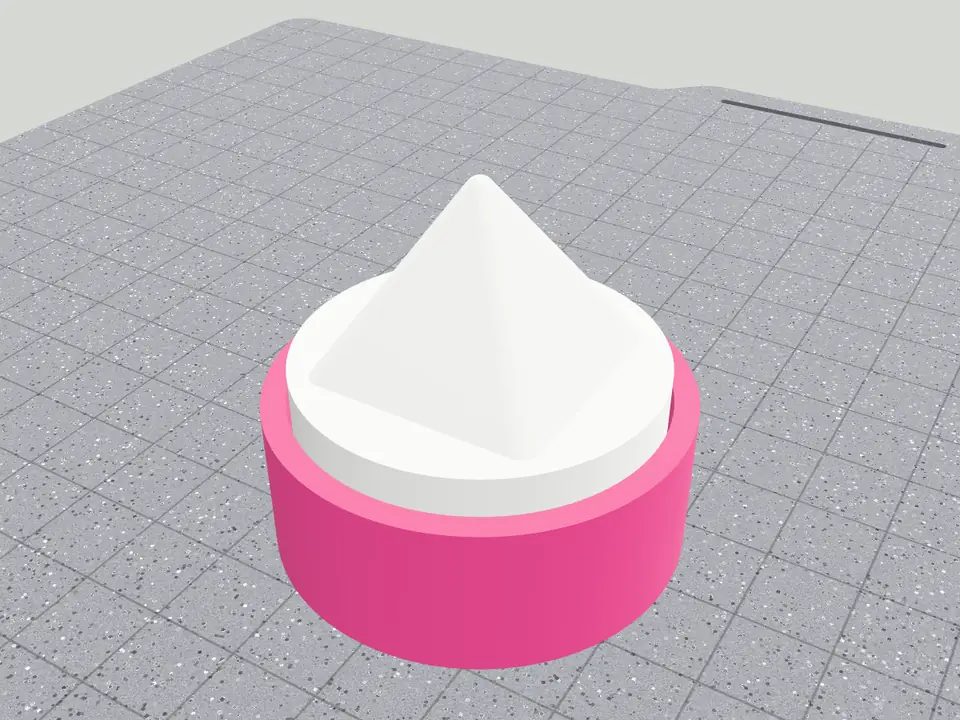
A heart split in two, its top the buttonA star on a stand, the parts apartA cube with a button on top, the button lifted to show the MX switchA cylinder split in two, apart with the MX switchA pyramid on a stand
Features and options in the generator
Content
Upload an STL file9 sample shapes: ball, cube, cylinder, cone, prisms, pyramid, heart, starTurn the model and pick where the key goes
Shape
Split in two, on a stand, or a button on topModel heightScaled automatically when the switch does not fitStand or plateRound or square key
Colour
Model and stand colours
Hardware
Switch and keychain hole
Fidget board
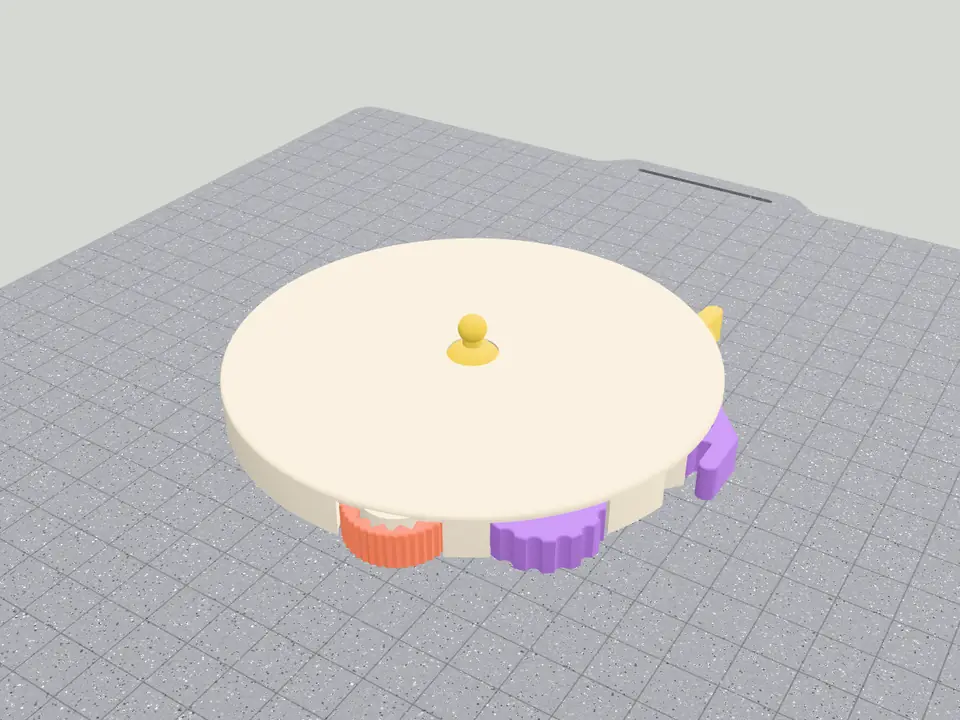
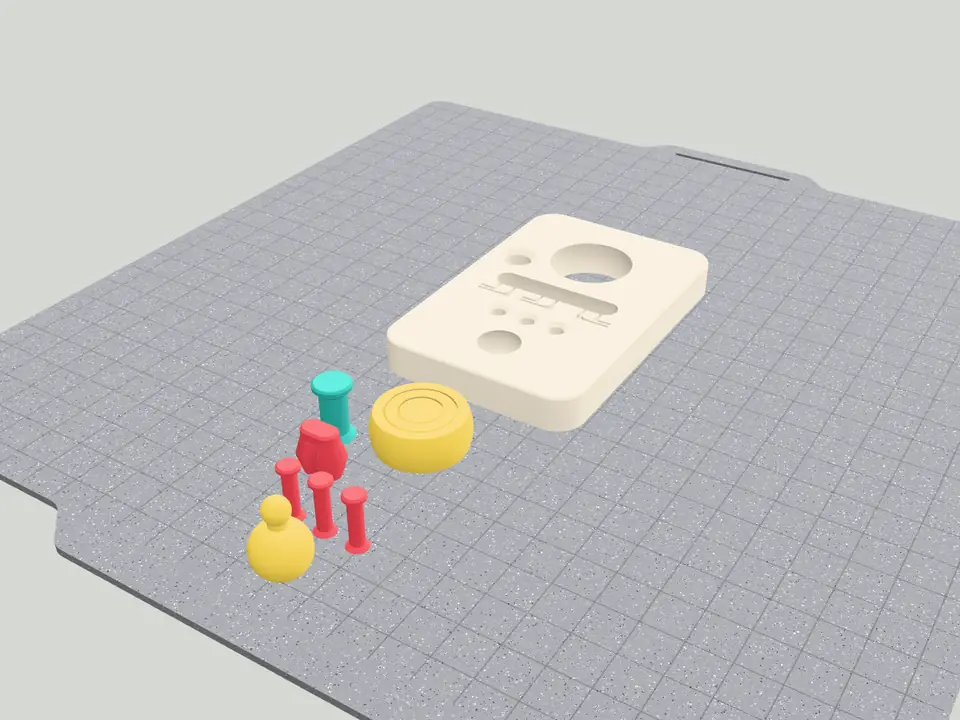
One board full of toys to slide, press, turn and click. Everything prints in place with nothing to assemble, and nothing falls out when the board is turned over.
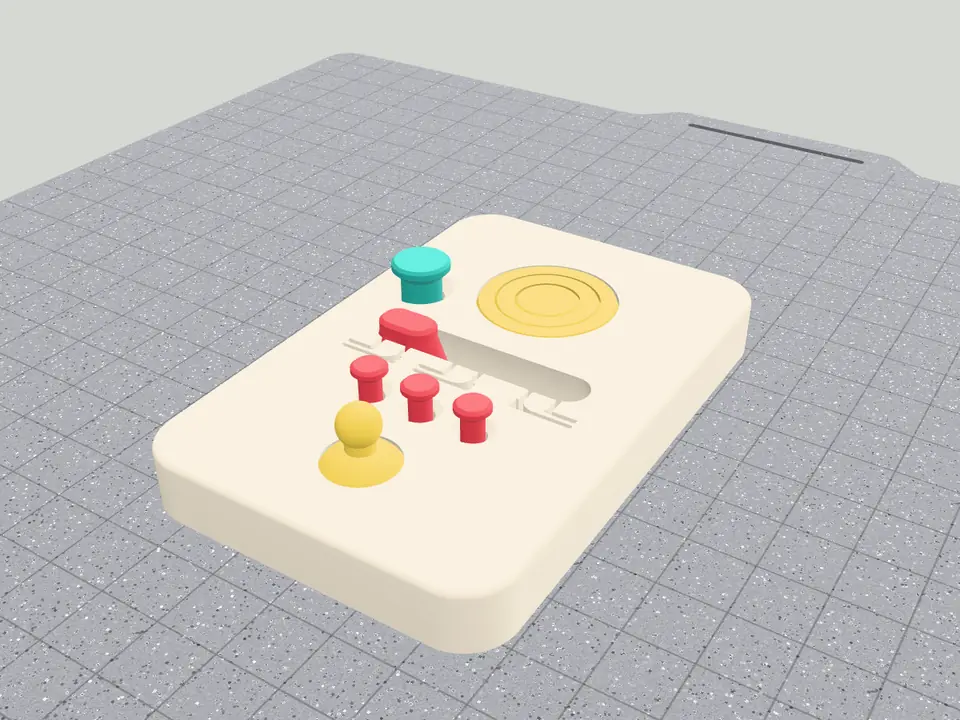
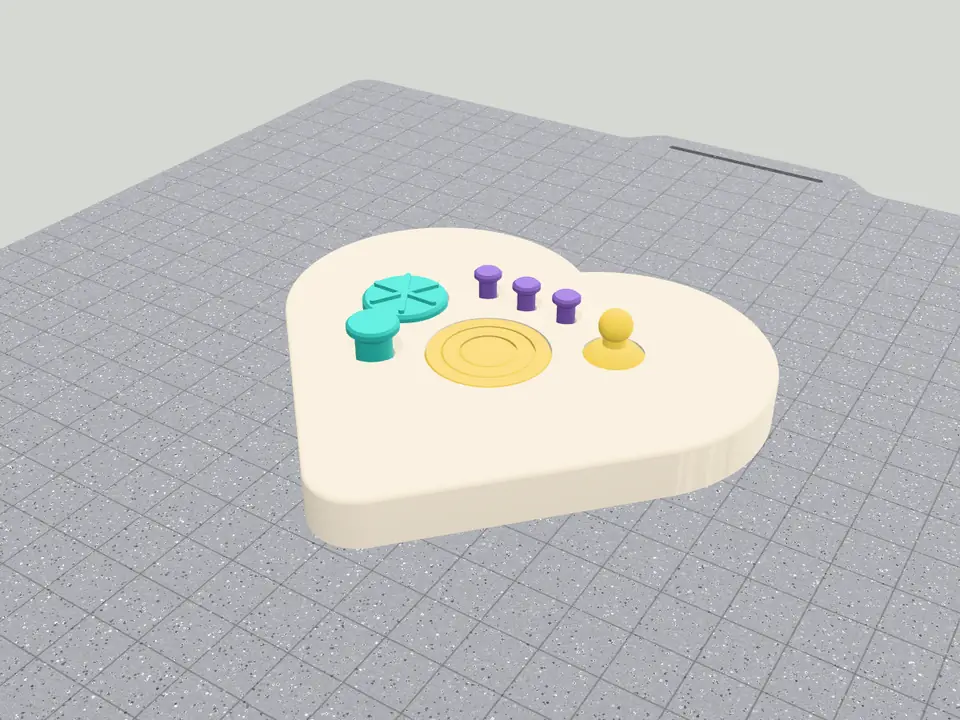
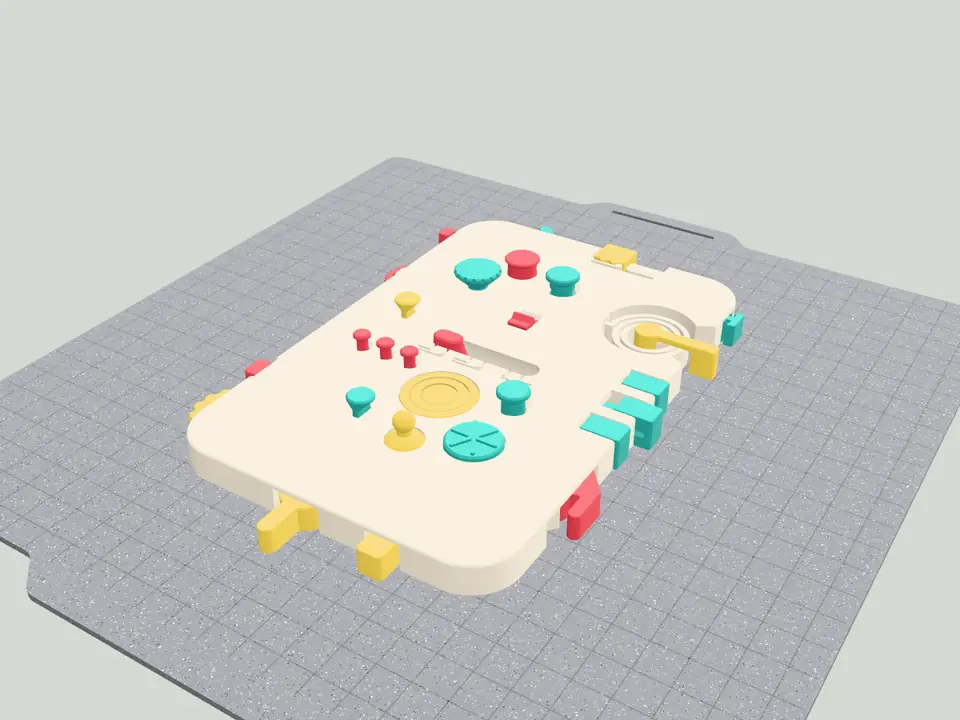
A rectangle with five fidgetsA heart with buttons and a spinnerAll 24 fidgets on one boardA circle with fidgets on its edgeApart view, the pieces beside the board
Features and options in the generator
Content
24 fidgets: slider, joystick, push-pop, pop pins, gimbal, click button, gear, ratchet, thumbwheel, lever, switches, spinner and morePlace them inside or on the edge, move and turn them on the 2D planAdd them all at once, the board sizes itself
Board
25 shapes: rectangle, circle, heart, star and moreSize, thickness and print gapKeychain with a round hole
View
Assembled, apart beside or above the boardSee the board's underside
Printing
Board and button edges smoothly rounded45° sloped feet, no steps and no supportsEvery fidget checked to move and print in PLA on 8, 10 and 14 mm boardsSprings and the spiral button made thick to last
Colour
Board and fidgets in up to 6 colours
Ripple fidget
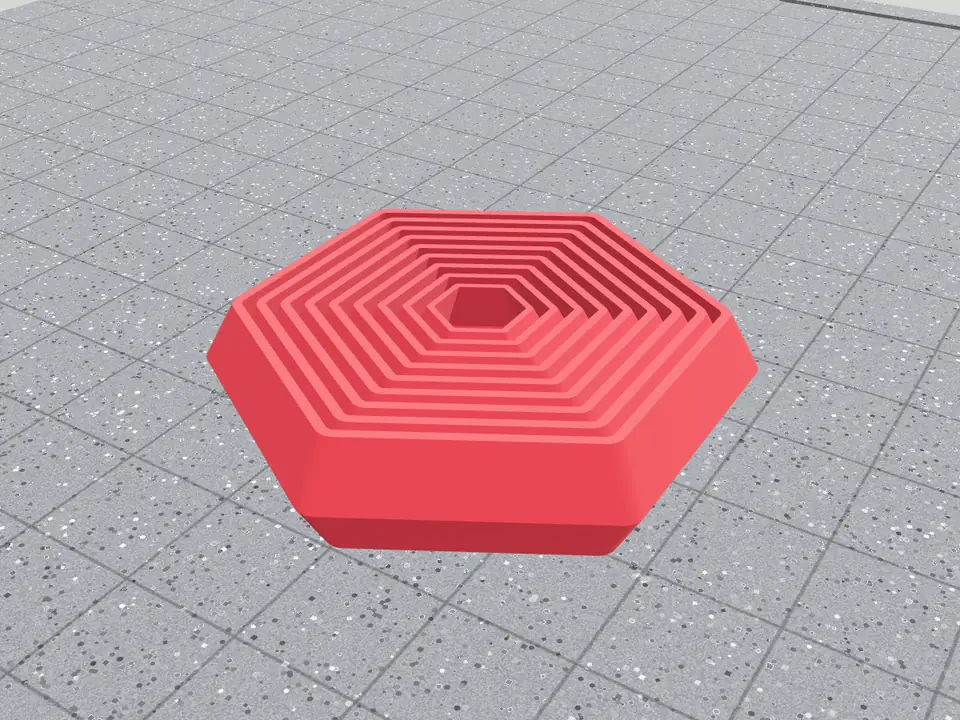
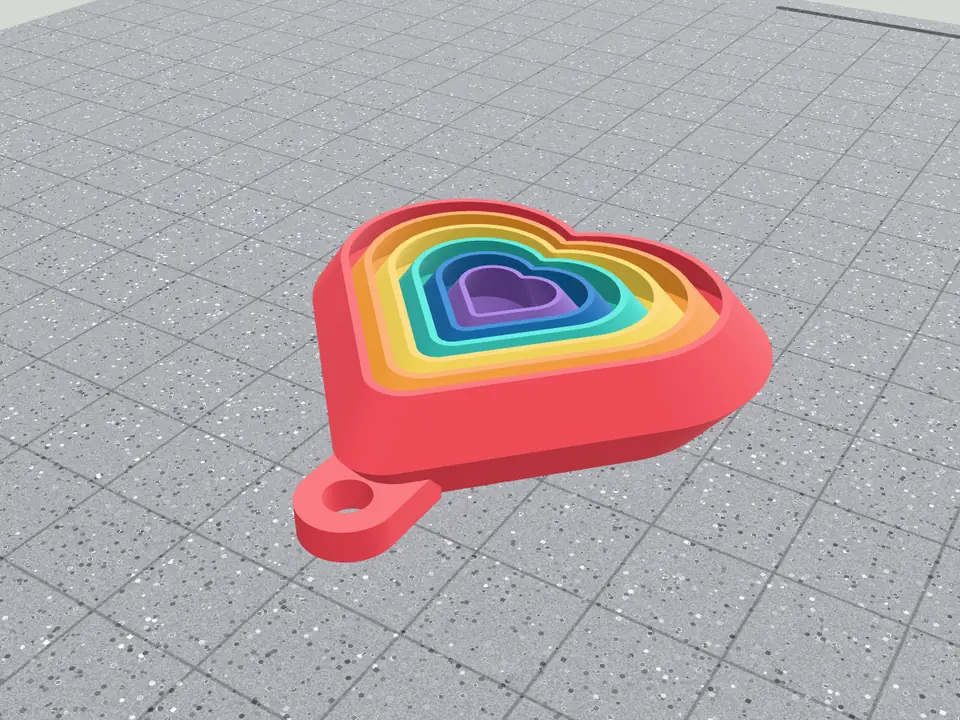
Nested rings in one shape, printed in one go with nothing to assemble. Push the middle and the rings pop out into a cone.
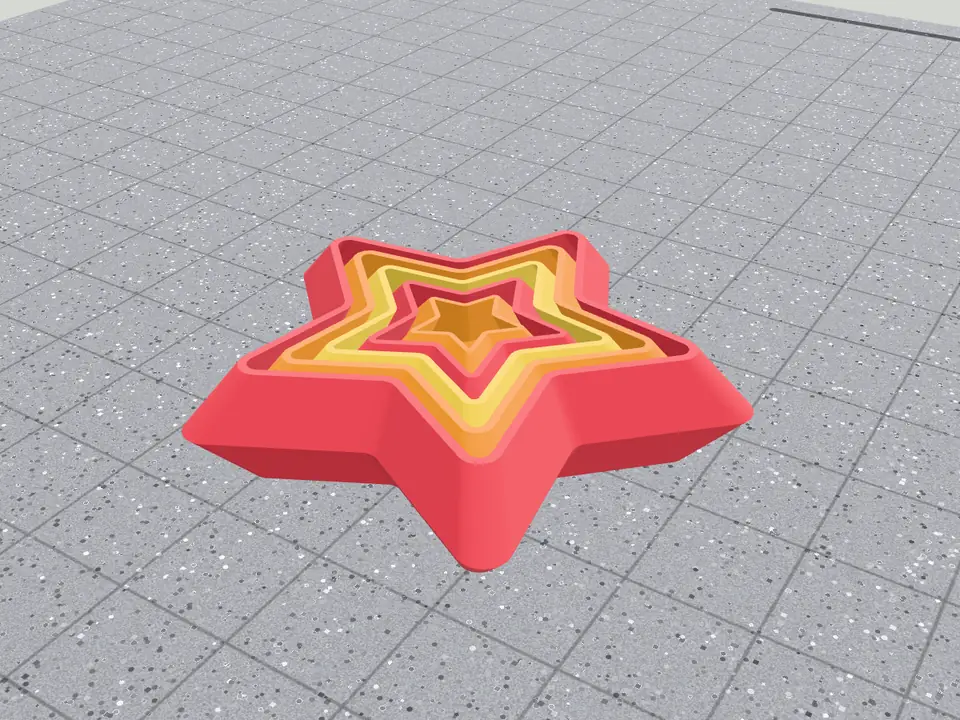
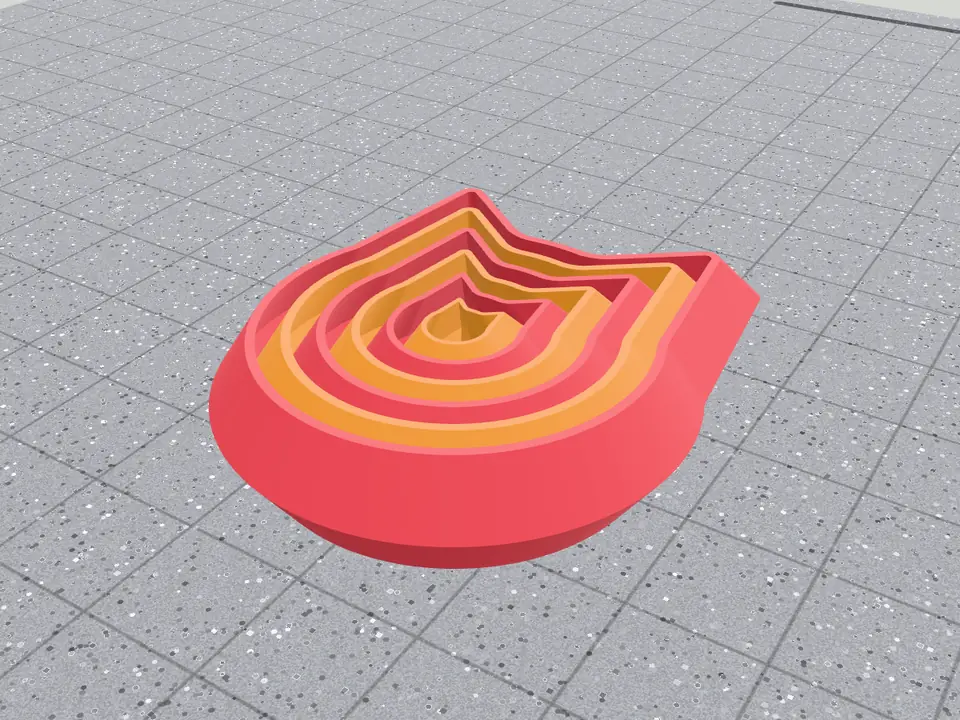
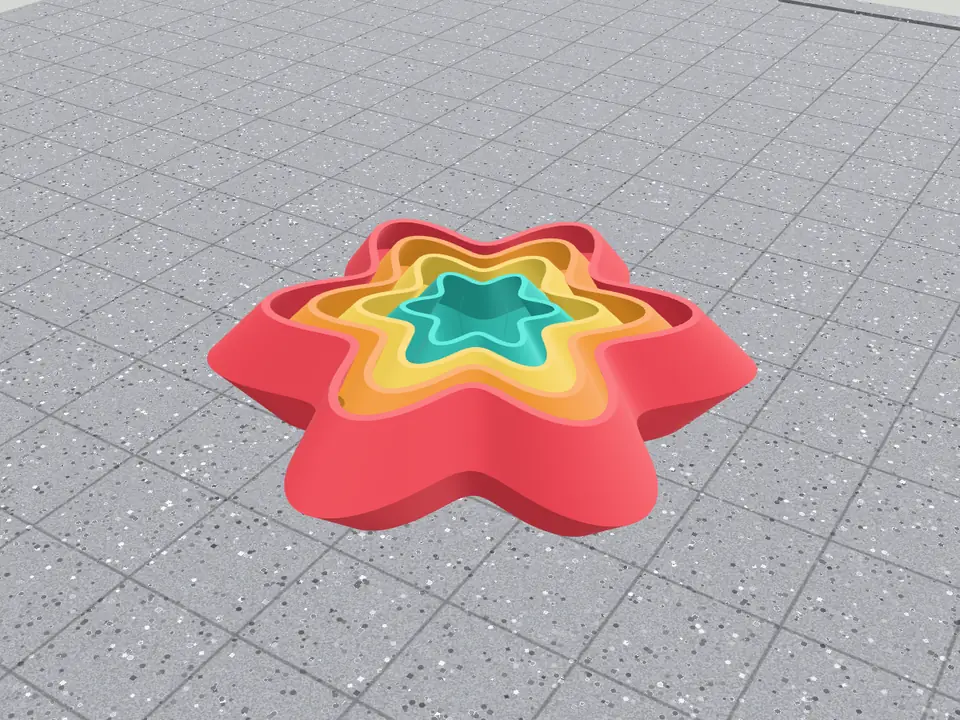
A hexagon, one colourA rainbow heart with a key ringA star in three colours, the parts apartA cat's head, two coloursA flower, the colour changing ring by ring
Features and options in the generator
Content
25 shapes: circle, heart, star, flower, cat, bear and moreUpload an SVG for your own shape
Shape
Size from the outside, or grown from the middle holeNumber of ringsHeight, wall thickness and gapWall notch: the deeper, the firmer the rings hold when outKeychain: position, distance and hole
Colour
One colour, or up to 8 colours changing per ring
Letter screw
A name on letter blocks slid onto a screw and locked by a cap screw. One letter per block, free to turn or held in line.
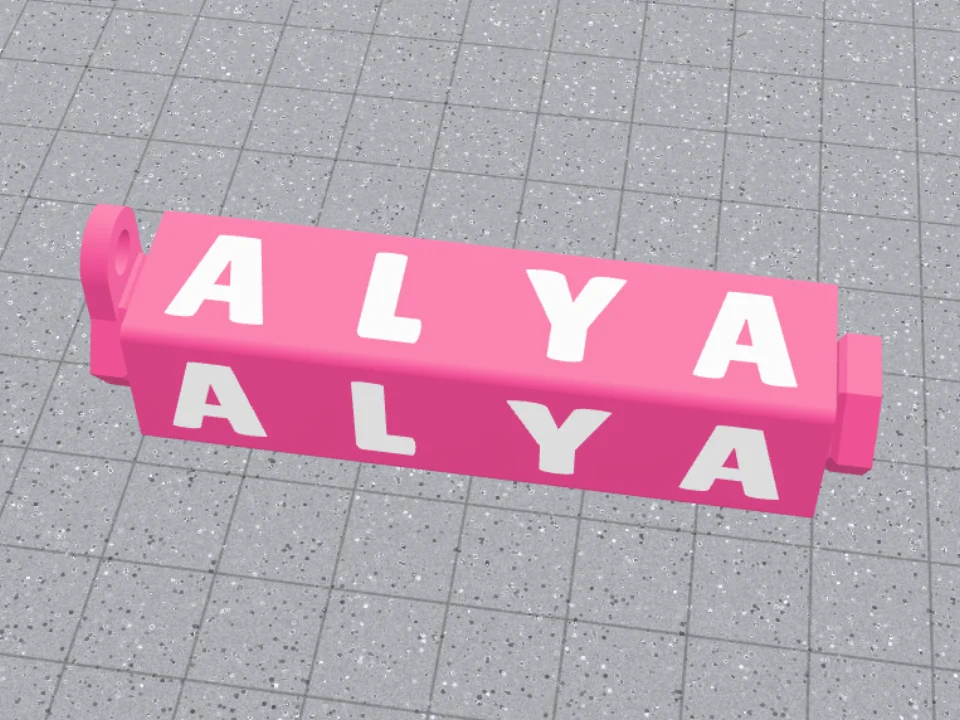
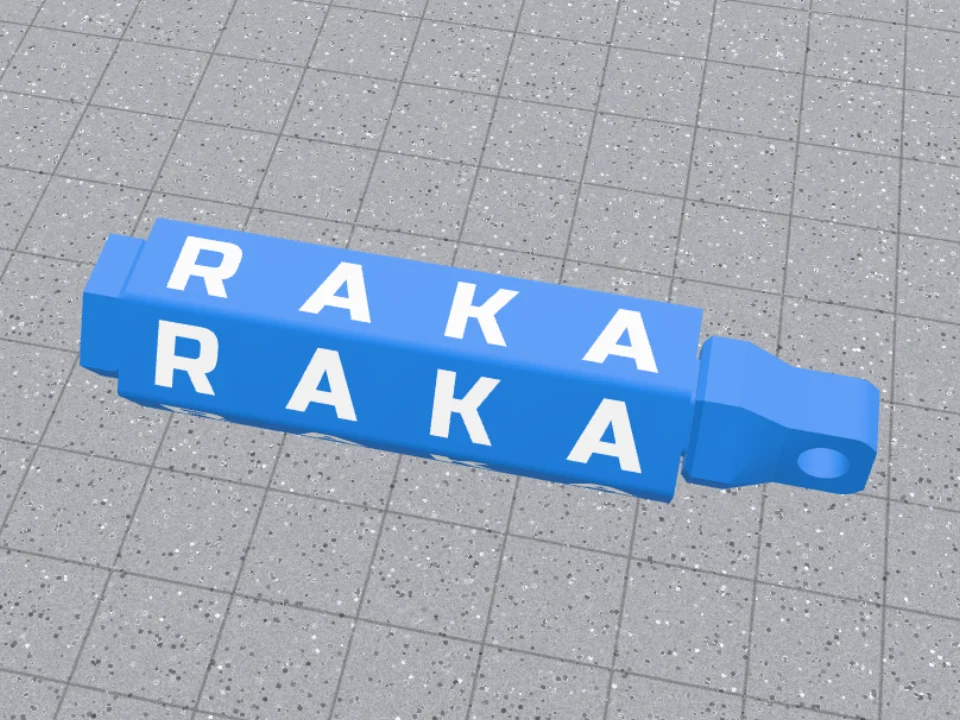
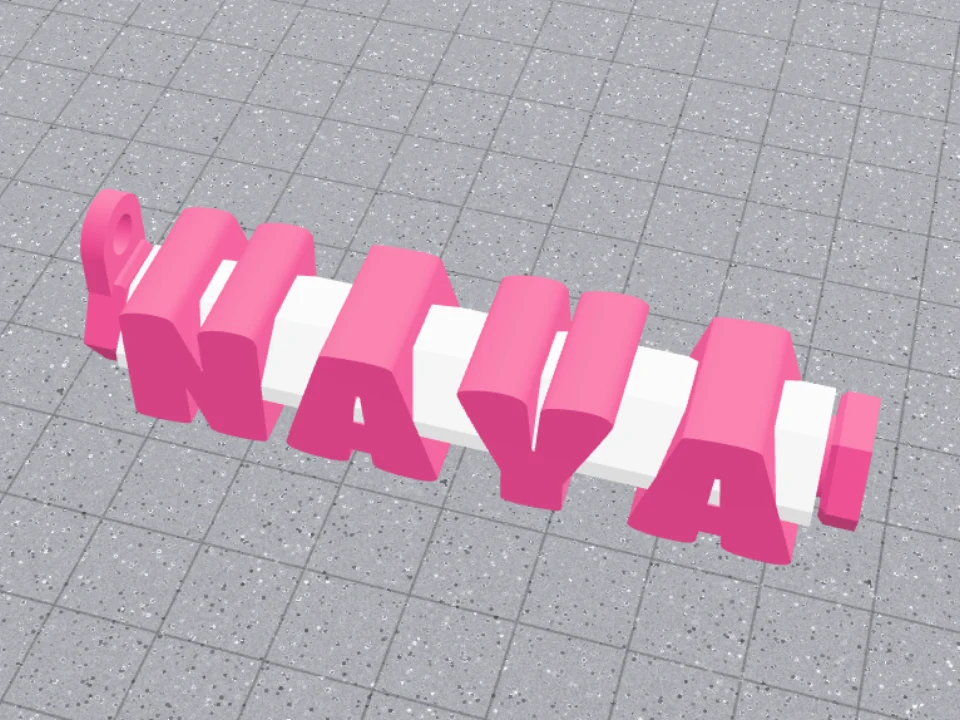
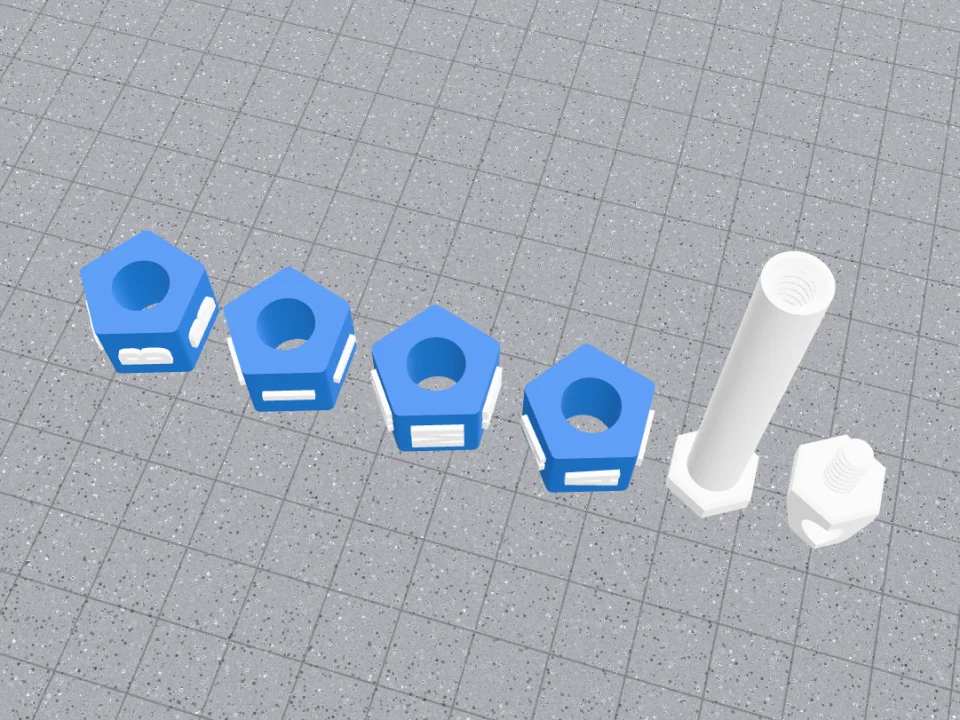
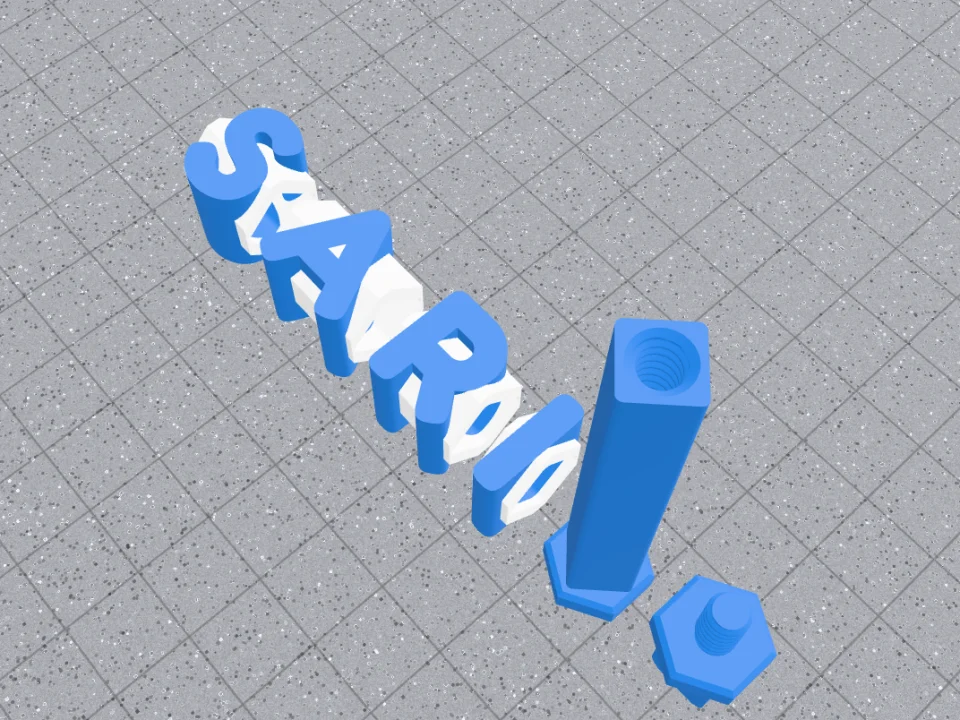
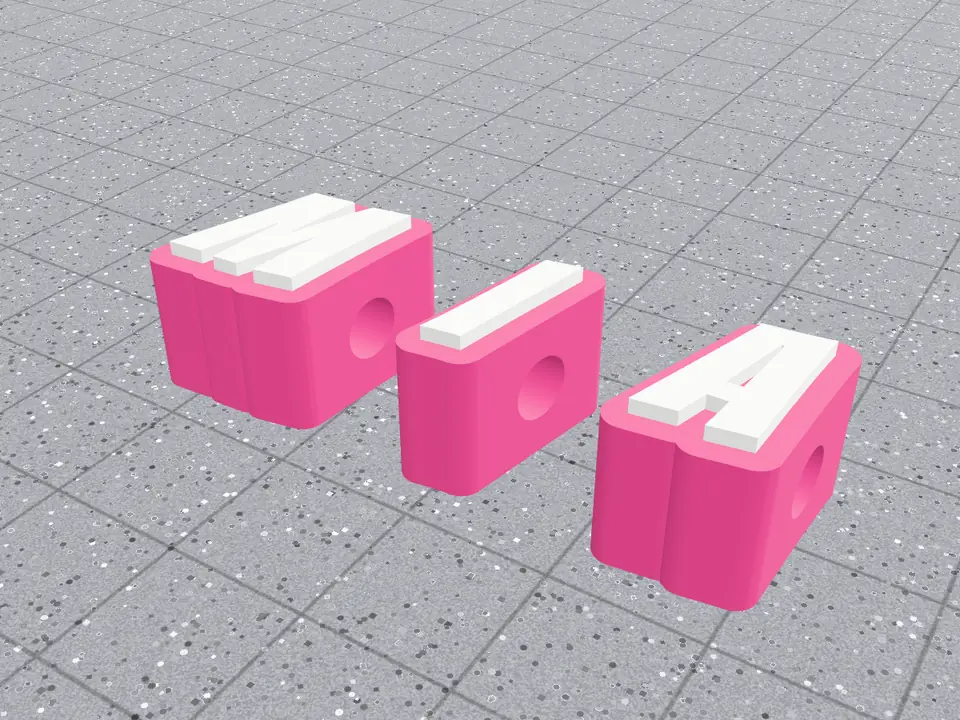
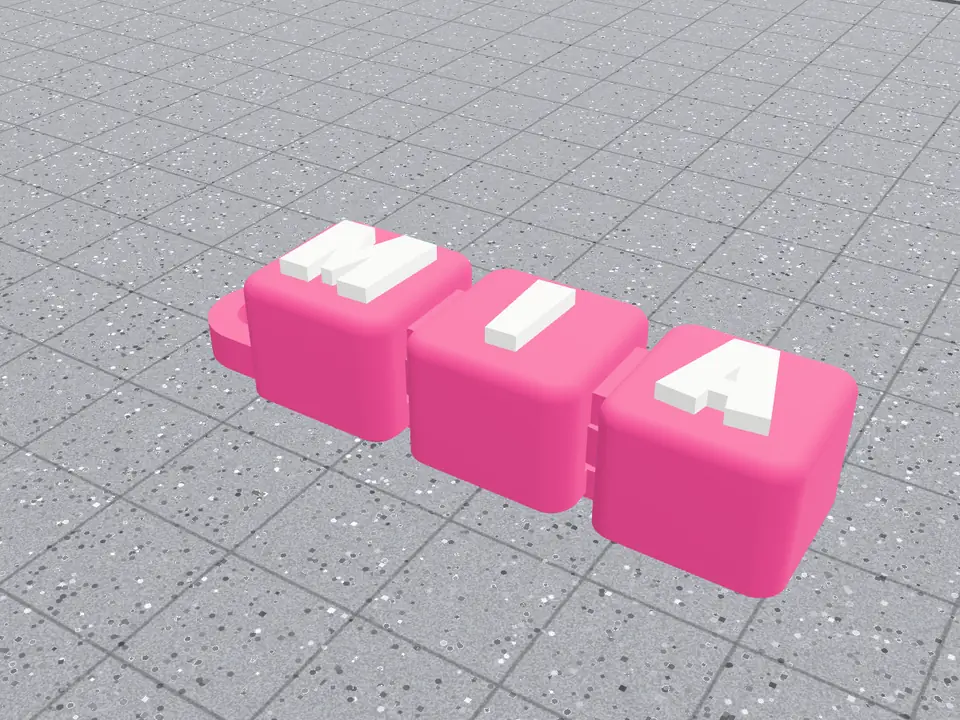
Pink cubes, white lettersHeld hexagons, tab on screw BStanding letters with a sleevePentagons, raised letters, parts laid outStanding letters, parts laid out
Features and options in the generator
Content
A name, one letter per block, in capitals by defaultAny of the fonts
Shape
Cubes, pentagons, hexagons, or standing letters with a sleeveBlock size and length, the gap between lettersLetters sunk or raised, depth adjustable
Screw
Blocks that turn, or held in lineShaft diameter, gap and head widthThe thread sized to the shaft; the cap screw fits snug
Keychain
A flat ring, a tab under screw A's or B's head, or a cord foot for 5 mm paracordHole diameter and height, tab thickness and roundness
View
Assembled, or laid out on the plate
Printing
No supports, 45° threadsEvery size checked to assemble without clashes
Colour
Blocks, letters and screws apart, or each block and letter its own colour
A keychain
A flat tag from a name or picture, or a stepped brick style.
Lifetime licence to sell the prints and the files: Annual plan only. Other plans: physical prints while the membership is active.
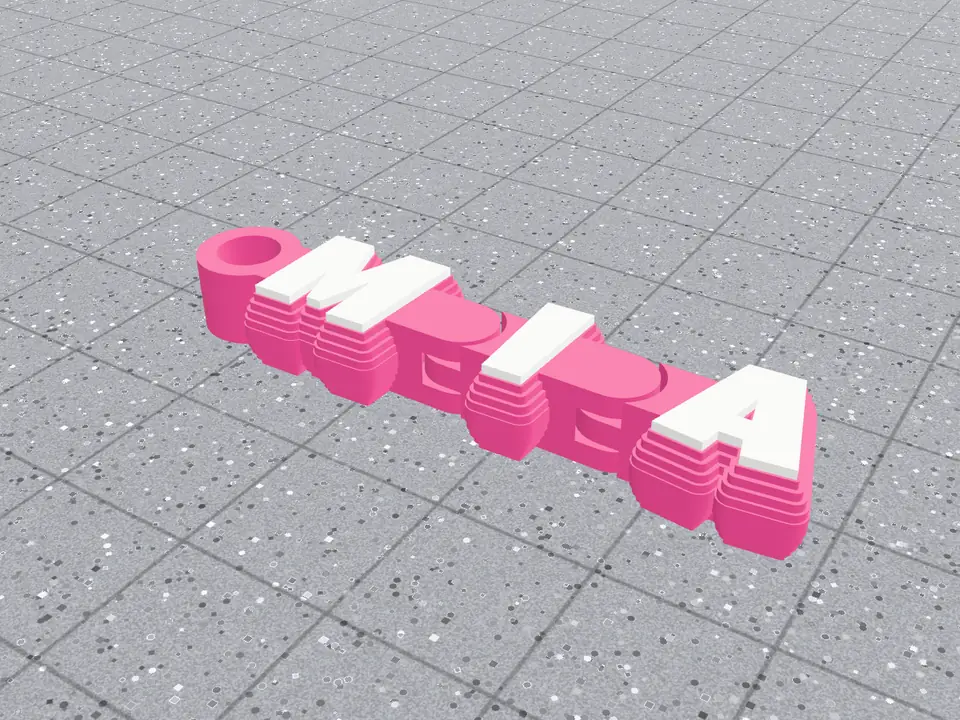
A flat name tagStepped brick style, the parts apartA tag from a pictureScript letters, the hole on topMany names in one file
Features and options in the generator
Content
Text or a pictureMany names on one plate
Shape
Flat or brick style (two stepped outlines)ThicknessHole: position and size, always round
Colour
Multicolour with an AMSWithout an AMS: each colour on its own plate, then glued
Charm
Letter beads or emoji charms for paracord and bracelets.
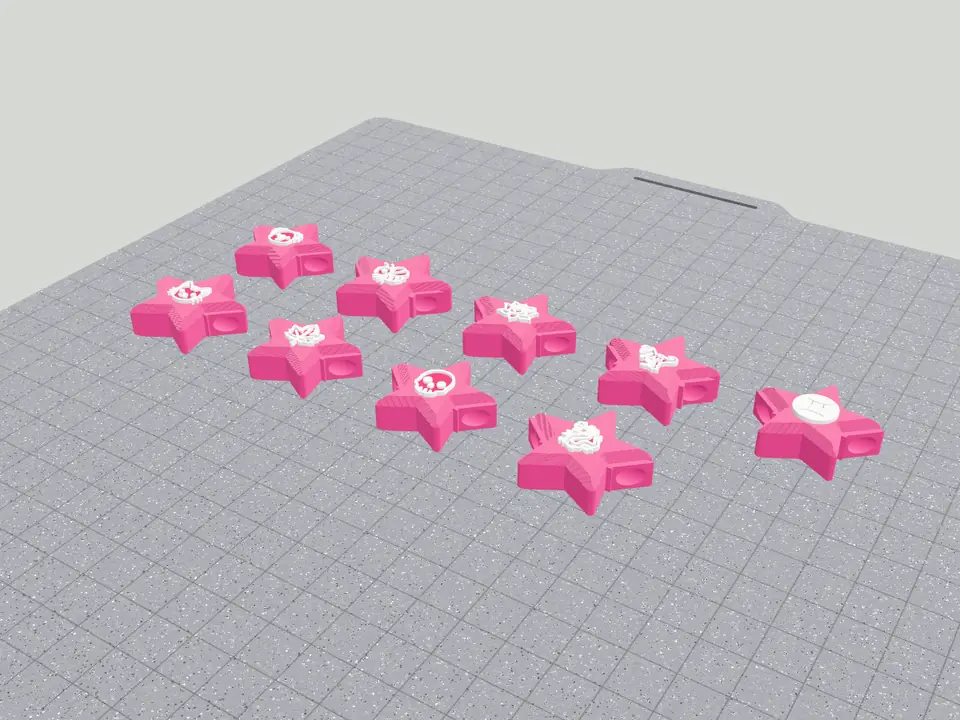
Letter beads for a cordEmoji charmsEmoji charms on heartsLetter beads in another font, the parts apartEmoji charms on stars
Features and options in the generator
Content
Letter mode (one bead per letter) or emojiMany names at once
Shape
Letter size and thicknessCord hole across or upright, 1 or 2 holesHole diameter and positionEmoji: contour, circle, square, triangle, heart, flower, clover or star baseRelief and chamfer
Colour
Face and basePrint the base only, the face only, or both
Letter flex
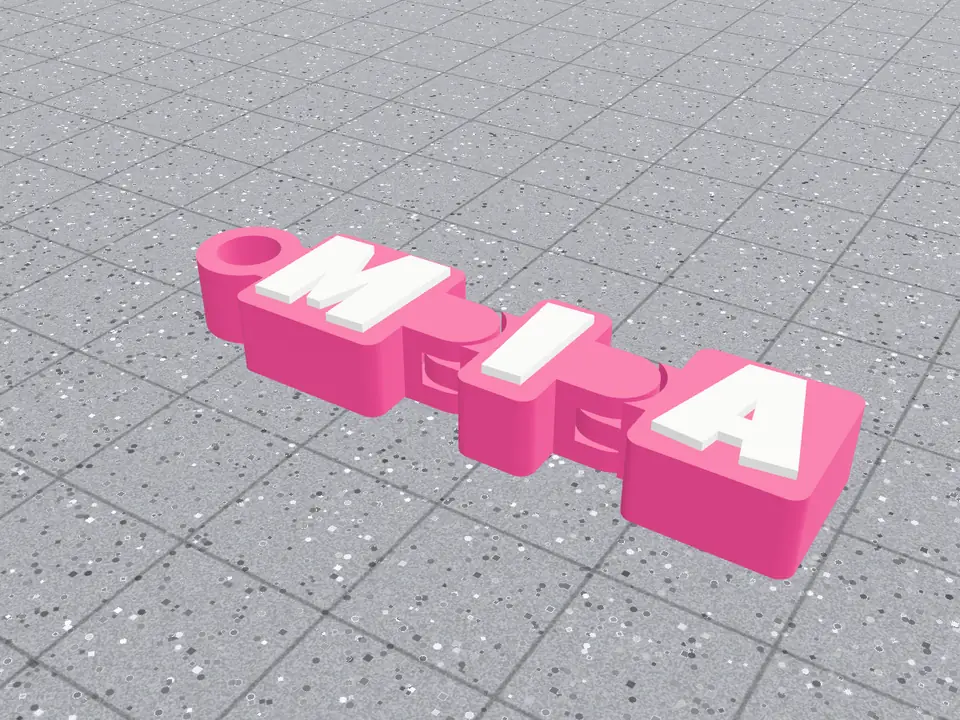
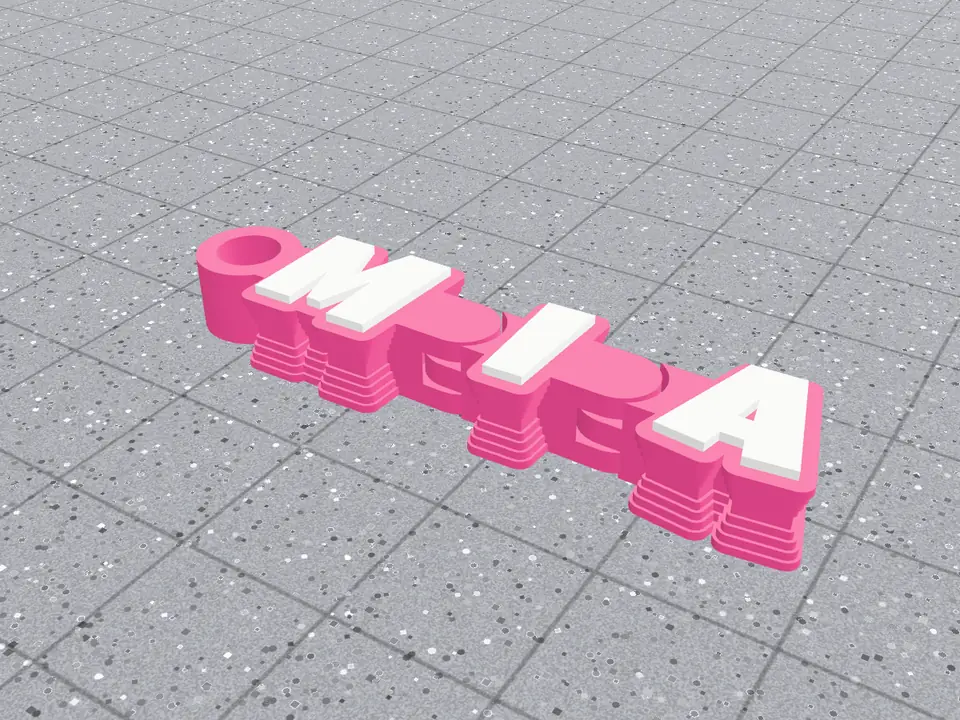
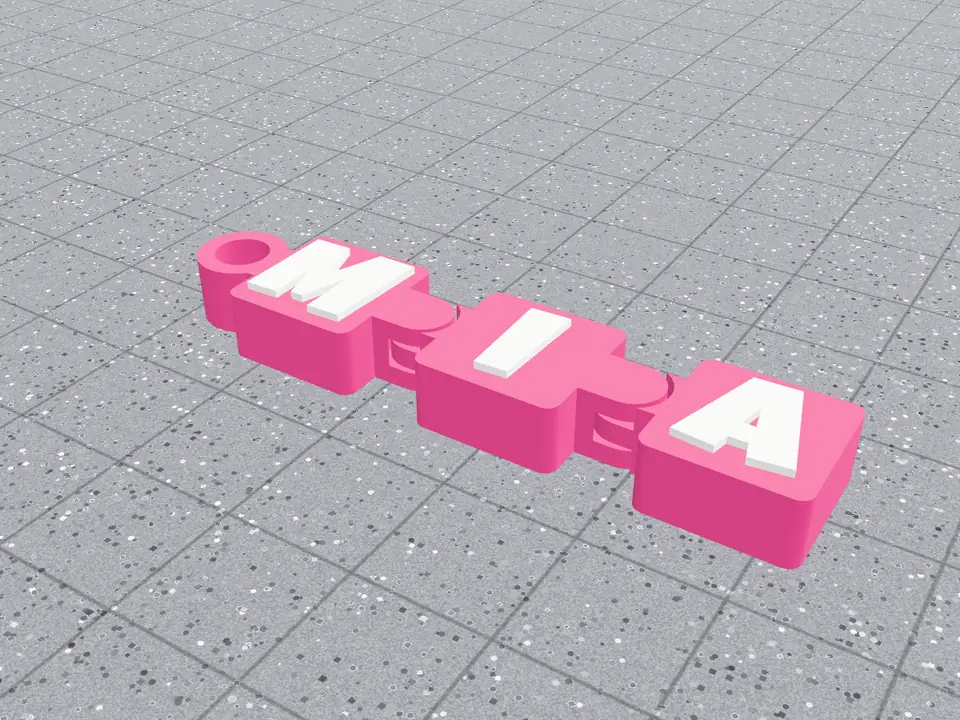
A name that bends. Its hinges print in place, nothing to assemble.
Blocks styleBubbly styleBricks style, the parts apartHourglass styleCubes style, hinged cube beads
Features and options in the generator
Content
A name or wordMany names at once
Shape
14 styles: blocks, hourglass, cubes, bubbly, bricks, stiff and moreLetter size and scaleWall thickness and embossKey ring: none, at the start, or at both ends
Colour
One colour, or multicolour with an AMS
Pencil topper
A pencil-end decoration with a name and emojis.
A name plate with emojisA slide-on nameThe block design, the parts apartA slide-on name, letters alternately tall and lowOther emojis on both sides
Features and options in the generator
Content
NameEmoji on the left, right or both, from 190+ icons
Shape
Three models: name plate, sliding name or blockPencil hole diameterEmoji size, position and outlineBridge from the name to the emoji
Colour
Name, outline and emojis
ID card
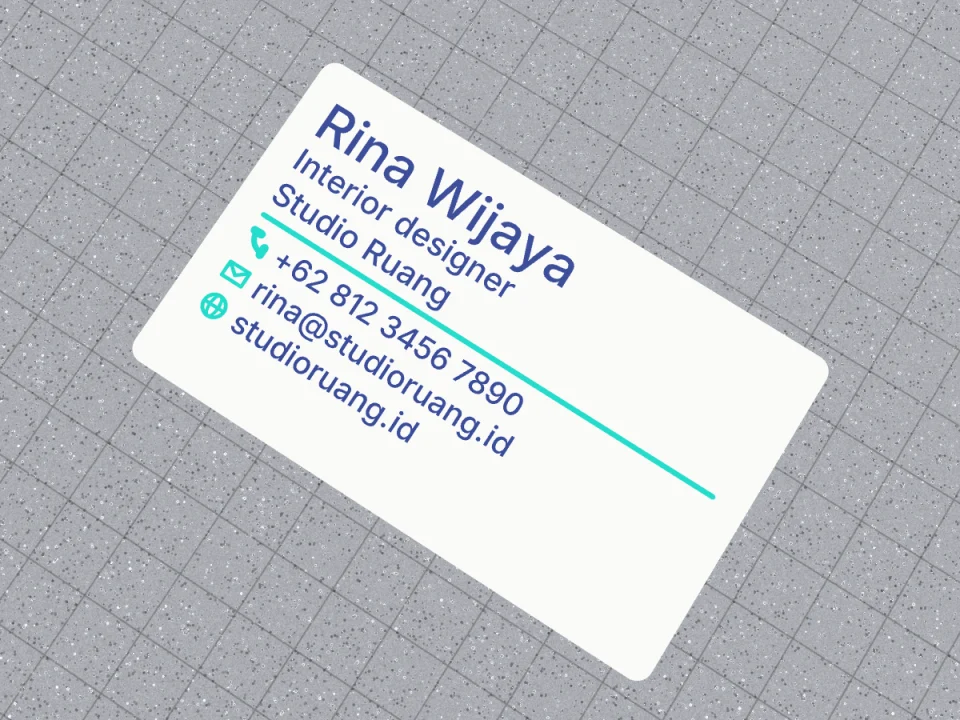
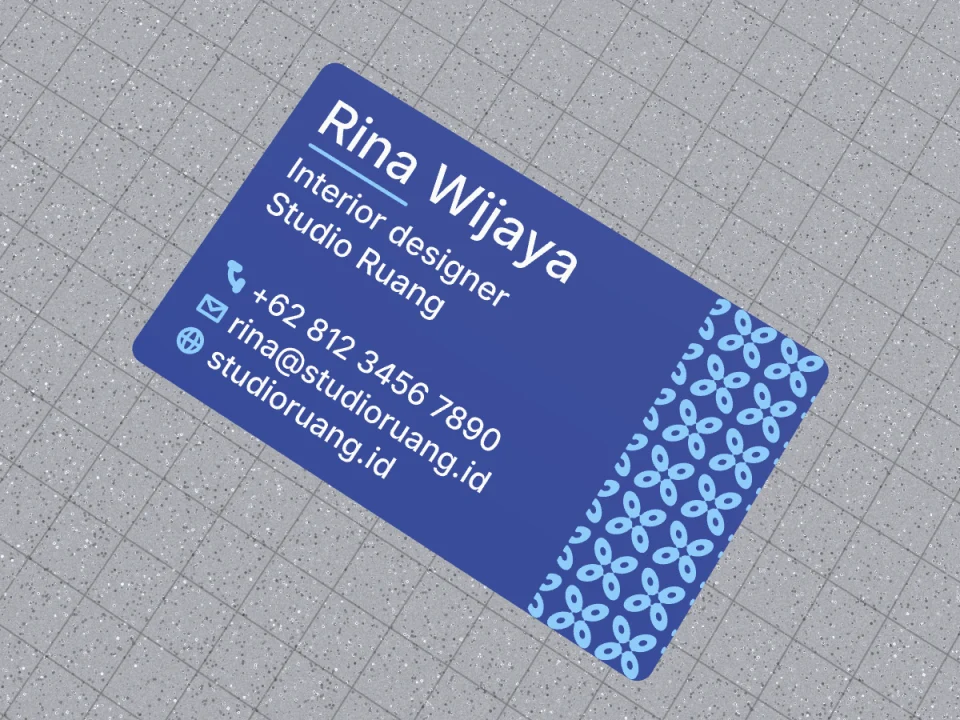
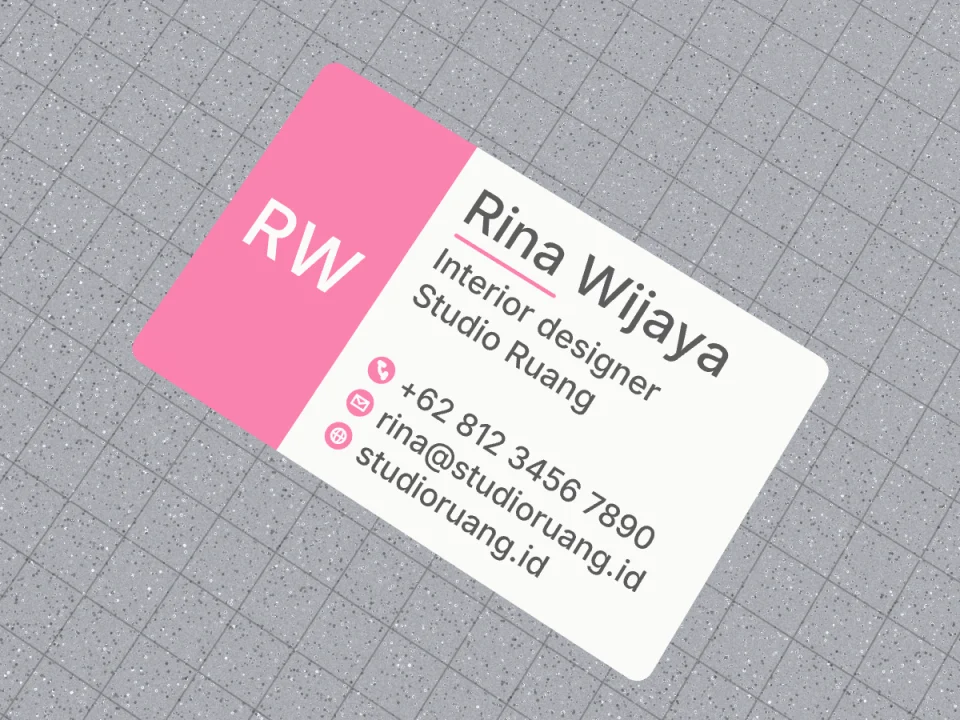
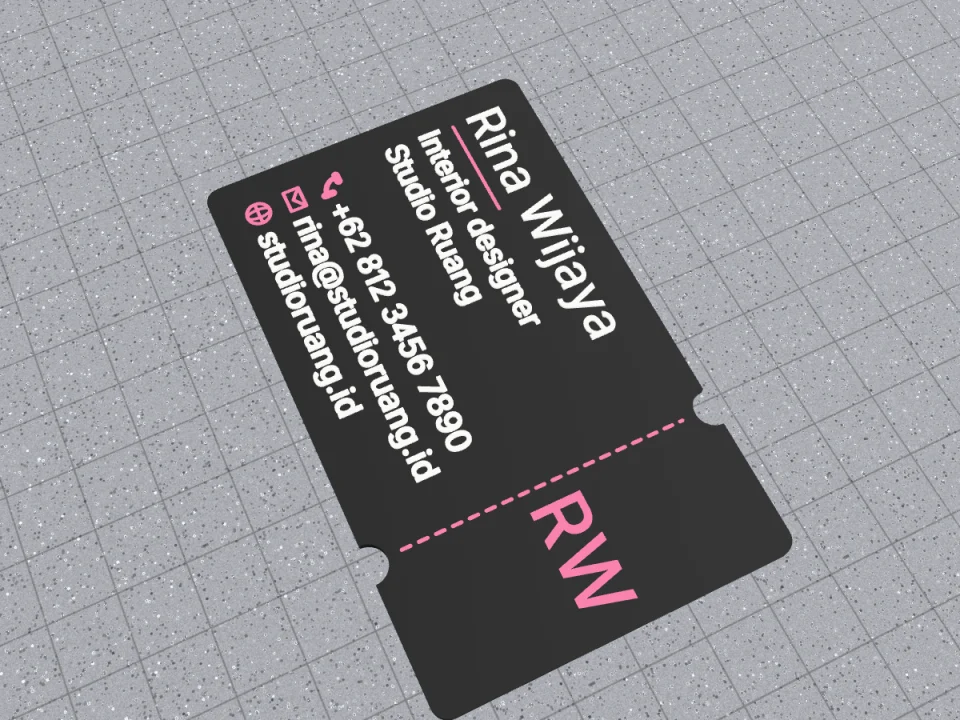
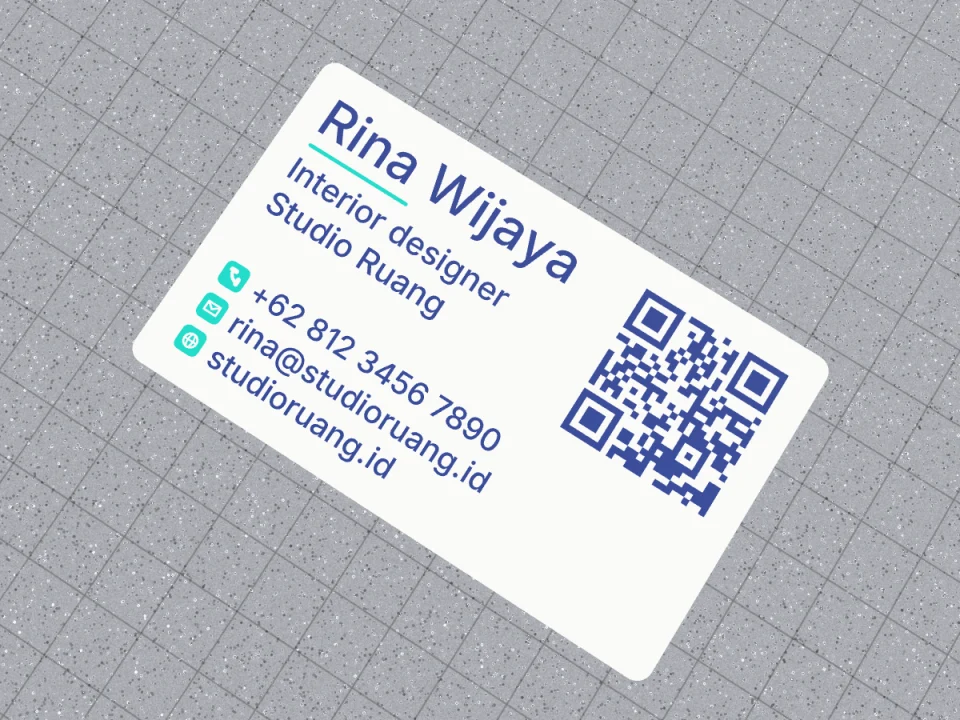
A printed business card with your name, role and contacts. Pick one of 16 templates; the lettering lies flush in the face or stands raised, and it can be two-sided with a QR code on the back.
Ledger: white, navy, tealSide band of kawung motifPink column with initialsBlack ticket, raised letteringQR beside the details
Features and options in the generator
Template
16 templates: plain, shapes (corner fold, stripes, hills, ticket, bubbles), batik motifs and scanEvery template drawn with your own name and colours
Content
Name, role, company, phone, email, website, social and address; empty lines are left offYour own SVG logo or your initialsA QR code to your website, a contact card, a WhatsApp chat or another link
Lettering
Fonts made for small textName and detail sizes as capital height (mm), shrunk to fit when needed, never below what printsCapitals, Title Case, letter spacingFlush in the face or raised
Shape
90 × 55 (Indonesia), 85 × 55, 86 × 54 (bank card), 89 × 51, 91 × 55 mmCorner radius and card thicknessContact icons plain, in circles or in squaresKawung, parang, ceplok, dots or woven motifs, their size adjustable
Keychain
A round hole in a corner or at the top for a key ring or a lanyard
Printing
Colours inlaid three layers deep on each side; the front prints against the plate, so it comes out smoothChecked for a 0.4 mm nozzle and 0.20 mm layers
Colour
Card, lettering and accent: three filaments
QR code
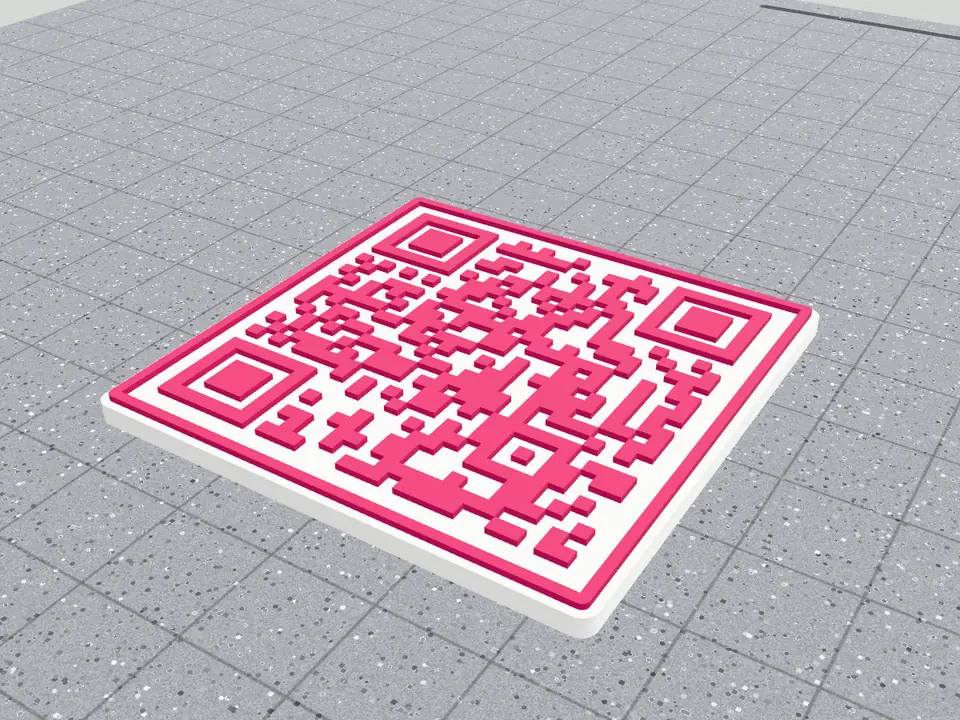
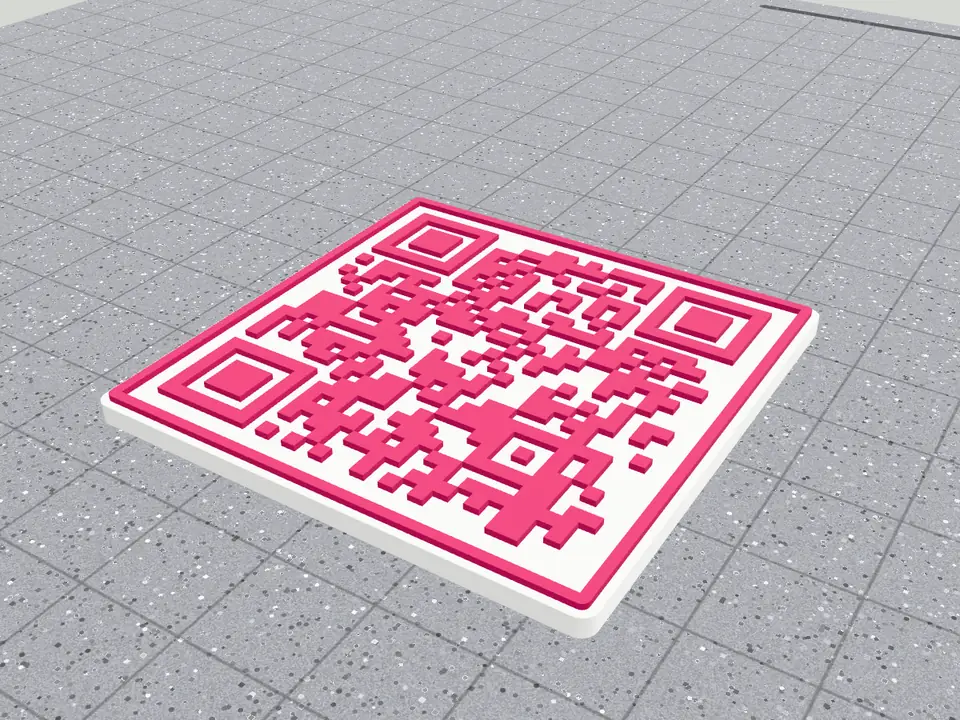
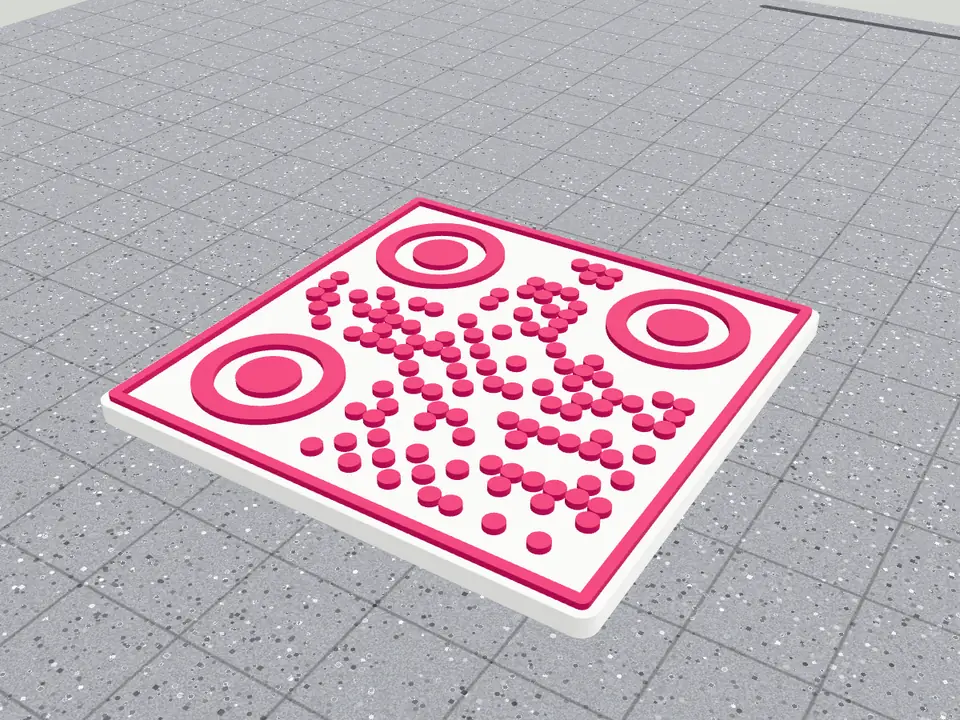
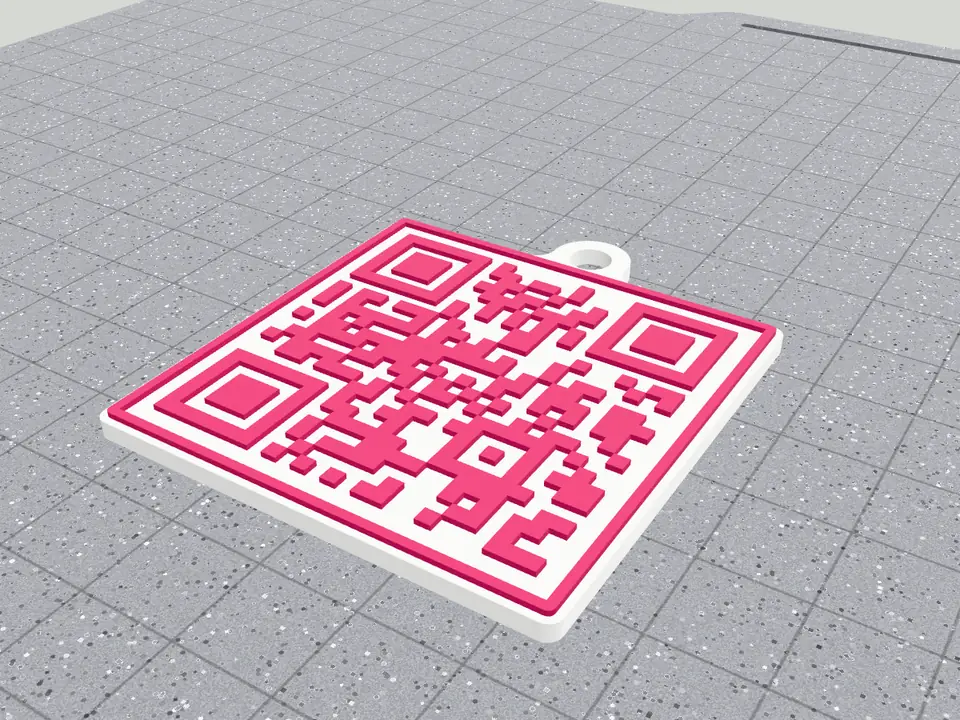
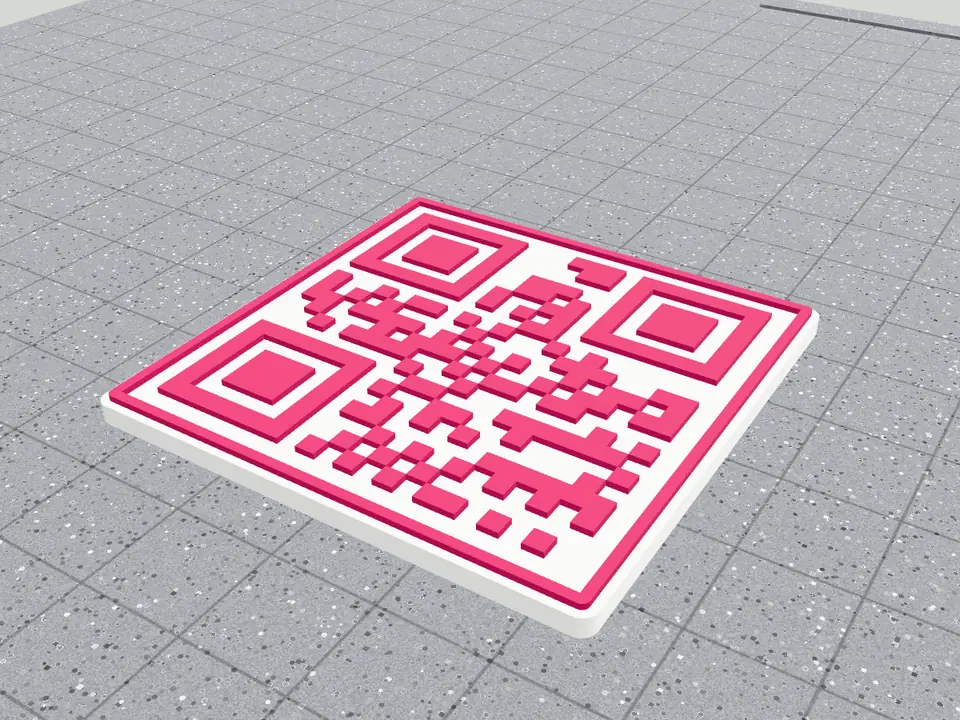
A QR code that really scans, for the till, guest Wi-Fi or a business card.
A QR code with a linkA guest Wi-Fi QR codeRound dots with a frameA WhatsApp number QR code with a key-ring hole, the parts apartWords above and below
Features and options in the generator
Content
Text or a linkWi-Fi (name, password, security)Phone numberFull contact (vCard)Error correction L, M, Q, H
Shape
Size, border and thicknessRound or square dotsFrameLabel above, below or bothKeychain hole and its positionMagnet slot
Colour
Code and base
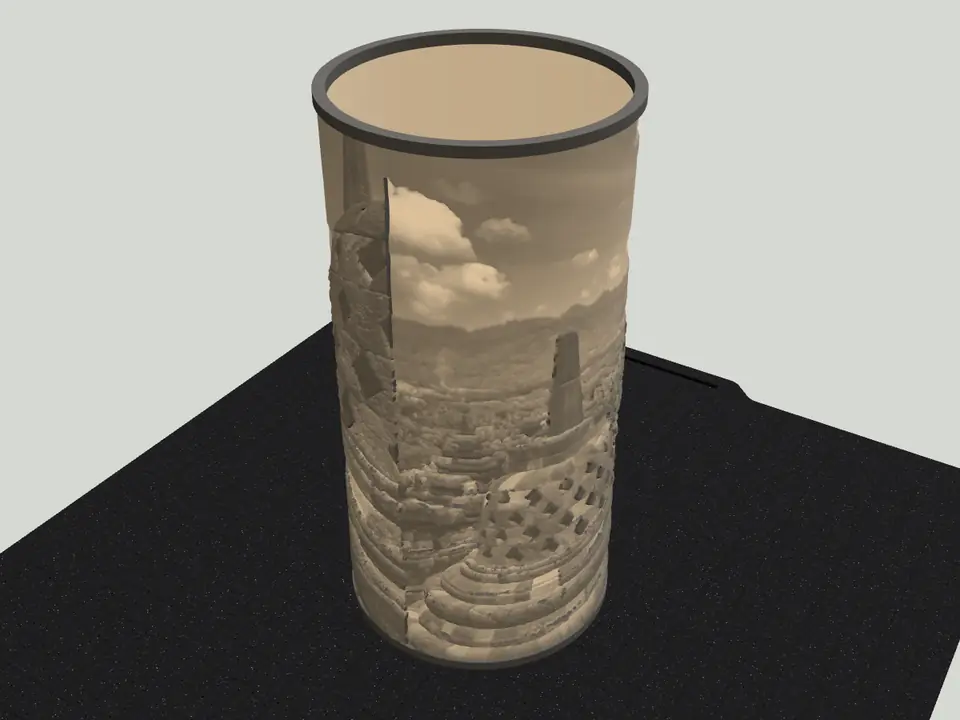
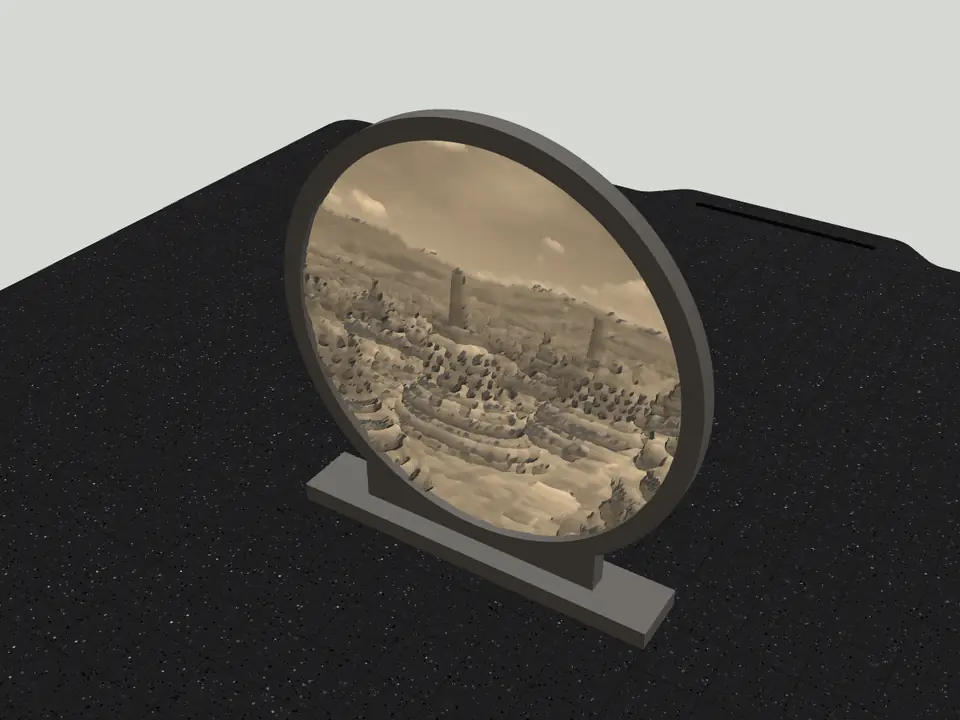
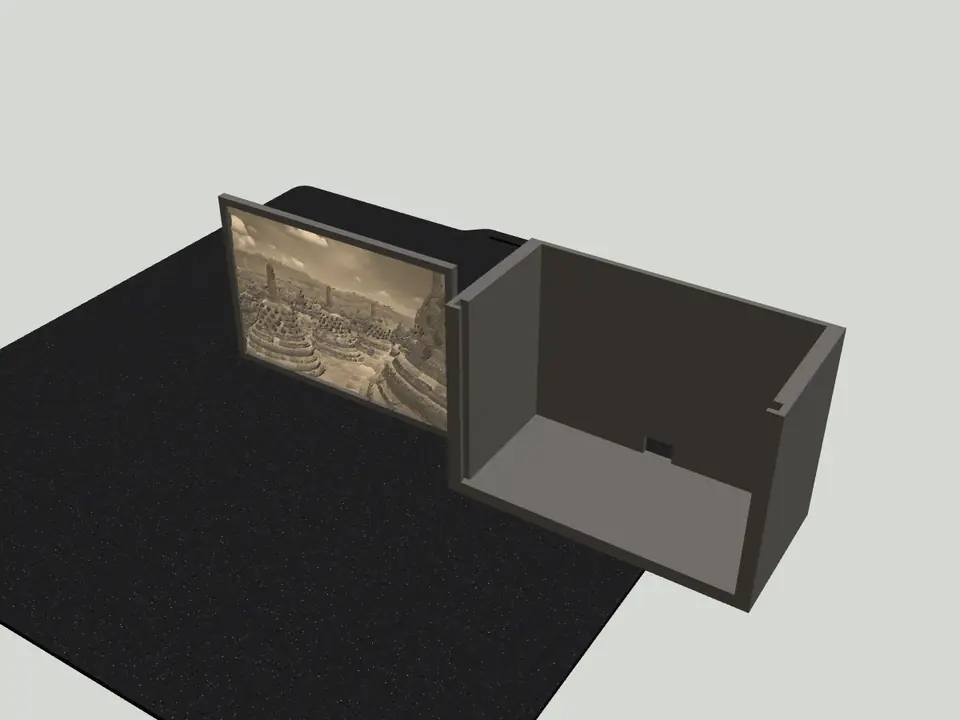
Lithophane
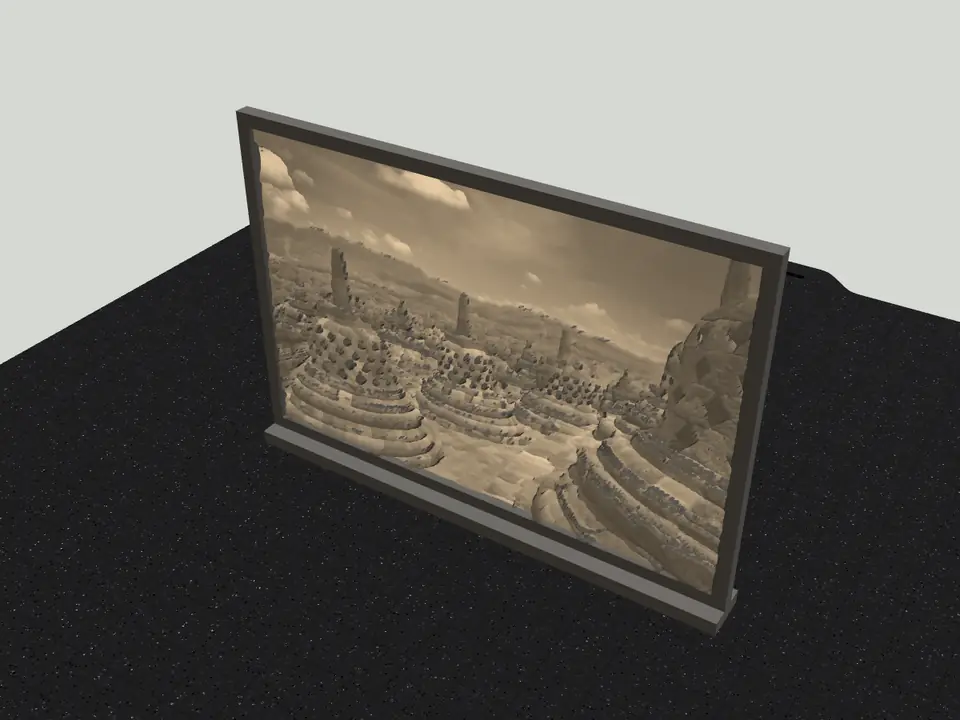
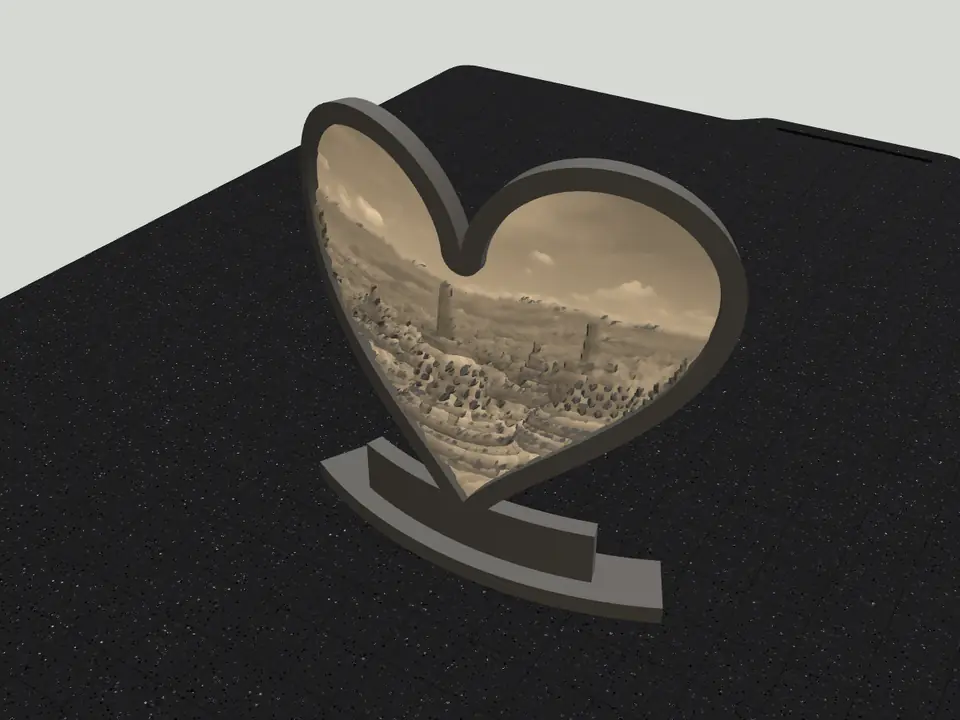
A photo that appears when lit from behind.
A flat panel, lit from behindCurved, with a heart frameA cylinder for a lampFlat, with a round frameA panel with a light box, the parts apart
Features and options in the generator
Content
Upload a photoPreview with warm light, daylight or room light
Shape
Flat, curved, or a cylinder for a lampSquare, rounded, round or heart frameMinimum and maximum thicknessBorder, stand, light boxNegative (invert)
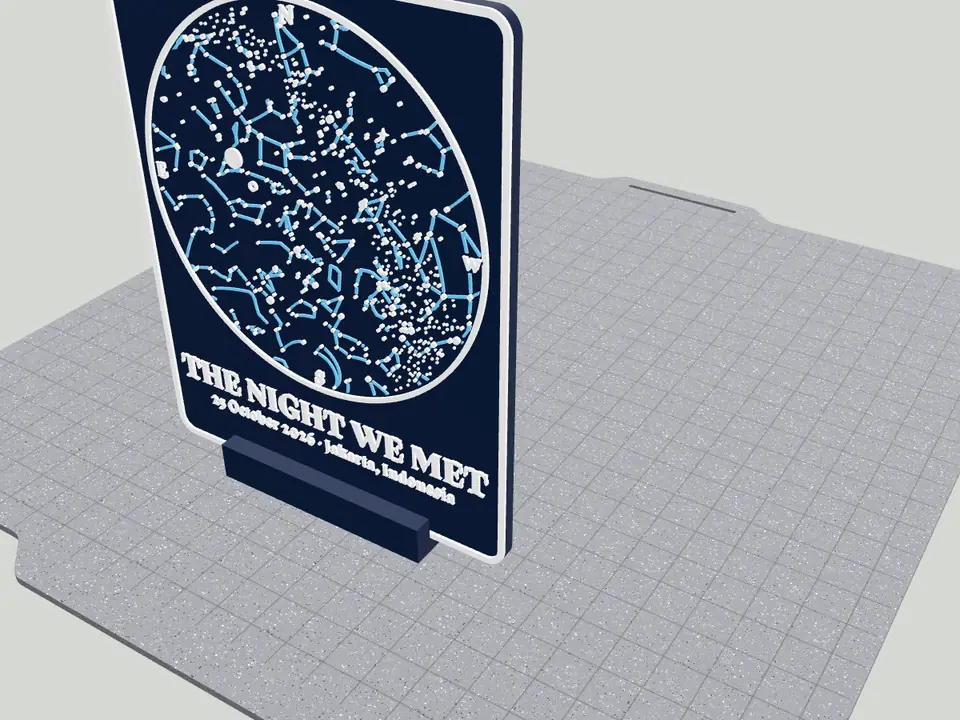
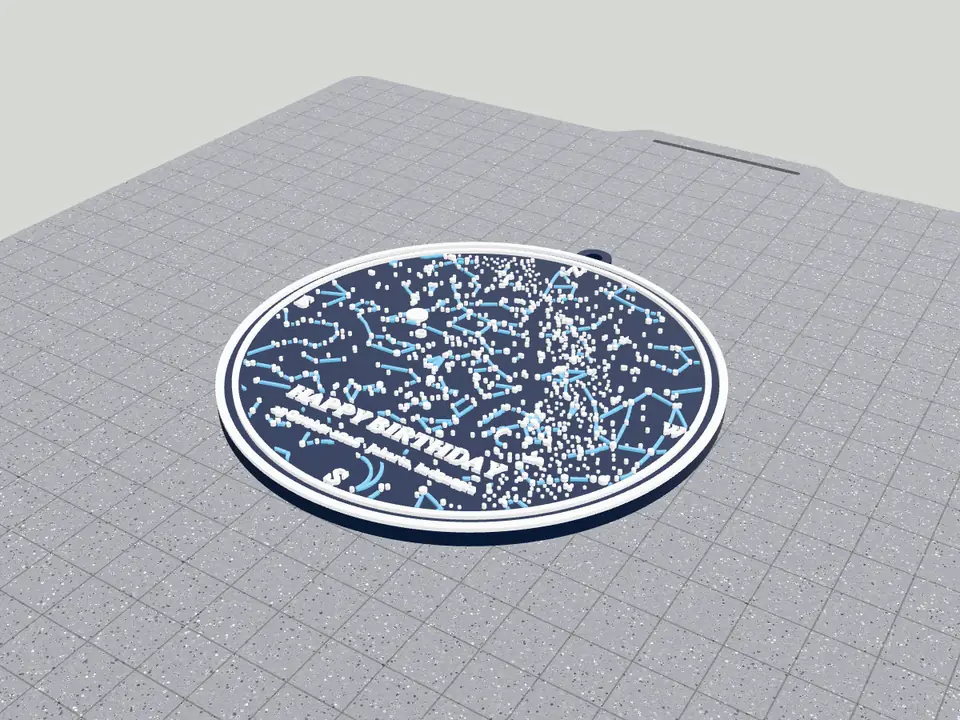
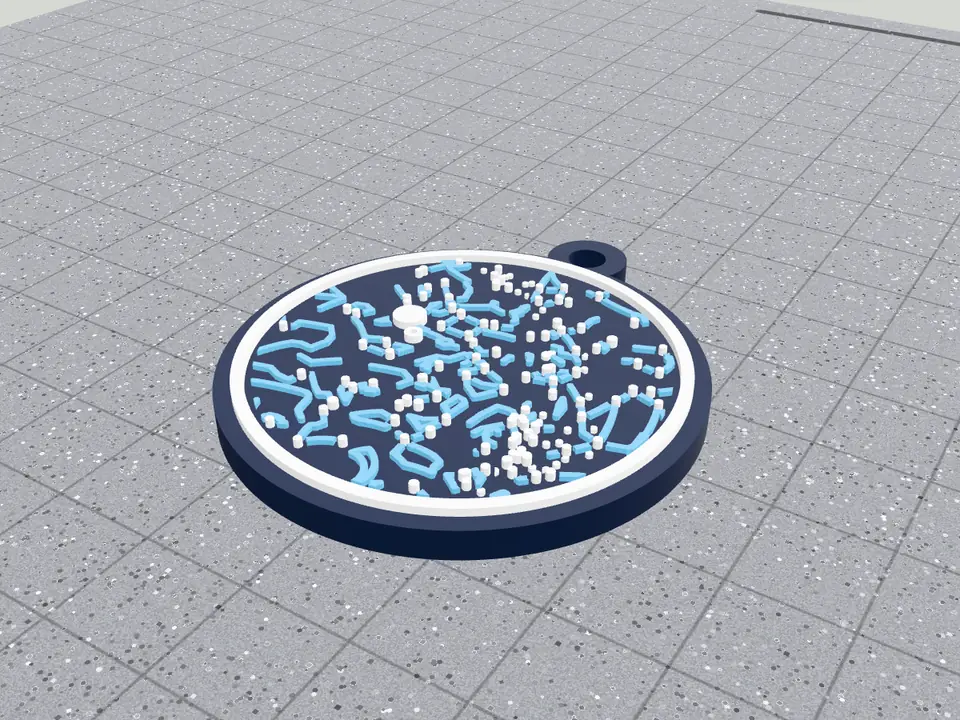
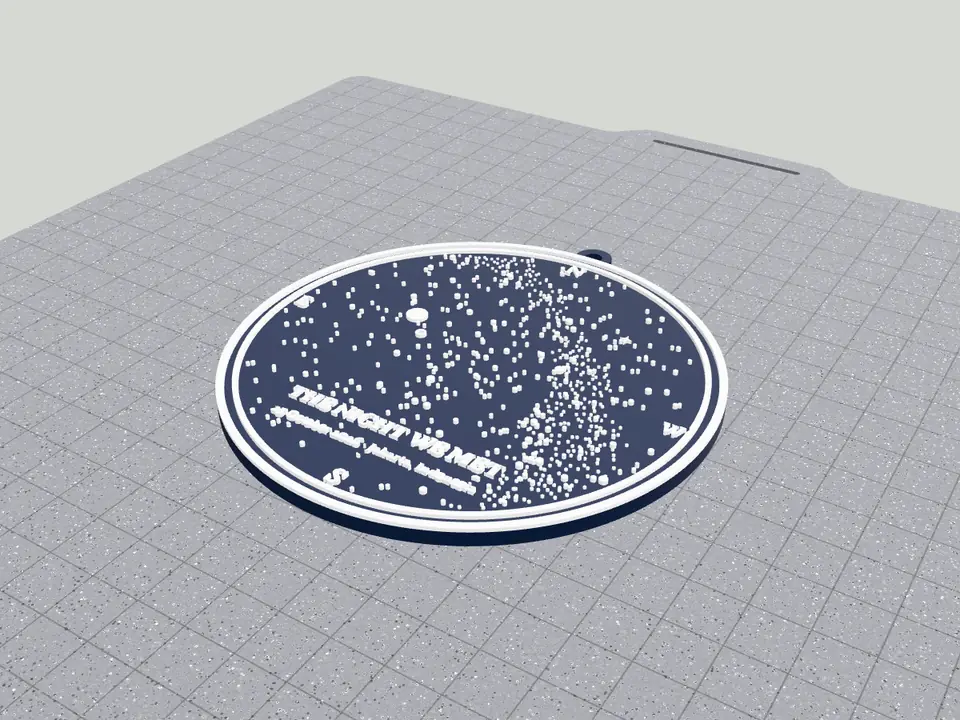
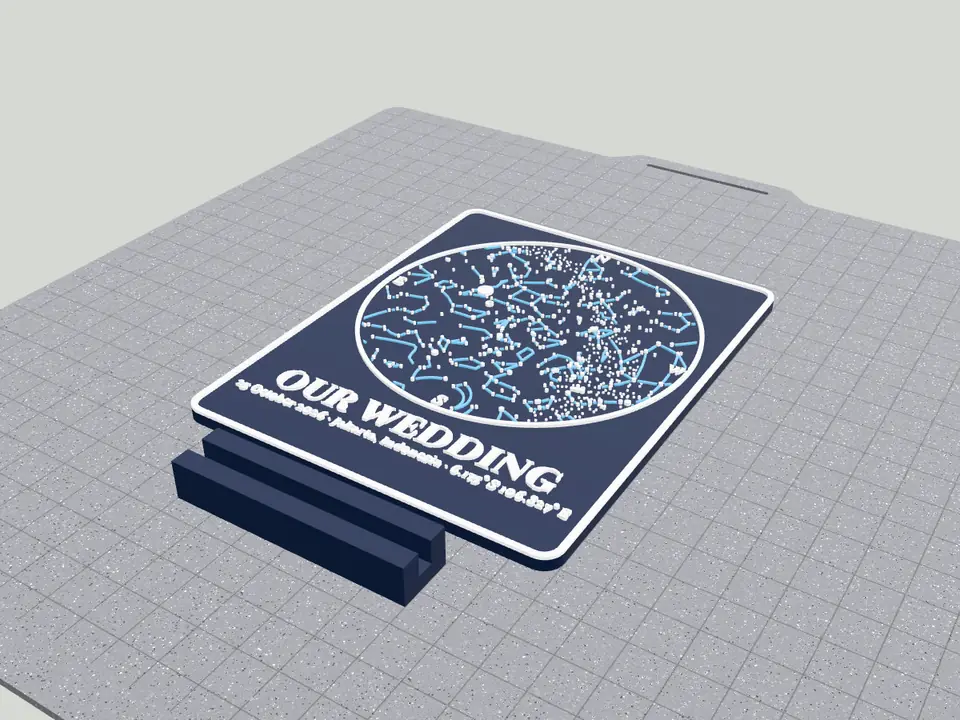
Star map
The sky over a place and night that matter, worked out from the stars' real positions.
A standing plaqueA discA keychainA disc without constellation linesA plaque with the place's coordinates, the parts apart
Features and options in the generator
Content
Place, date and timeTitle, date, place, coordinates or free textMany maps at once
Shape
Plaque, disc or keychainSize, thickness, reliefStand or hole
Sky
Star brightness limitConstellation linesMoon, planets, Milky Way, compass
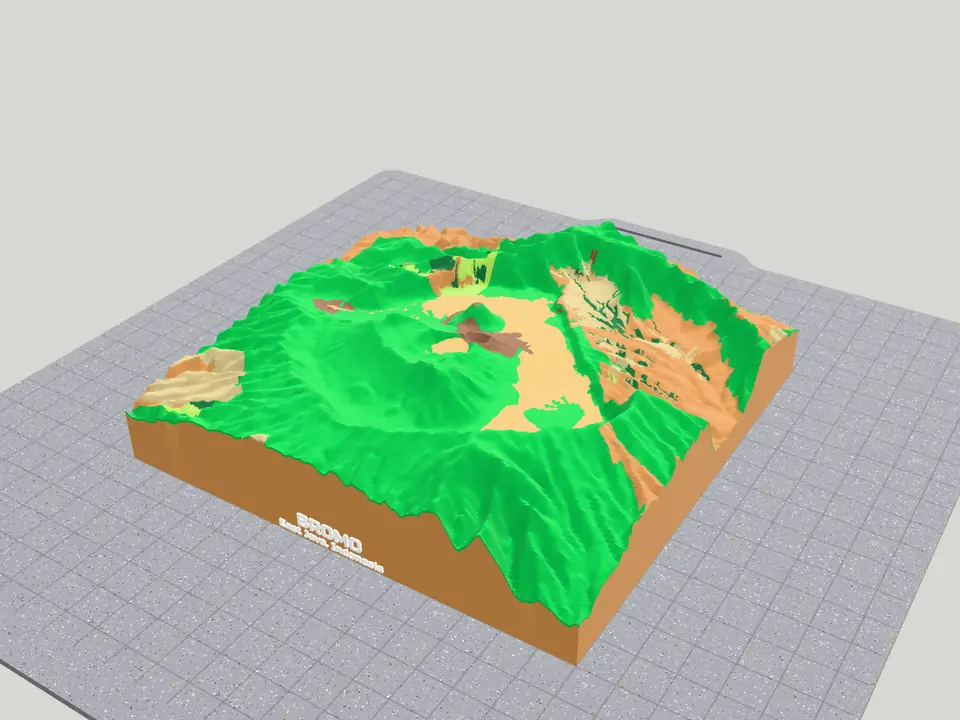
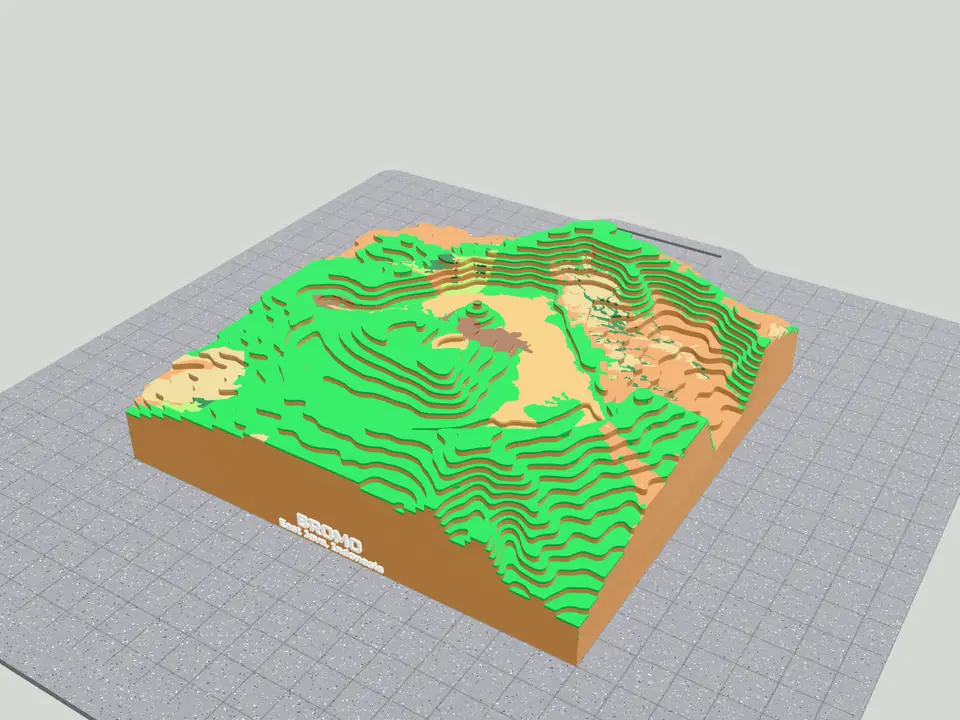
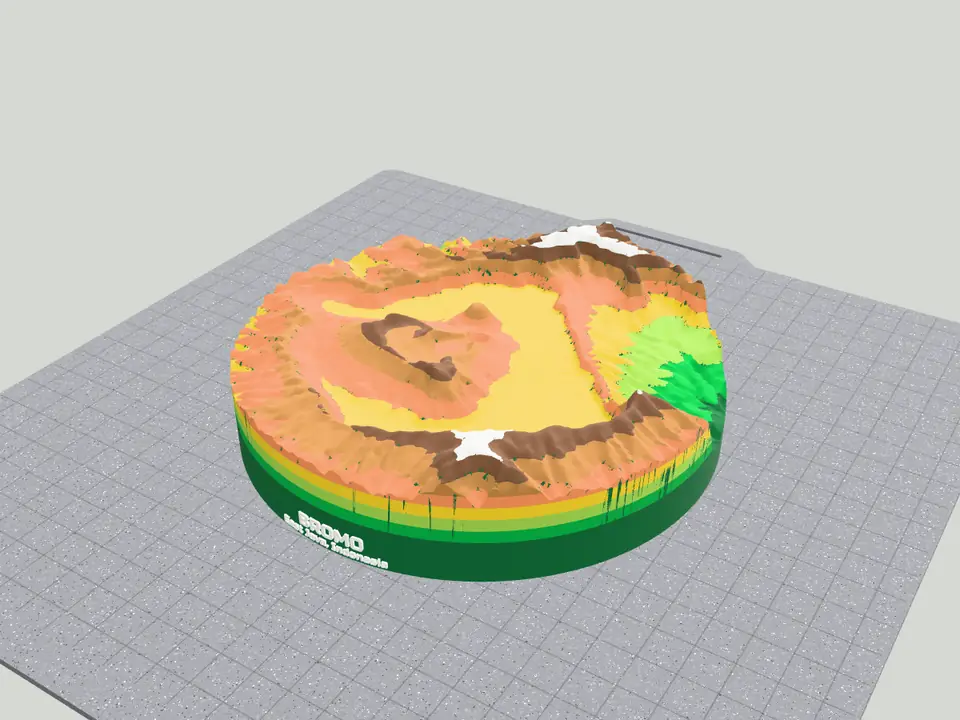
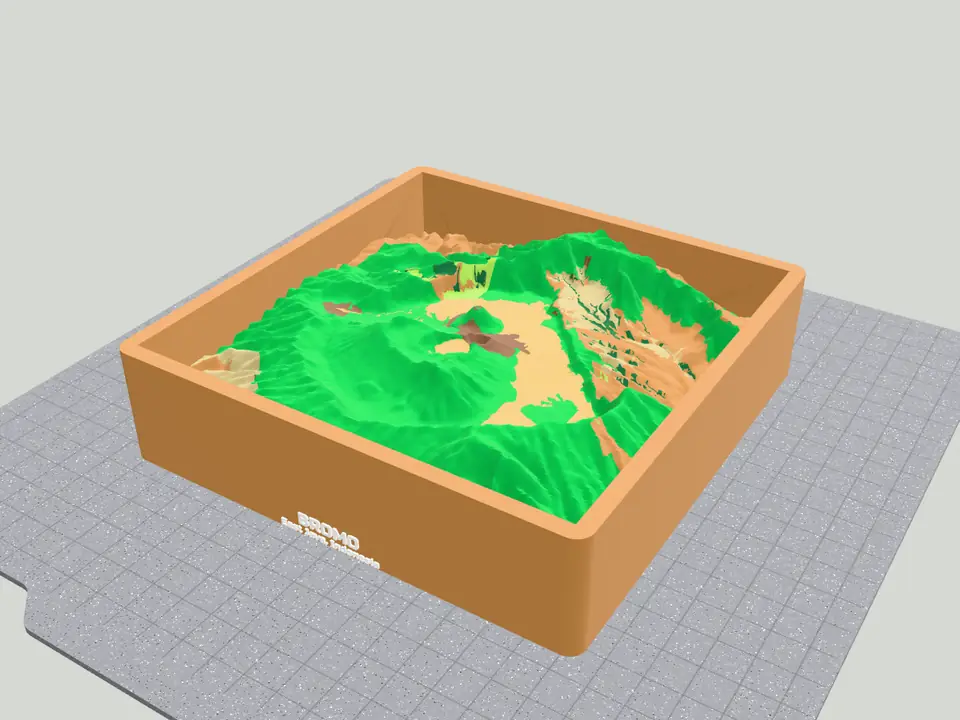
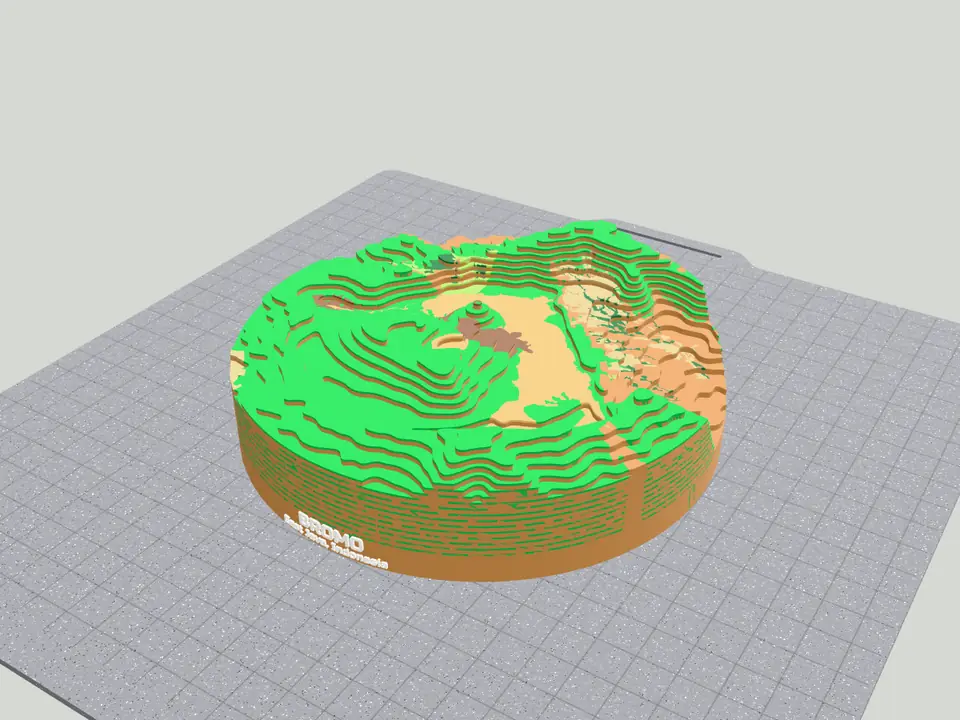
Mountain model
Mountains, valleys and craters in relief, from real elevation data.
Smooth relief, coloured like the mapContour layersRound, coloured by heightA full frame all round, the parts apartContour layers, round
Features and options in the generator
Content
Find a place on the mapArea sizeTitle and subtitleHiking route from a file
Shape
Square or roundSize and height exaggerationSmooth surface or layered contoursLow or full frame
Colour
Like the map, up to 8 coloursOr by height: 1 to 3 colours
File
3MF for FDM or STL for resin
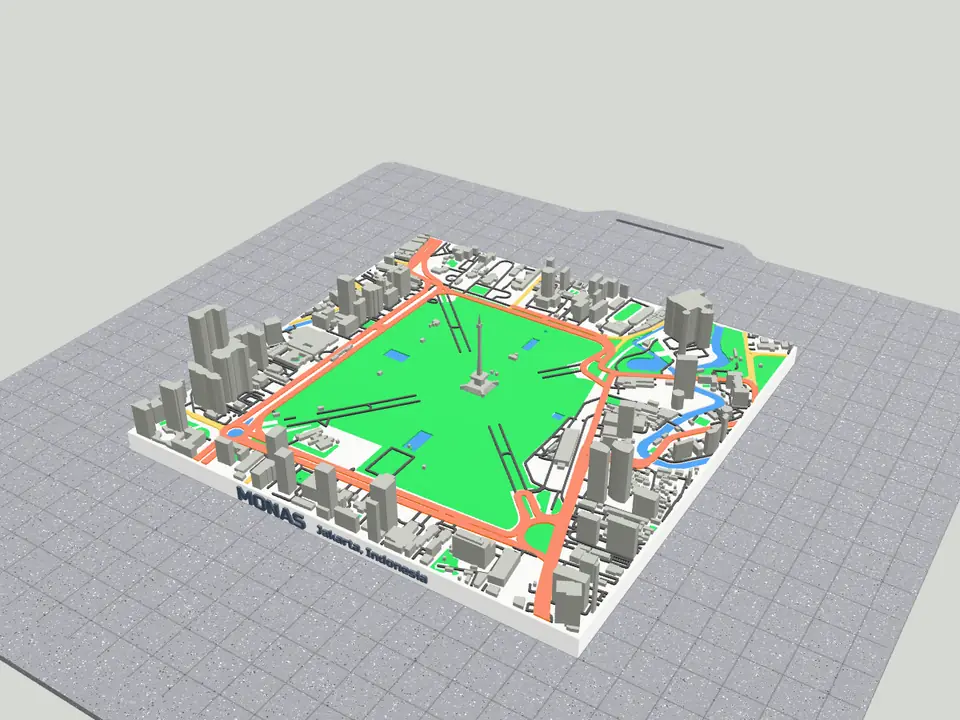
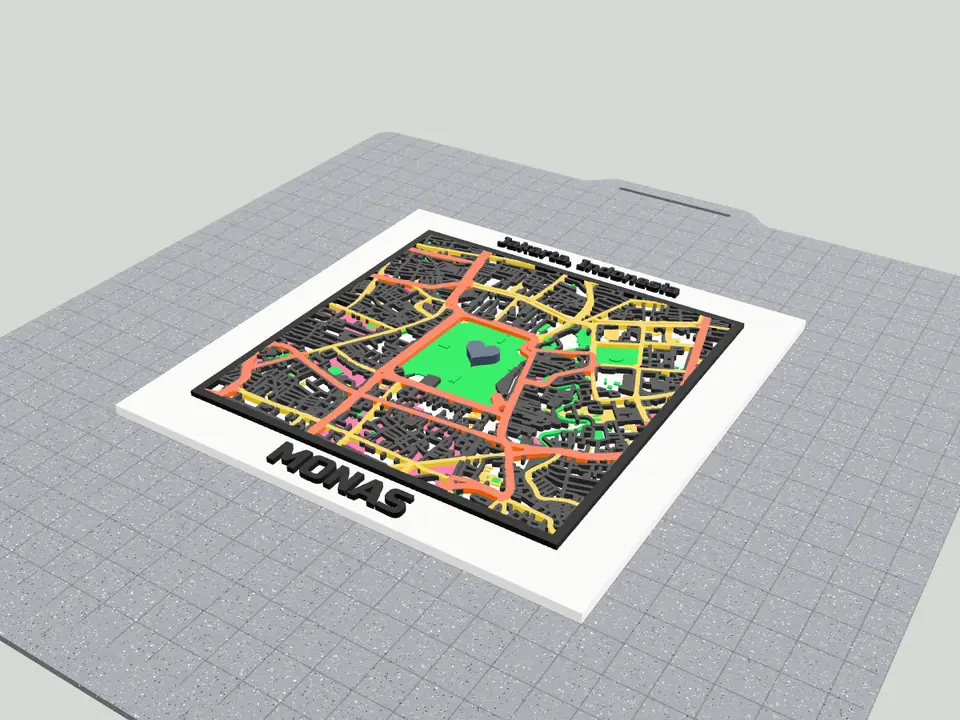
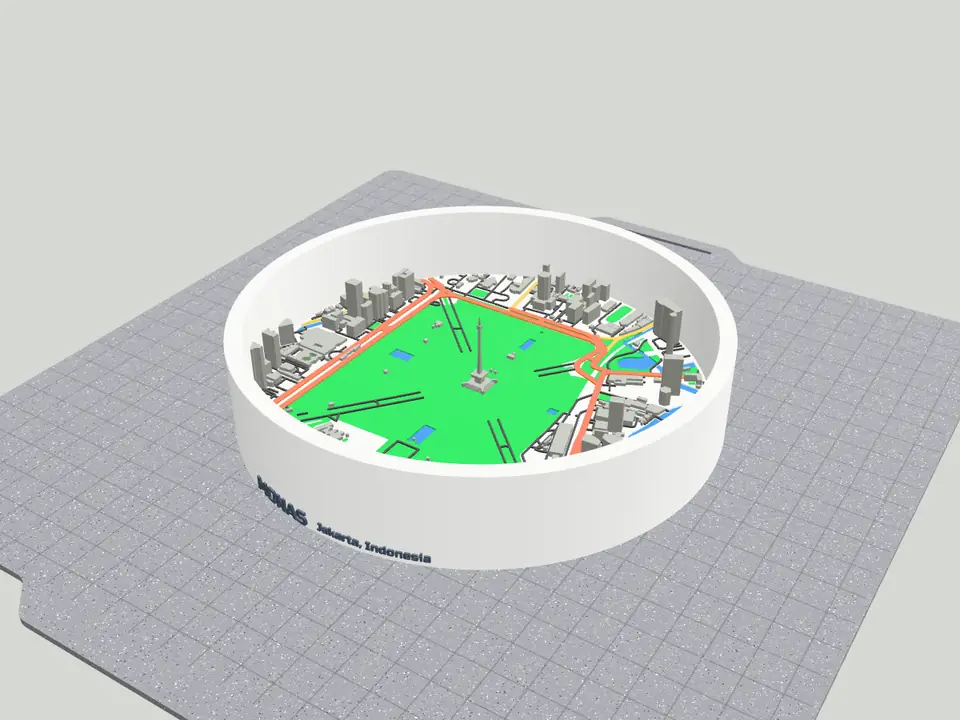
City model
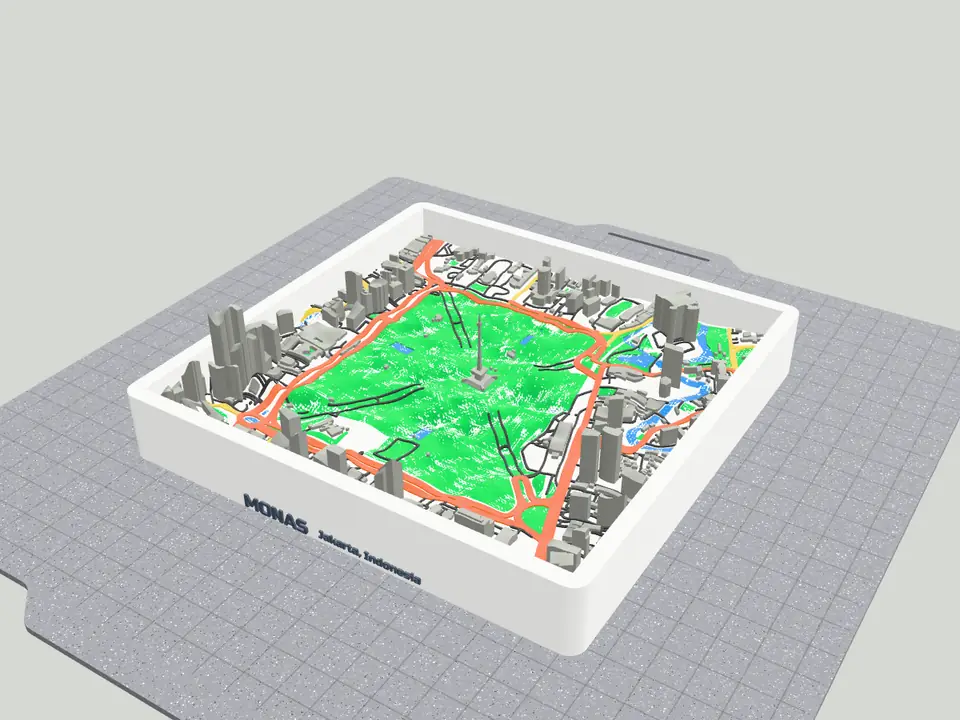
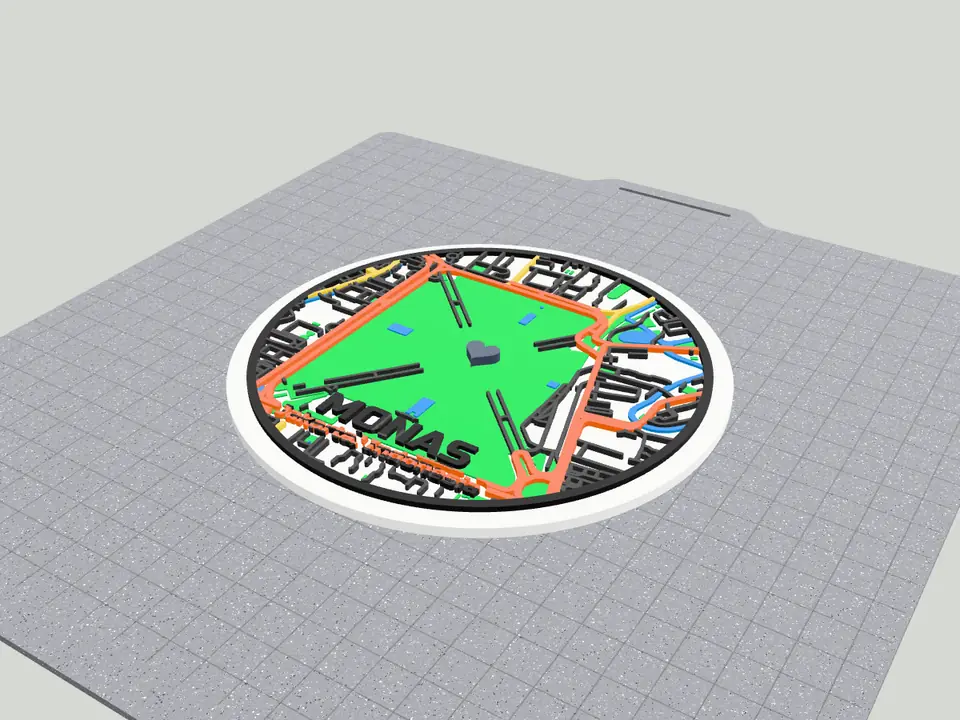
Streets, rivers, parks and buildings from OpenStreetMap, at their real heights.
A model with its buildingsA flat map with a titleRound, with a full frame, the parts apartThe model on its own groundA round flat map
Features and options in the generator
Content
Find a place on the mapArea sizeUp to 4 pins: heart, star, house, dotRoute from a fileTitle and its position
Shape
Model with buildings or a flat mapSquare or roundBuilding height and ground contoursThickness of roads, small streets, water, parksLow or full frame
Colour
Like the map (up to 8 colours), per part, or all white
File
3MF for FDM or STL for resin
Diorama
A city street for 1:64, 1:43 and 1:87 toy cars: buildings, shop houses, houses, trees, street lamps and cars on one base, printed with no supports. A big base prints in tiles joined by clips.
Metropolitan at 1:87, tower blocks at a crossroadsShop houses at a crossroads, 1:64Village lane, houses facing the roadJapanese-style street with a shrine and toriiCar park with cars, guard posts and boom gates
Features and options in the generator
Content
12 scenes: Metropolitan, village lane, shop row, junction, workshop, rice fields, car park, Japanese-style street, rooftop car park, ancient ruins, drag strip, or mixedA layout number, or shuffledA title on the base, in a font you pick
Pieces
Nearly 100 pieces: tower blocks, buildings with a roof garden, helipad or billboard, multi-storey car parks, a mosque, a fuel station, a minimarket, houses, trees, lamps, signs, cars and moreClick one to move, turn, resize or remove it; add pieces of your own
Scale
1:64 (Hot Wheels, Tomica, MiniGT), 1:43 or 1:87Its cars the size of toy cars at that scale
Road
Asphalt with lines, plain asphalt, concrete, paving blocks or dirt
Base
Up to 72 cm long, 38 cm wide and 25 cm tallPrinted in tiles that fit the bed, joined by clipsOr no base: the pieces only
Colour
Up to 10 colour parts: road, pavements, road marks, walls, roofs, plants, windows, poles, accents, earth and wood; merge any
Printing
No supports, every piece checked to print
Route charm
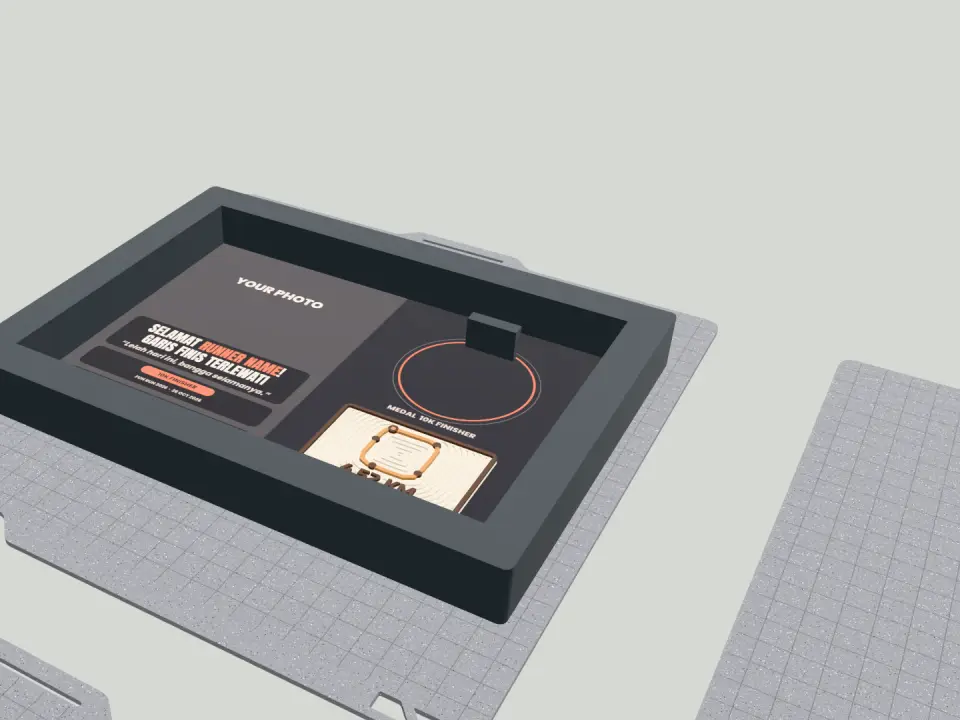
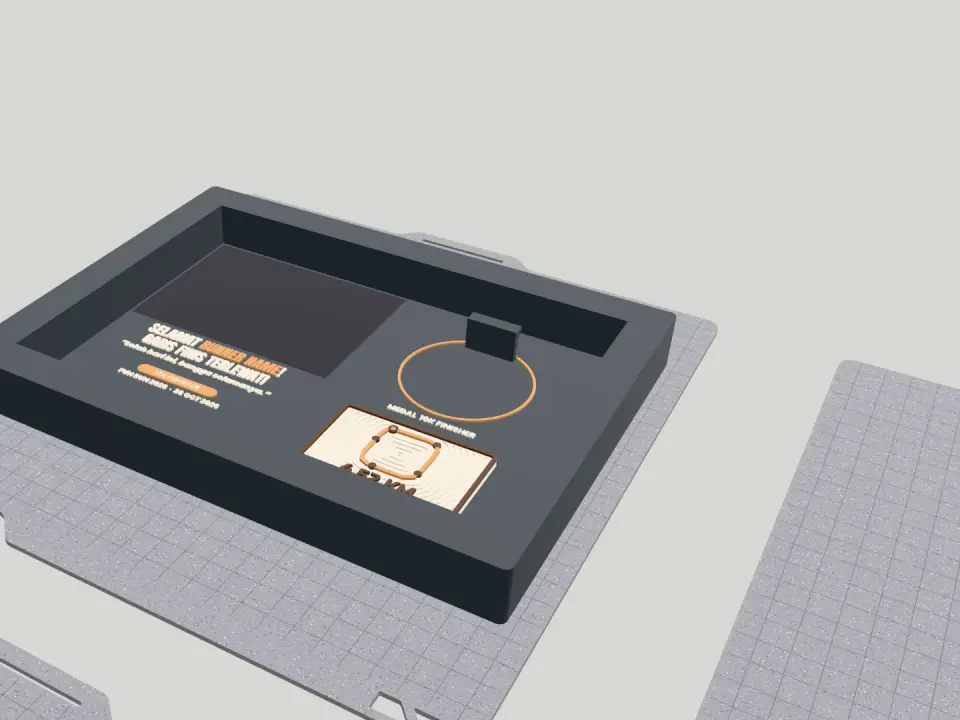
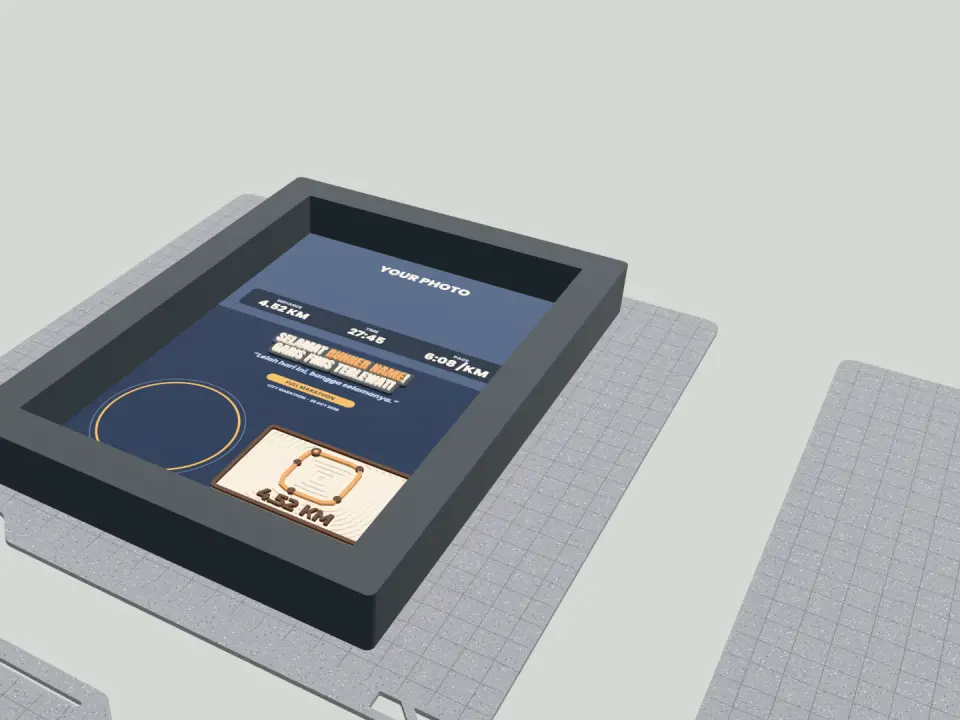
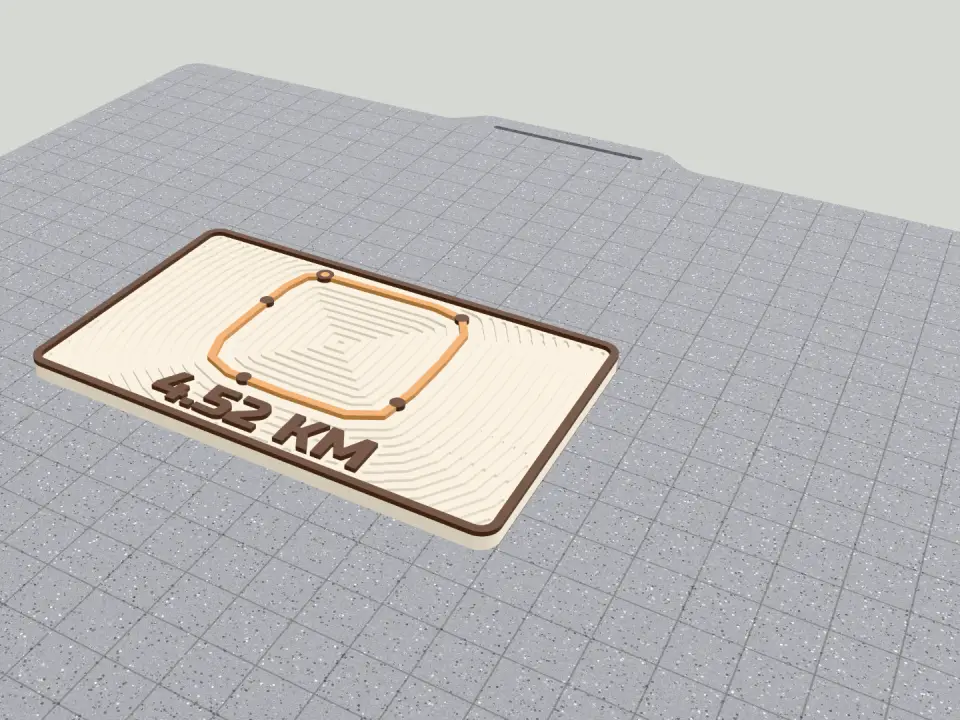
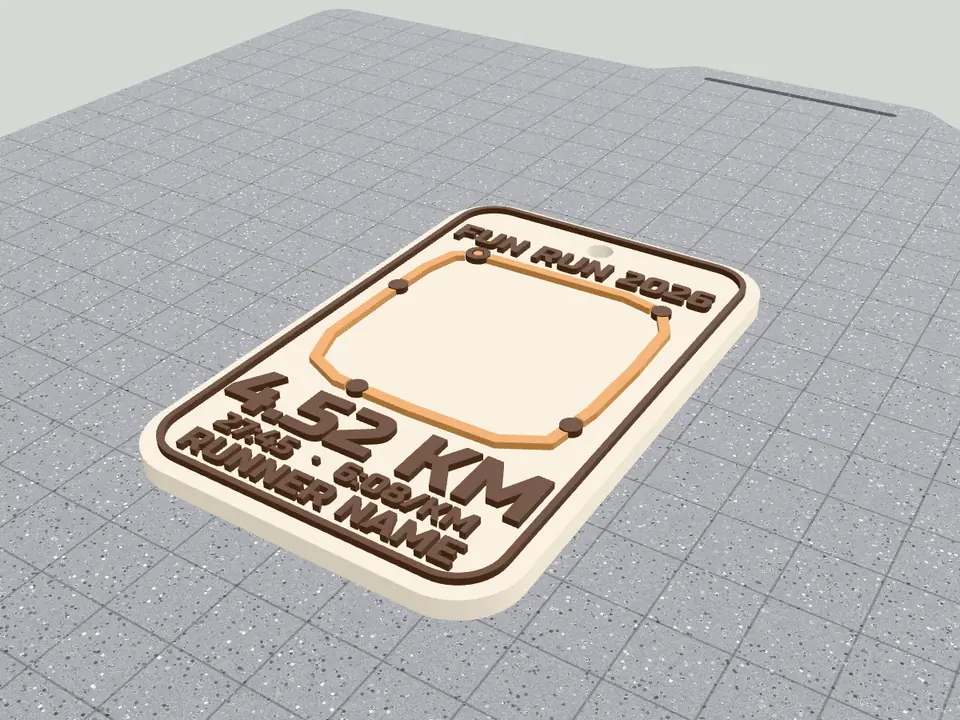
Your run, ride or walk as a keychain, a medal, a plaque, a relief tile, or a medal display frame with a poster and a congratulation.
Medal frame with an A5 posterRaised words on the board, the photo in a pocketPortrait, raised greeting plateRelief tile with contour groovesA tag with the distance and time
Features and options in the generator
Content
Upload GPX, KML or GeoJSONEvent and runner namesDistance, time, pace, date or free textMany runners, one route
Shape
Tag, medal, plaque, keychain, route only, relief tile or medal frameCircle, oval, square, rectangle, hexagon or shield shapeRoute line thickness and start and finish dotsMedal ribbon slot or a stand
Medal frame
A deep frame for an A5 poster, landscape or portrait, printed whole in one piece on one plateThe route tile in a pocket in the board, a flat hook or a ribbon slot for your real medal, turn clips and nail notchesThe medal's size and the tile's place adjustable, laid out for you
Poster
The runner's photo, an activity screenshot and a medal photoA two-line congratulation with the name in colour, a quote, the category and the numbers from the fileFour colour sets, three layouts, a medal zone that can follow the medal's own outlineArrange it in a 2D editor, download a 300 dpi PNGWords printed on paper, raised on the board, or a raised greeting plate
Colour
Base, route, words and frame
Tool box
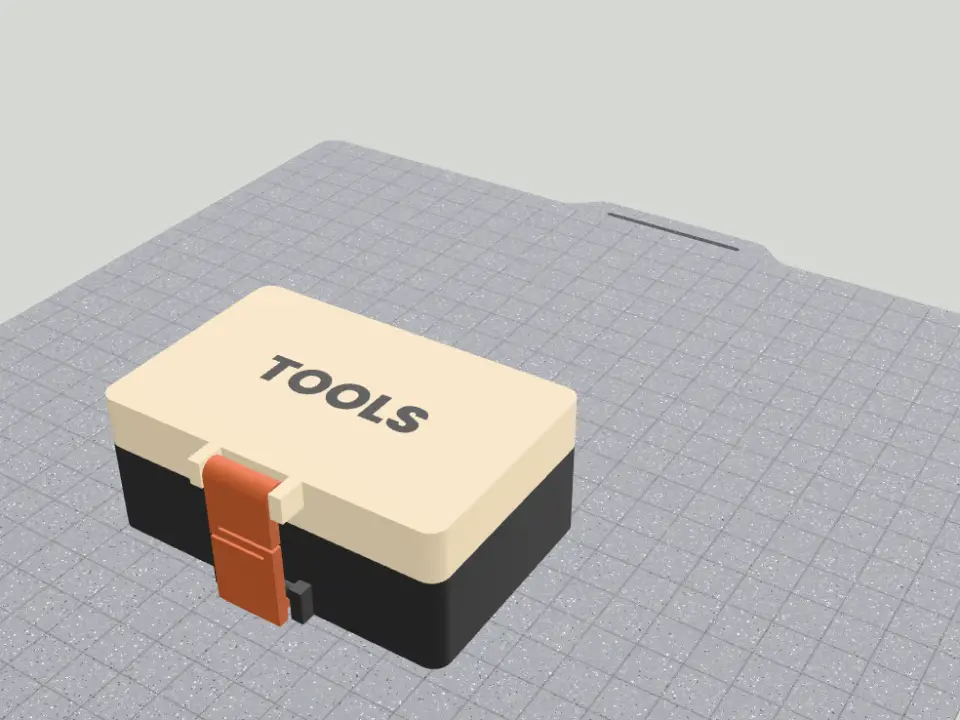
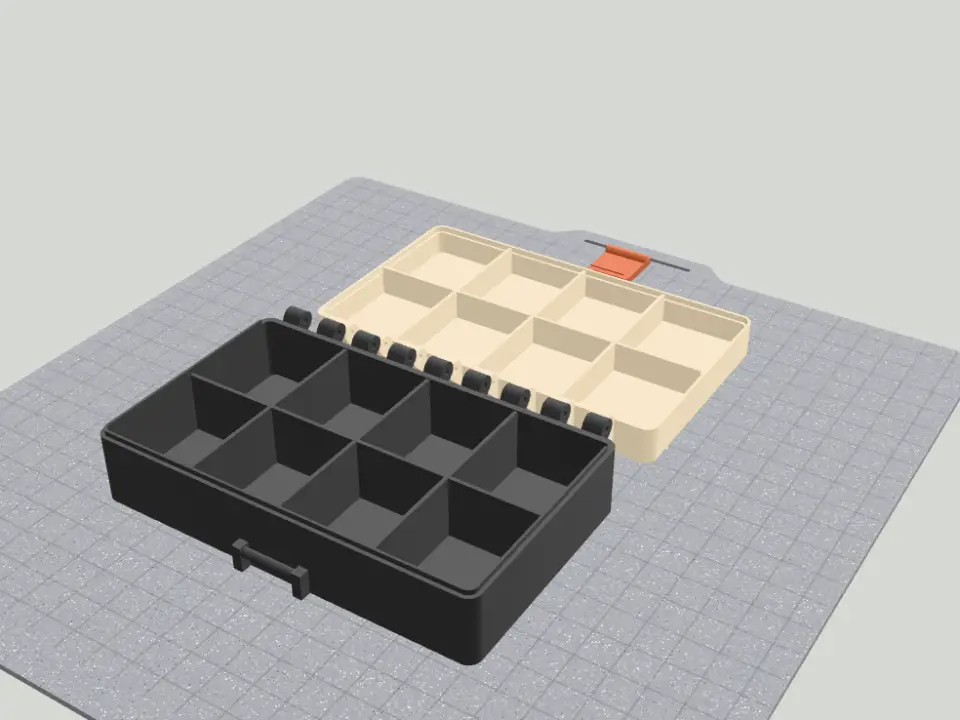
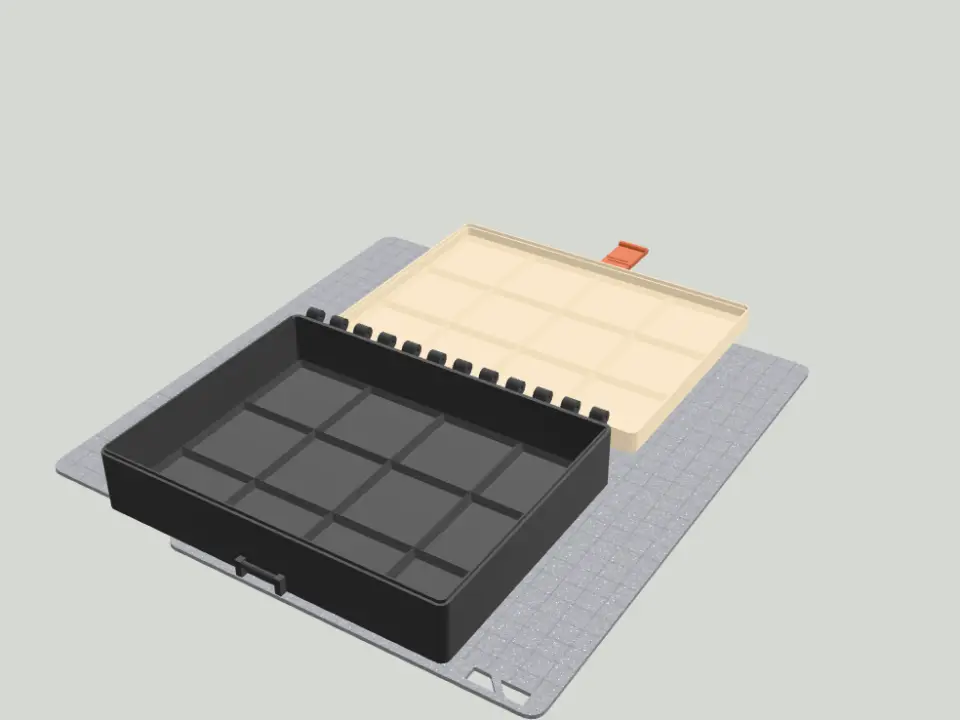
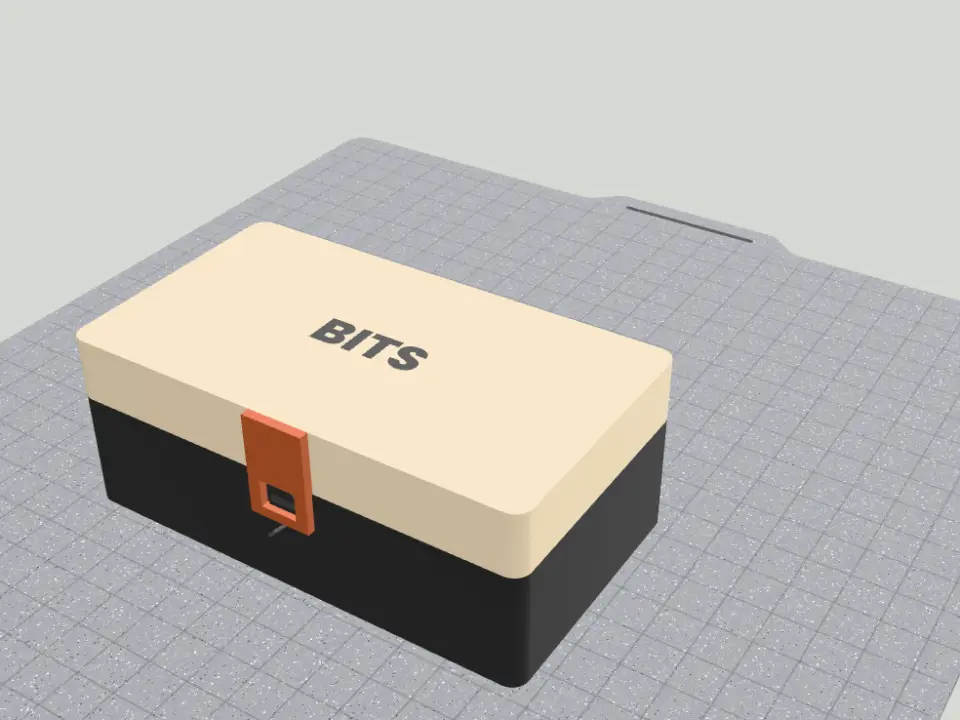
A box with a hinged lid and a lock, printed without supports. Inside, fixed dividers, or a grid for bins that lift out and stack.
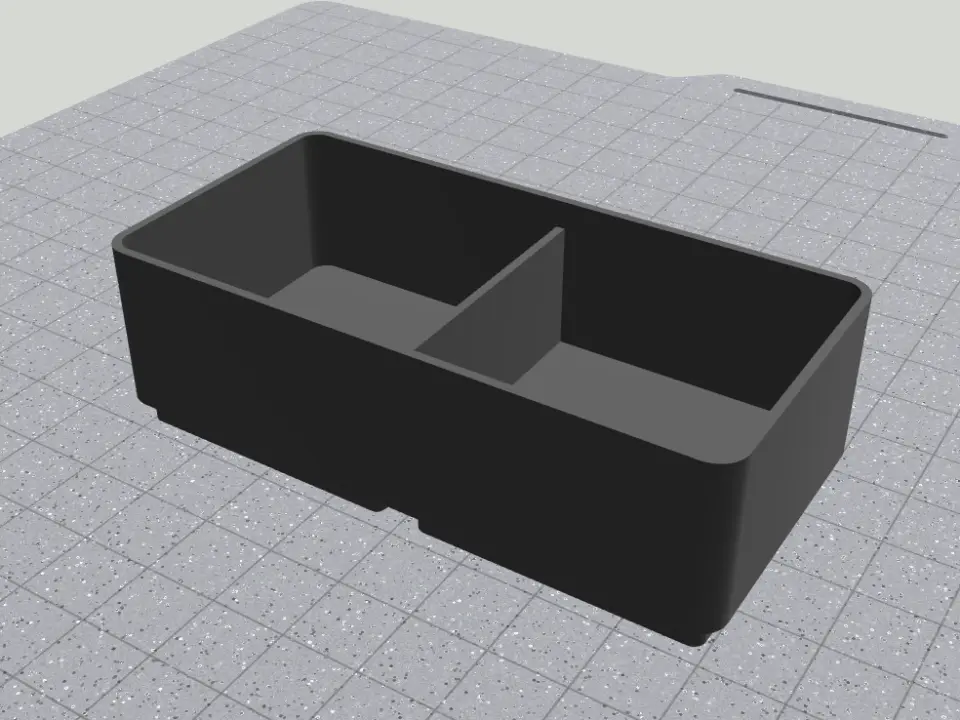
Plain box, lever lockScrew box, dividers in box and lidGrid for binsTwo-cell bin for a grid boxPress button lock
Features and options in the generator
Content
Type: plain box, screw box, or grid for binsA label on the lid, in its own colour or engravedAny of the fonts
Shape
Inside width, depth and heightLid height: a half, a third, a quarter, or set on its own apart from the boxWall thickness and cornersDividers across and front to back, in the lid too
Grid
42 mm Gridfinity cells or your own sizeRibs in the floor and the lidBins: cells, compartments, clearanceAs tall as the box, or 2 to 3 stacked levels
Hinge
A 1.75 mm filament pin or printed in placeTunnel diameter and hinge clearance
Lock
Lever, press button, click-on rim, or noneOne or two, soft to firm
View
Shut (assembled) or open as it prints
Printing
No supports; the hinge and lock are checked to swing and lock
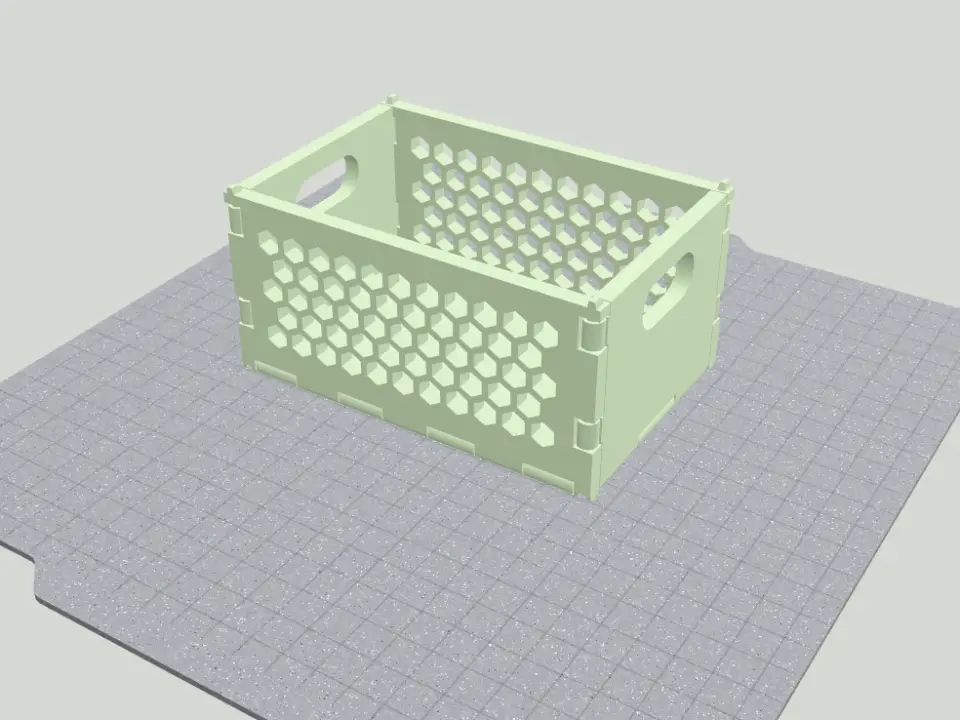
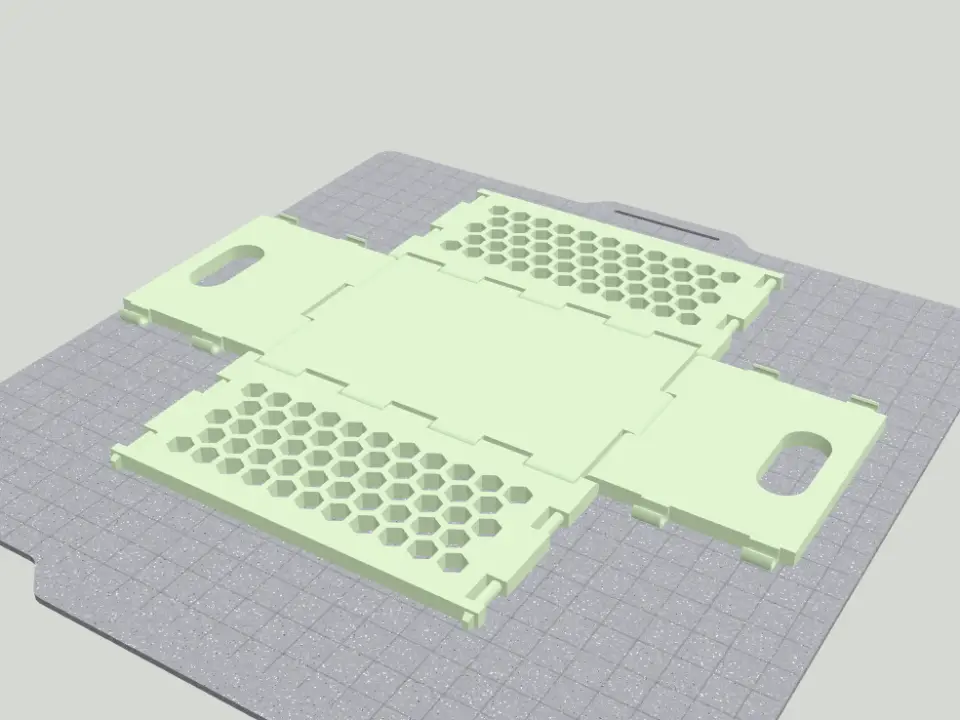
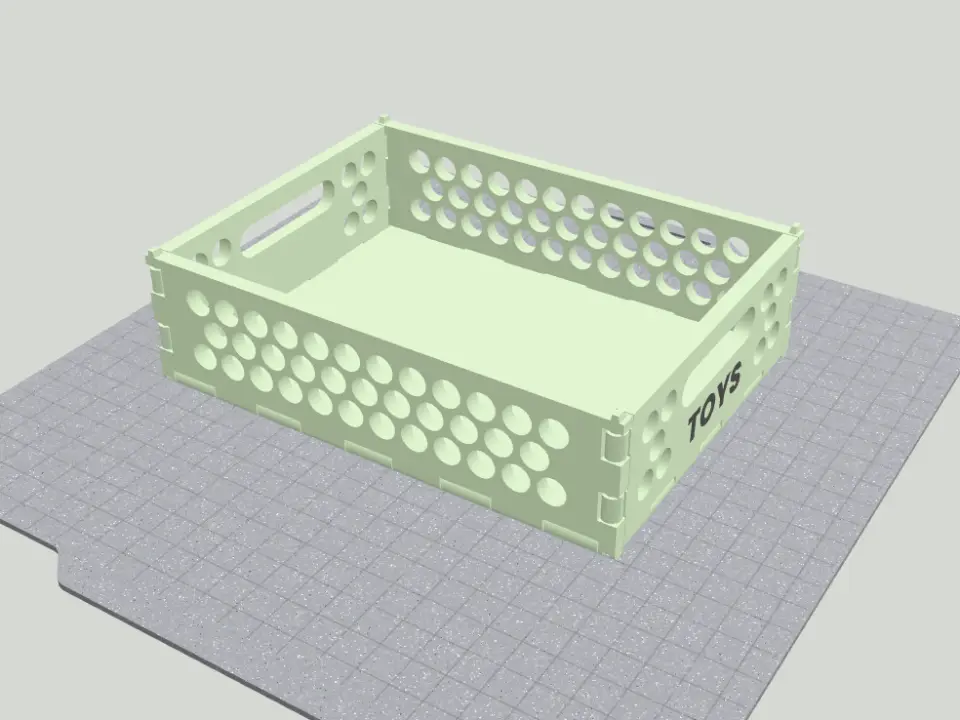
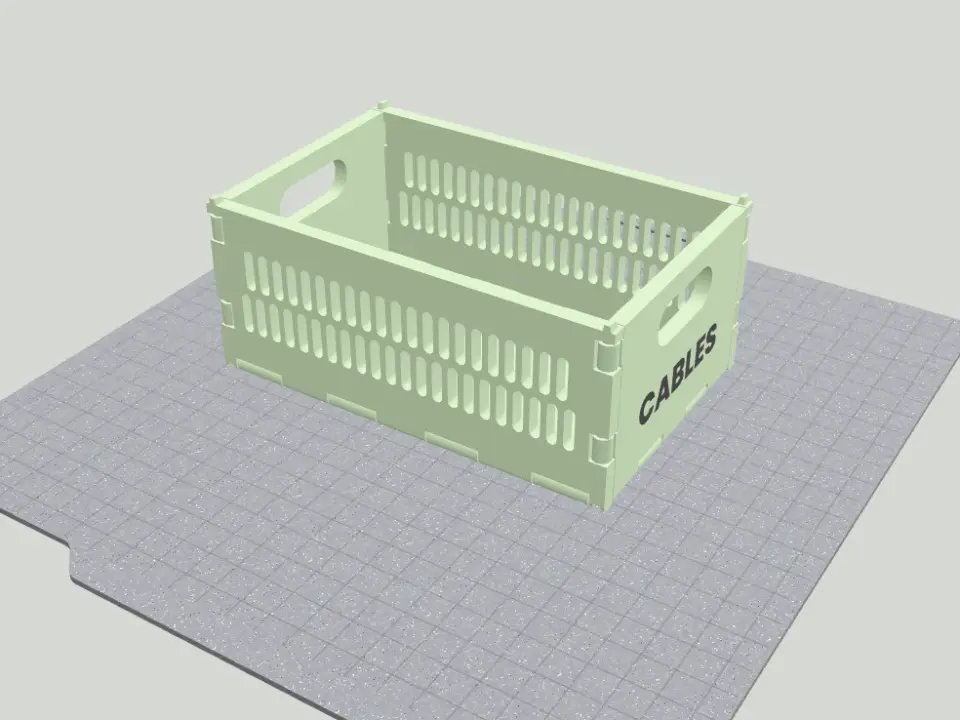
Box collaps
A folding box printed flat in one go. Its walls are hinged in place: fold them up and they lock at the corners, fold them down to store.
Hexagons, folded upFlat as it printsCircles in every wall, a labelSlots, a labelLow tray, diamond holes
Features and options in the generator
Content
A label on the short walls, in its own colour or engravedAny of the fonts
Shape
Length, width and height, outside or insideWall thicknessHexagon, round, slot or diamond holes, or plain, in the long walls or allHandle holes
Corners
Clips round a rod, taken apart again and again, or snapsSoft to firmStacks on a box of the same size
Hinge
Printed in place on cone pins, its clearance adjustable
View
Folded up (assembled) or flat as it prints
Printing
No supports; every fold is checked to clear and the locks to catch
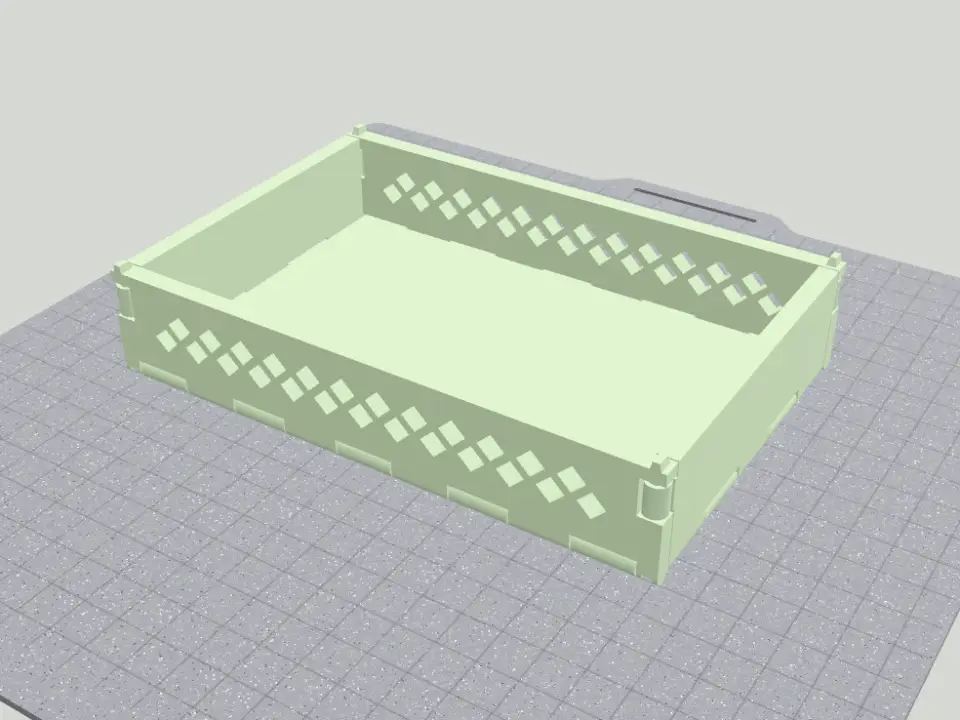
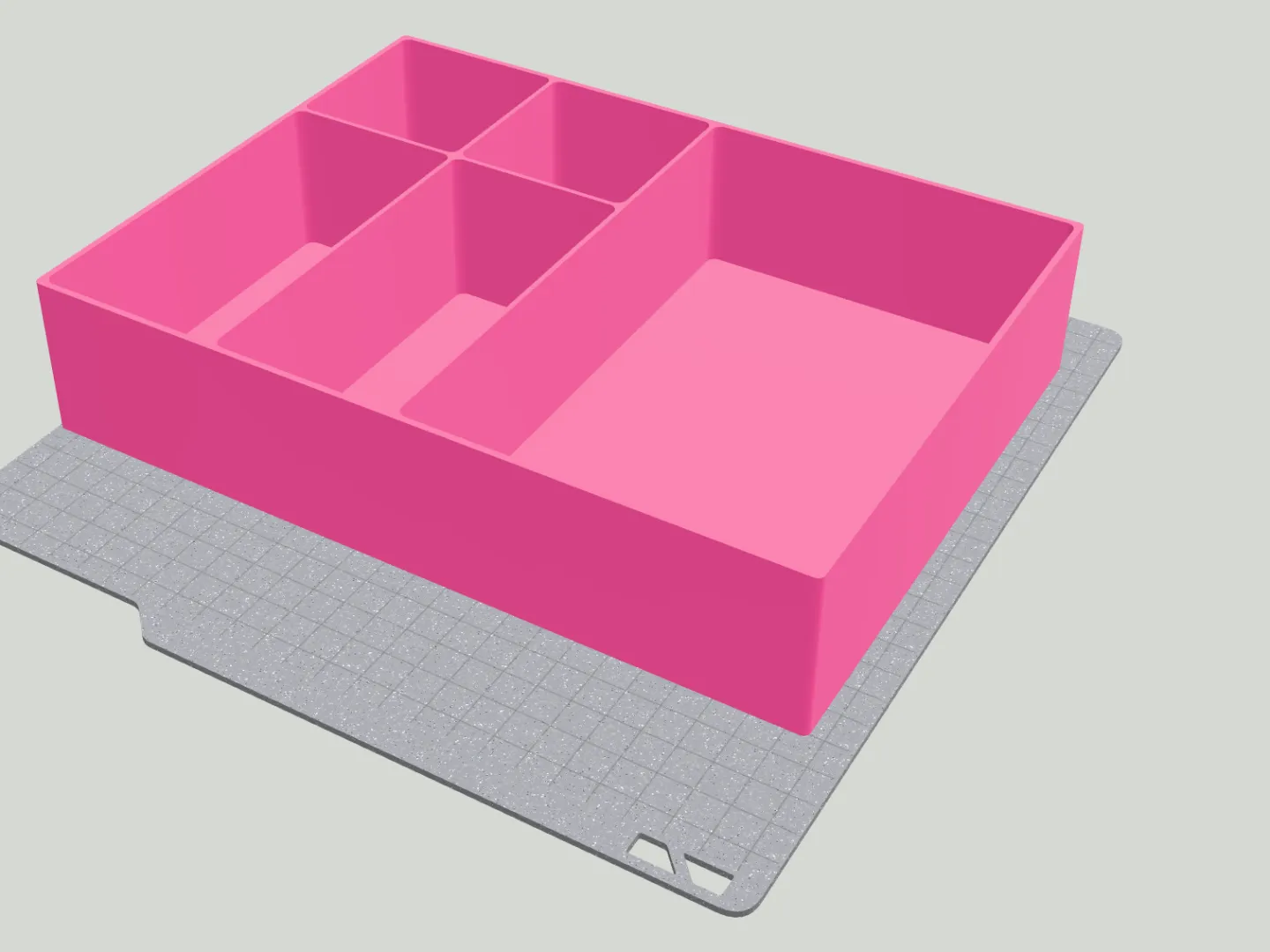
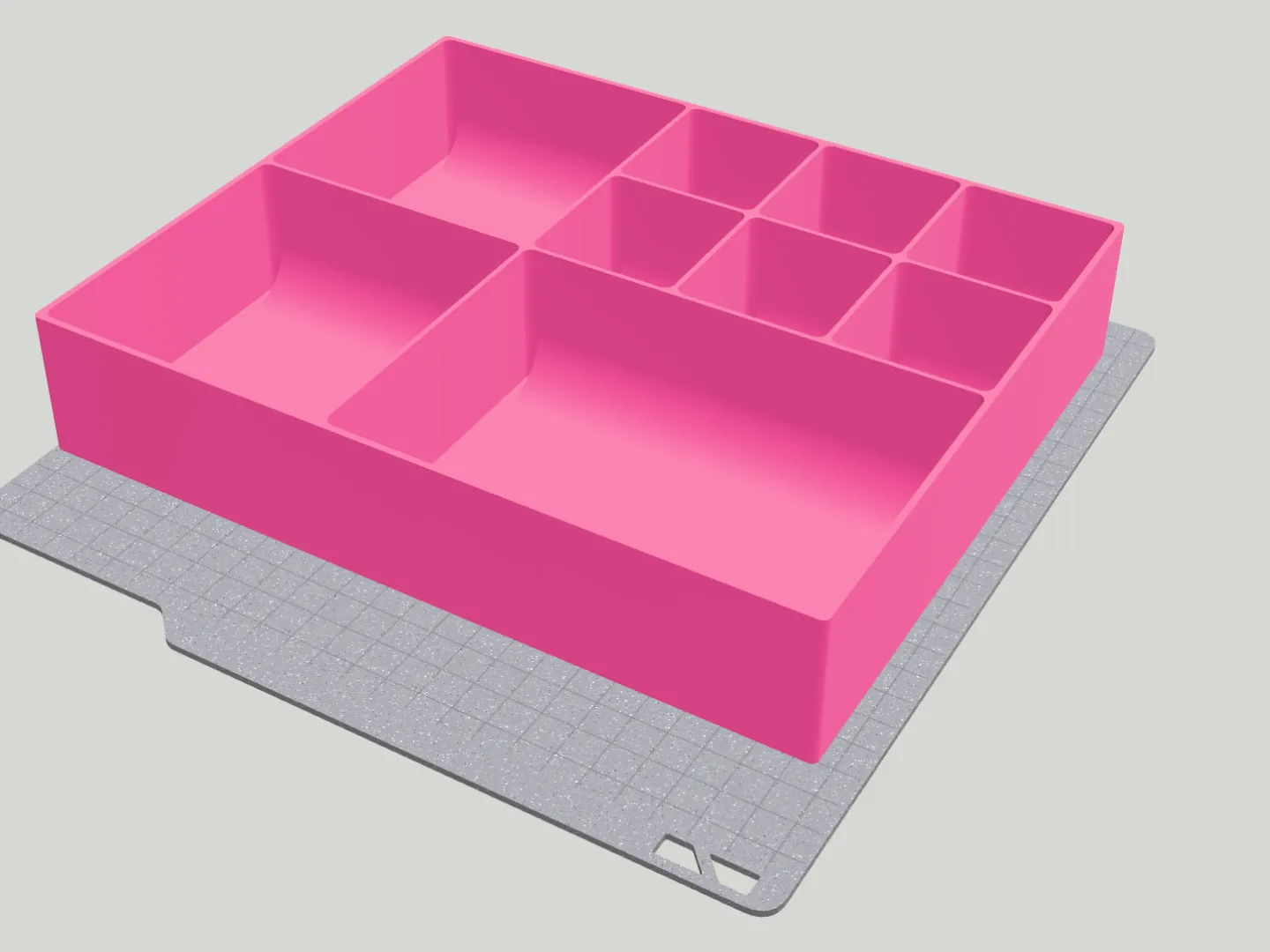
Drawer
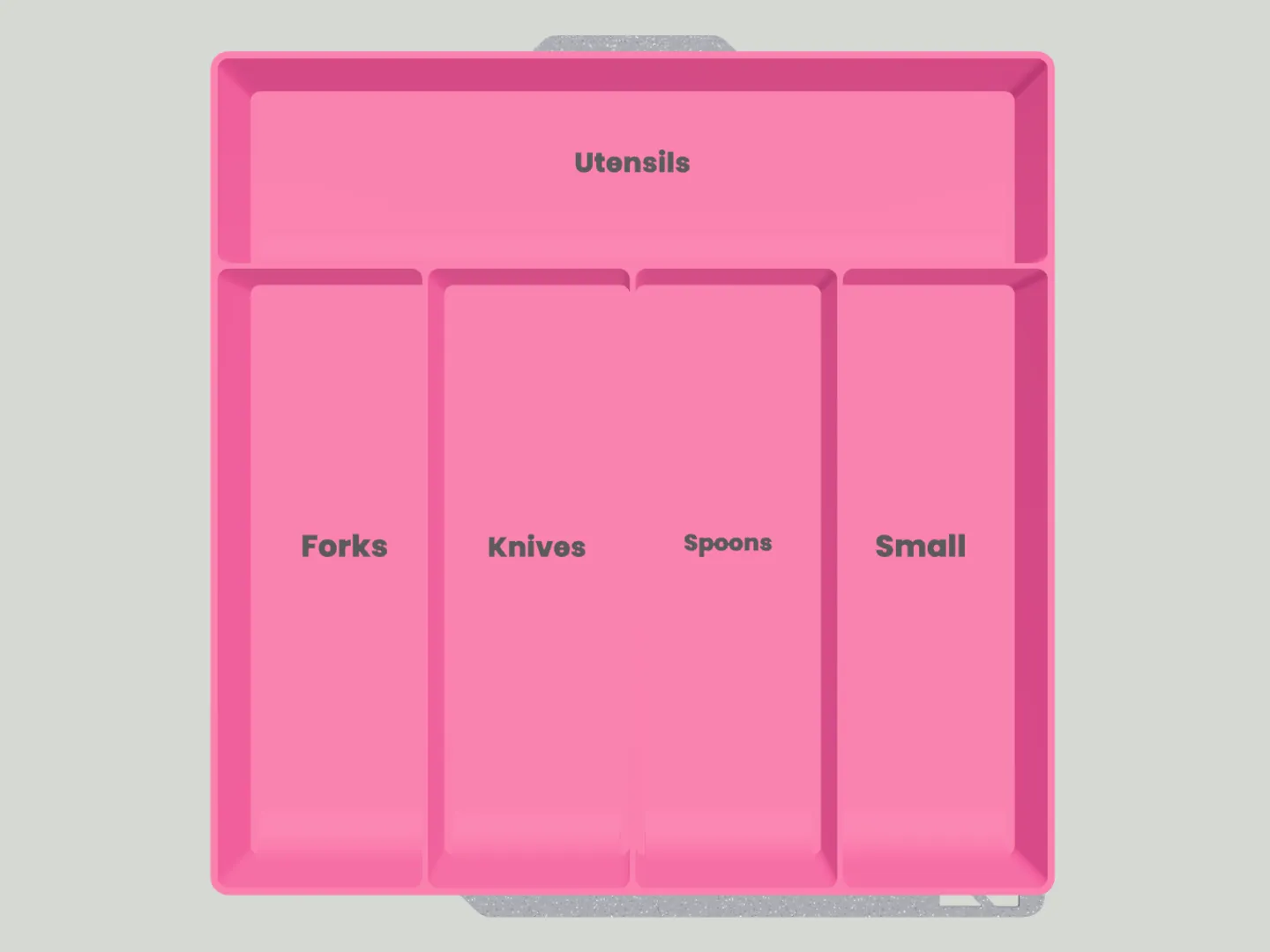
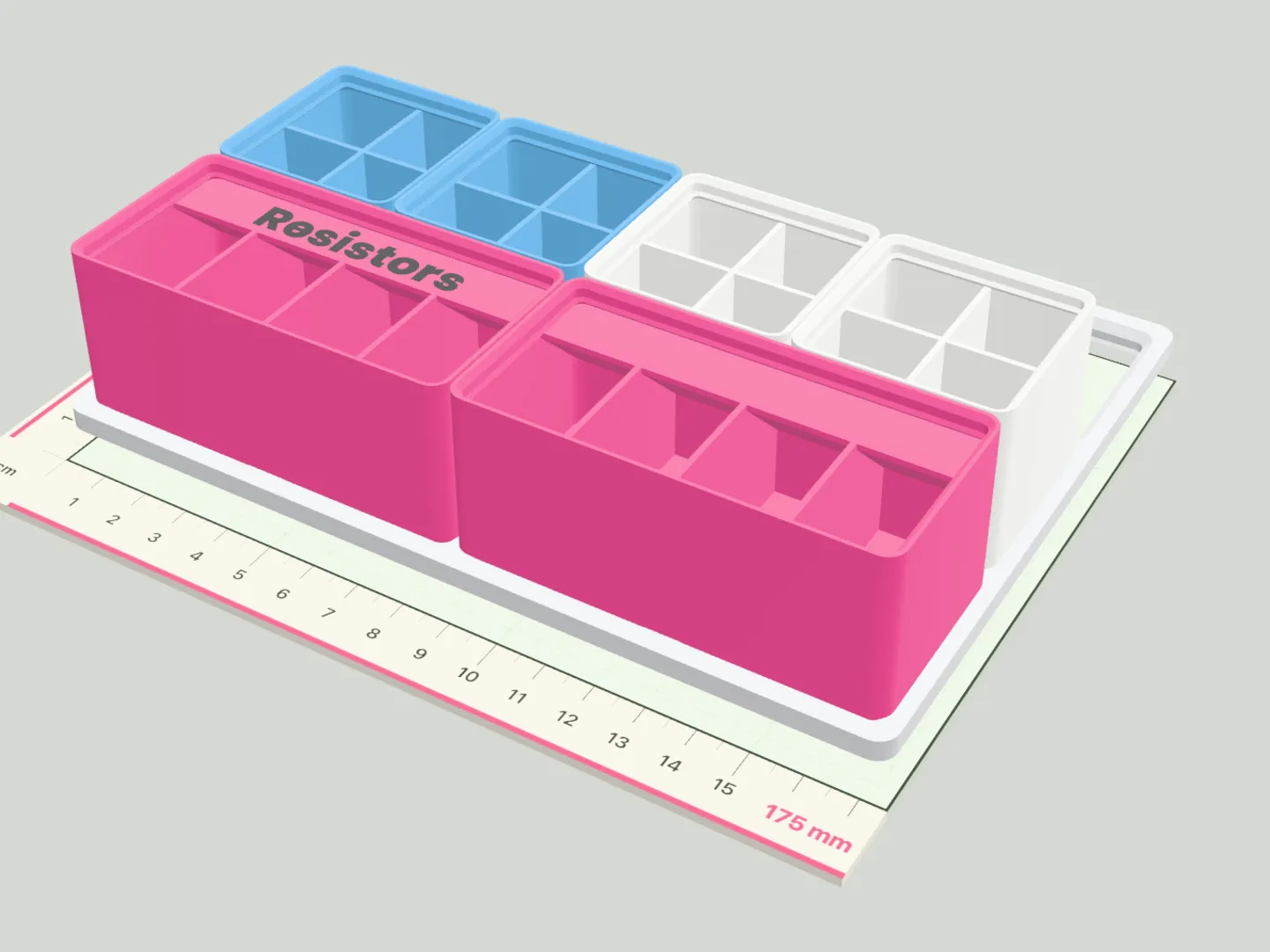
A drawer organiser that fits your drawer: measure its inside, lay out the compartments, name each one. Printed whole on one plate, no supports.
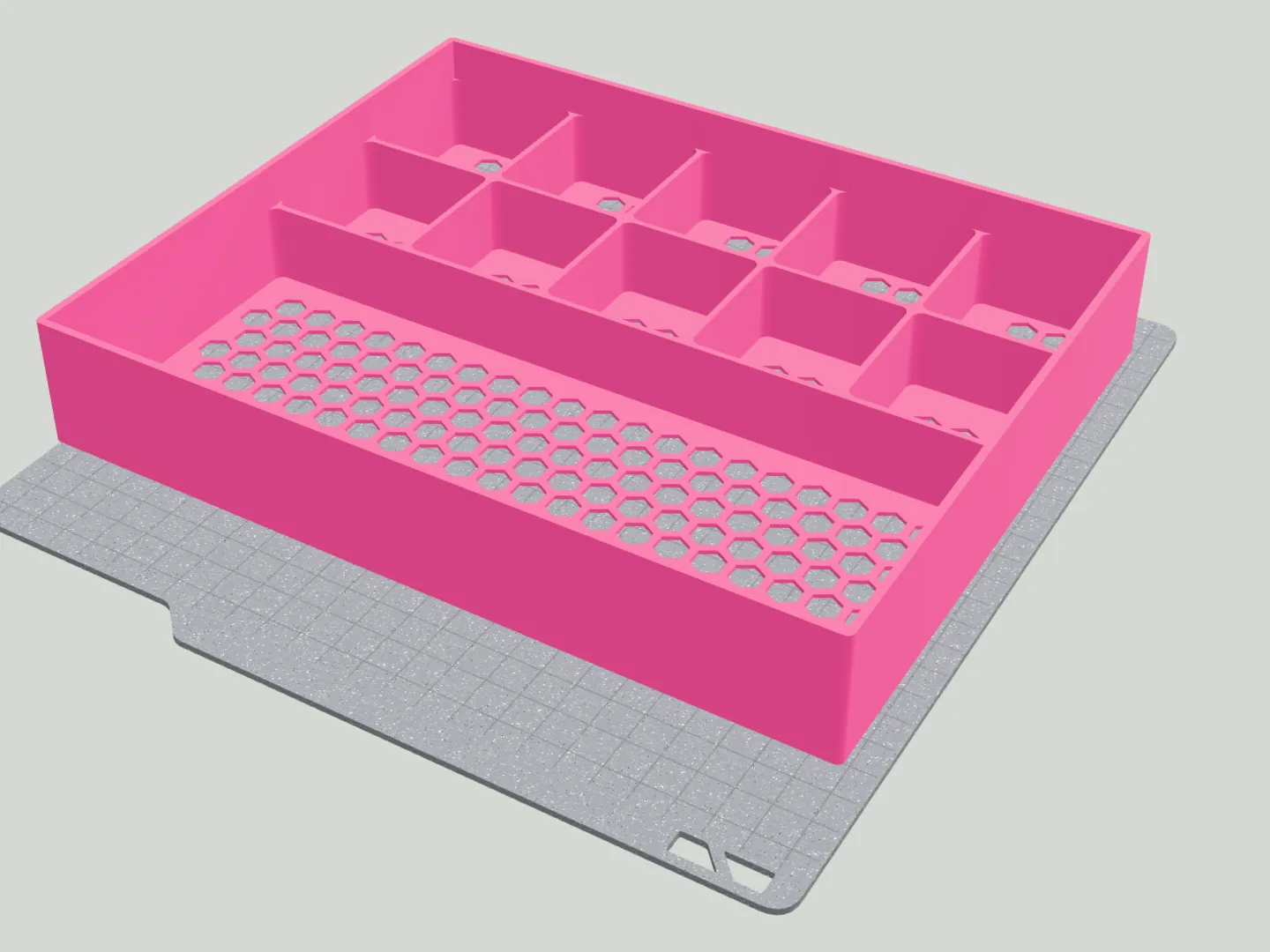
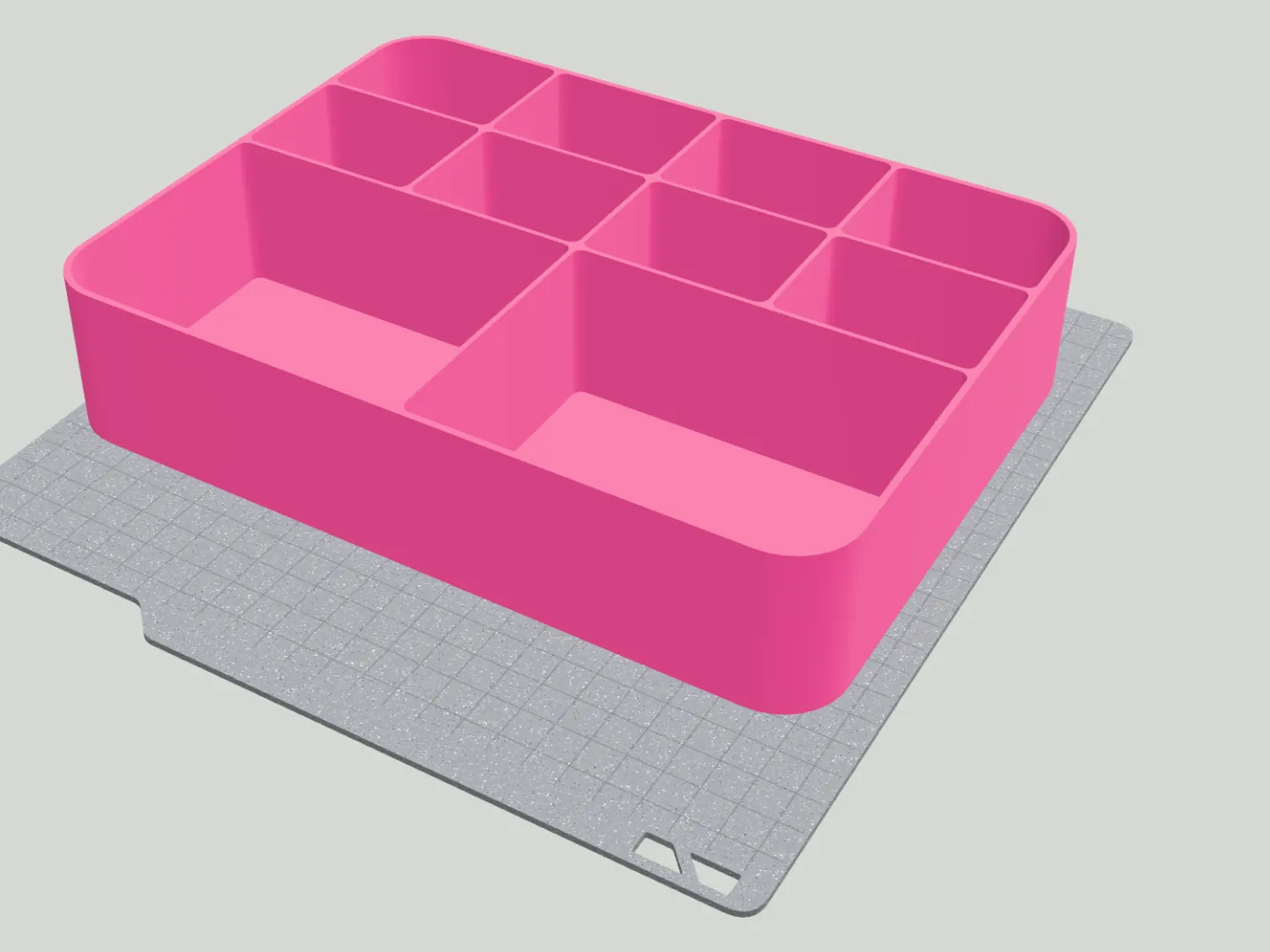
Desk, five compartmentsCutlery, a name on each compartment's floorMakeup, large and small compartmentsWorkshop: hexagon floor, low inner wallsJewellery, corners rounded like its drawer
Features and options in the generator
Size
The drawer's inside width and depth, up to 246 mm (Bambu Lab P1S) or 260 mm (Snapmaker U1)Height 20 to 100 mmClearance of 0.5, 1 or 2 mm each sideRounded drawer corners up to 30 mm
Compartments
7 ready layouts: cutlery, desk, makeup, workshop, jewellery, cables, even gridA map of the compartments: column and row sizes by share or in mm, click to merge or split themUp to 10 columns and 10 rows
Names
Words flush in each compartment's floor, in their own colourLetter size and a font of your choice
Shape
Thin, standard or sturdy wallsA finger scoop at the front or both ends of each compartmentLower inner walls, everywhere or per compartmentA solid or hexagon lattice floorRibs on the outside so it does not rattle in the drawer
Colour
Tray, floor and words in different colours
Printing
Whole on one plate, no supports, every shape checked to print
Organizer
A Gridfinity base that fits your drawer and the bins on it. Enter the drawer's inside size, arrange the bins on the map, then see it all on a measuring board as big as the drawer.
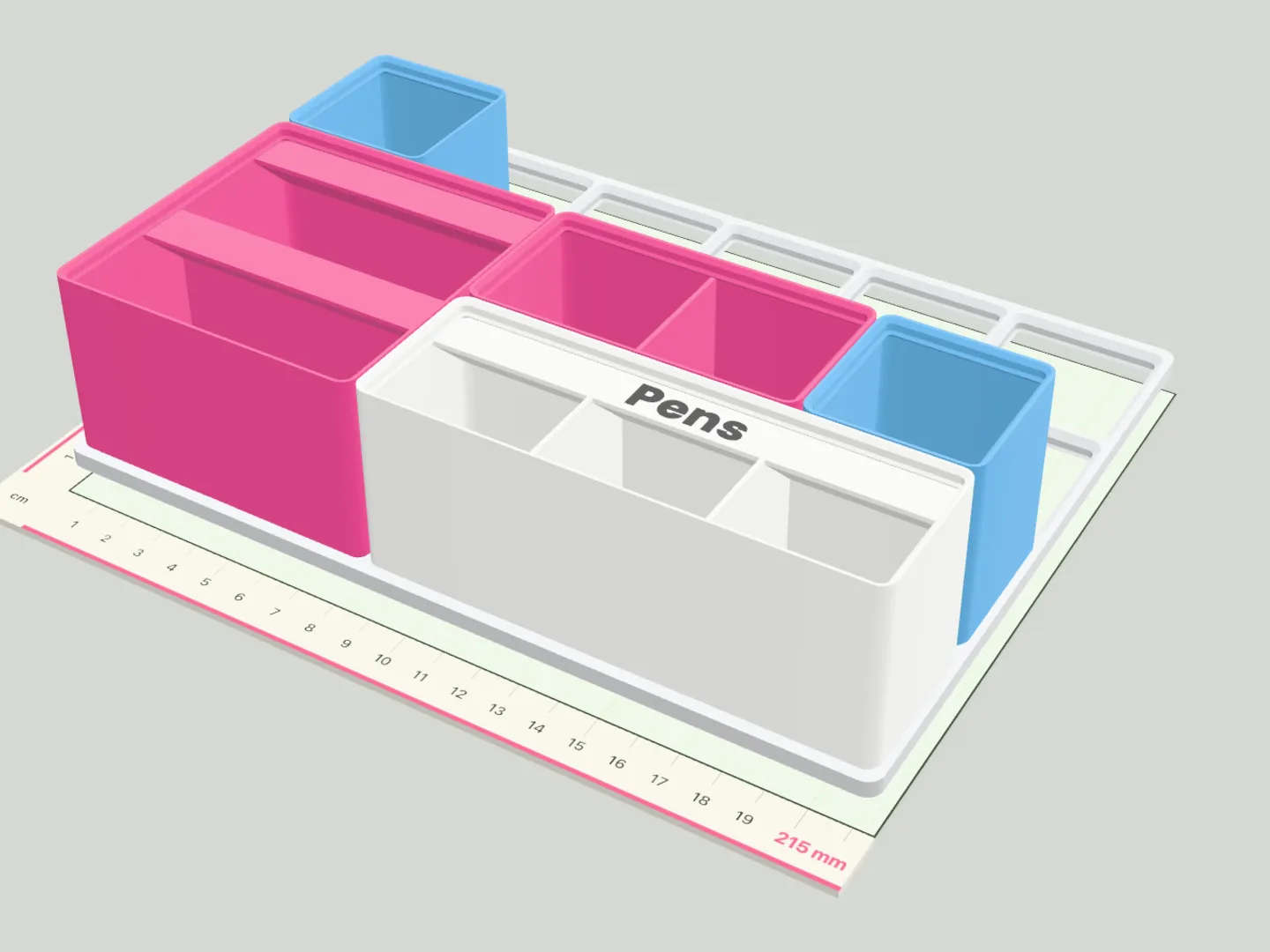
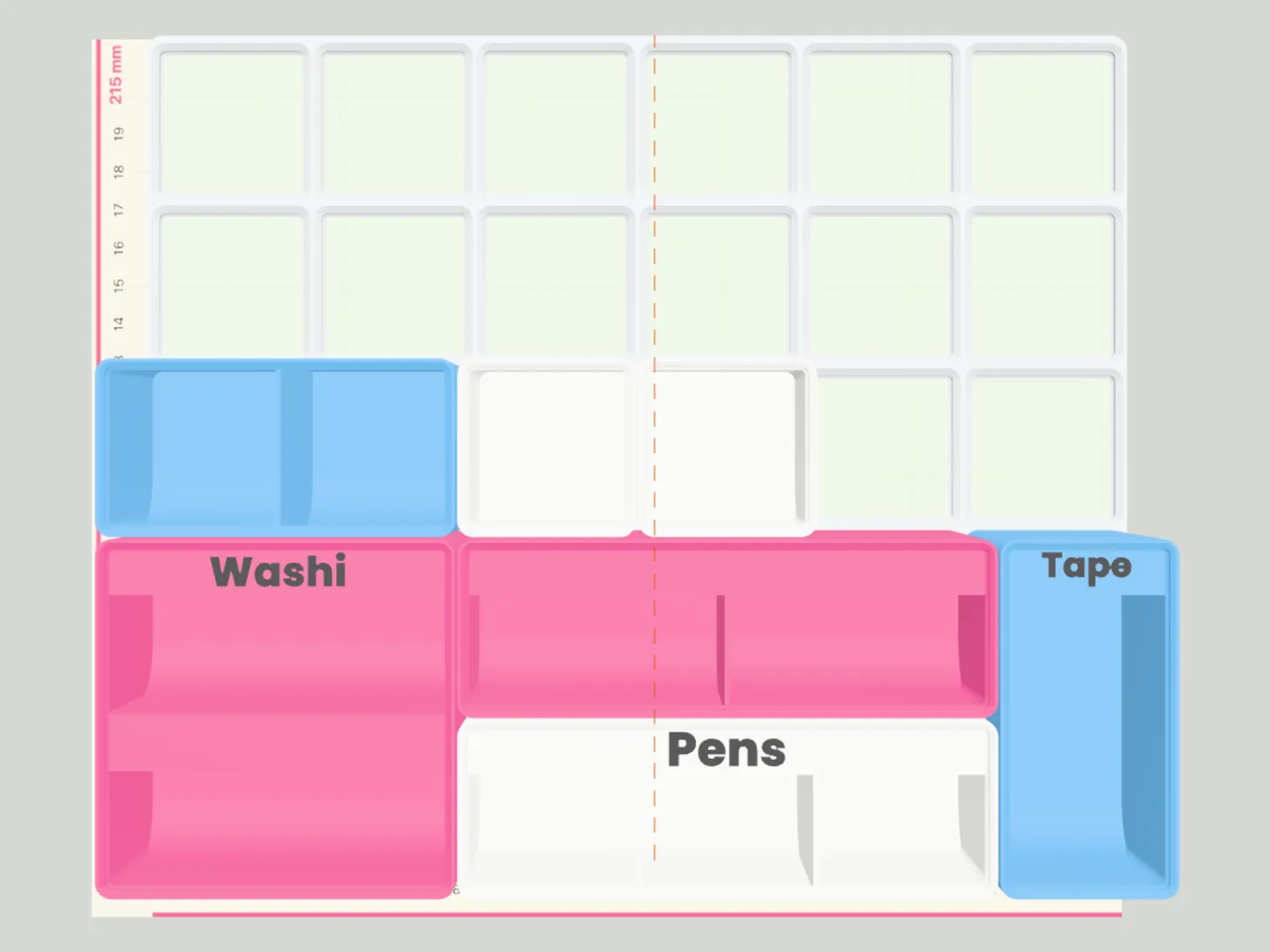
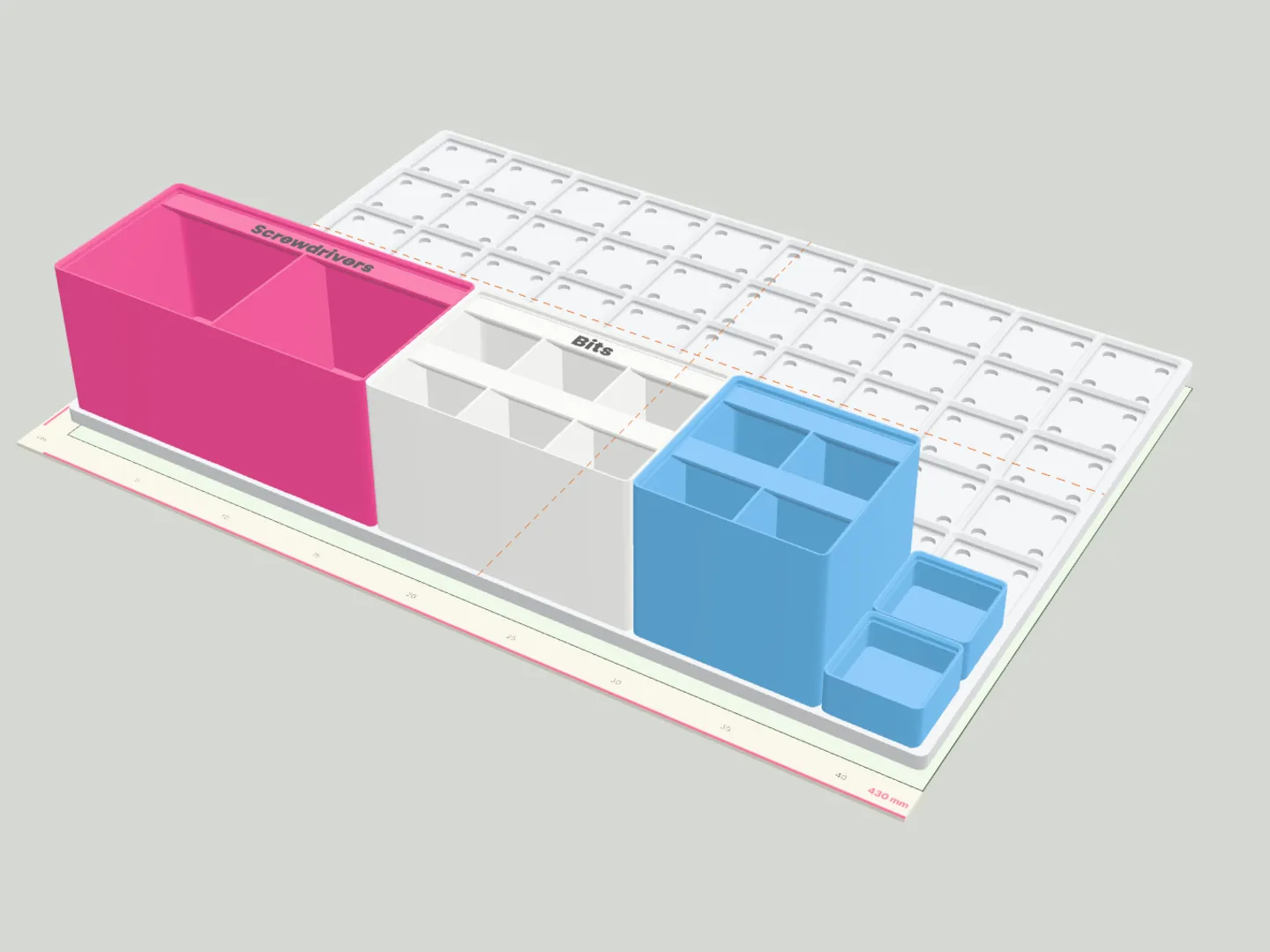
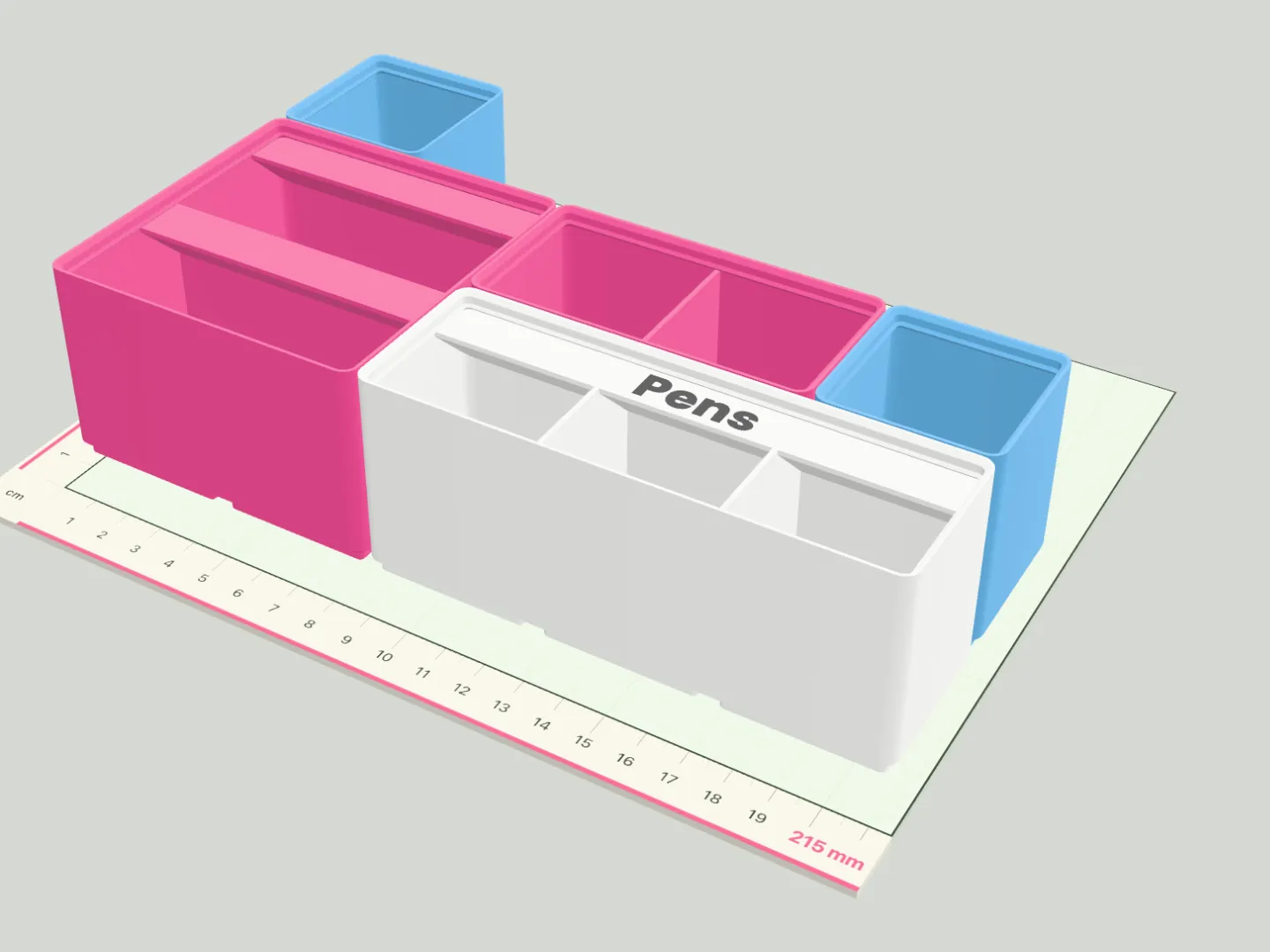
Desk drawer on its measuring boardFrom above, a name on each bin's shelfWorkshop: a solid base with magnet holesSmall parts, divided binsNo base: just the bins
Features and options in the generator
Size
The drawer's inside width, depth and height up to 60 cm, a clearance of 0.5, 1 or 2 mmAs many 42 mm cells as fit, the rest a frame so the base cannot slide
Base
Light (an open frame), solid with magnet holes, or no baseA big drawer: the base cut to the printer's bed, solid pieces joined by clips
Bins
1 to 6 cells wide and deep, heights in 7 mm steps or as high as the drawerDividers across and back, a label shelf with a coloured name, a finger scoop, magnet holesThey stack: a bin's feet sit in the lip of the one below
Map
Bins placed for you, or dragged where you want themDrag over empty cells to make a bin; pick several to merge or delete them
Measuring board
A board as big as the drawer with cm rulers on two sides, following the size you enter
Colour
Three bin colours, the base's and the names'
Printing
No supports, every part checked to print on a 0.4 mm nozzle
Jar capsule
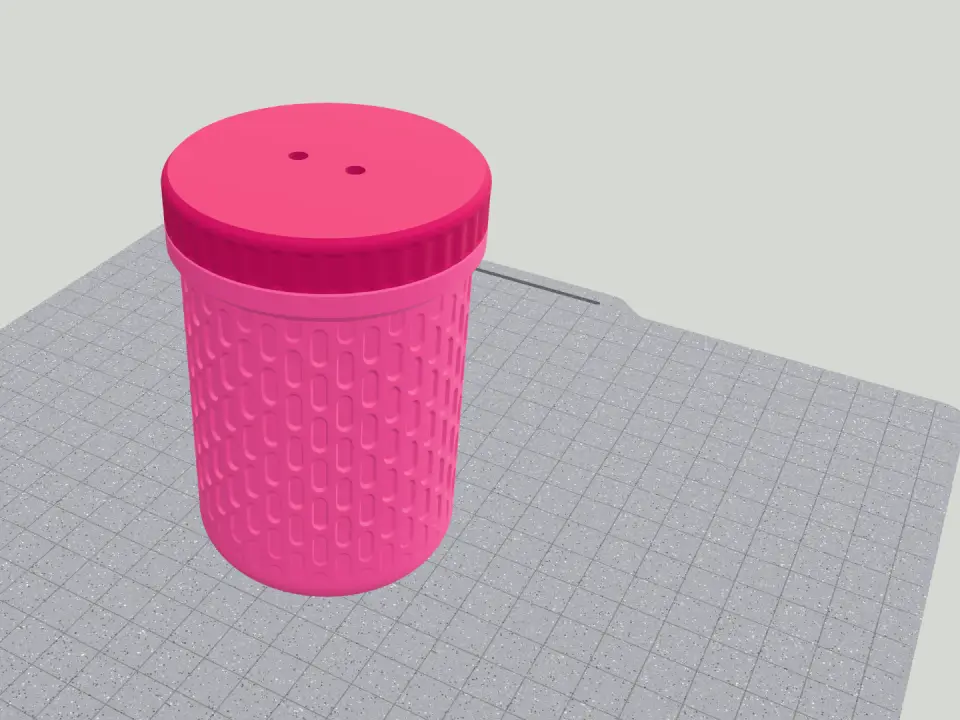
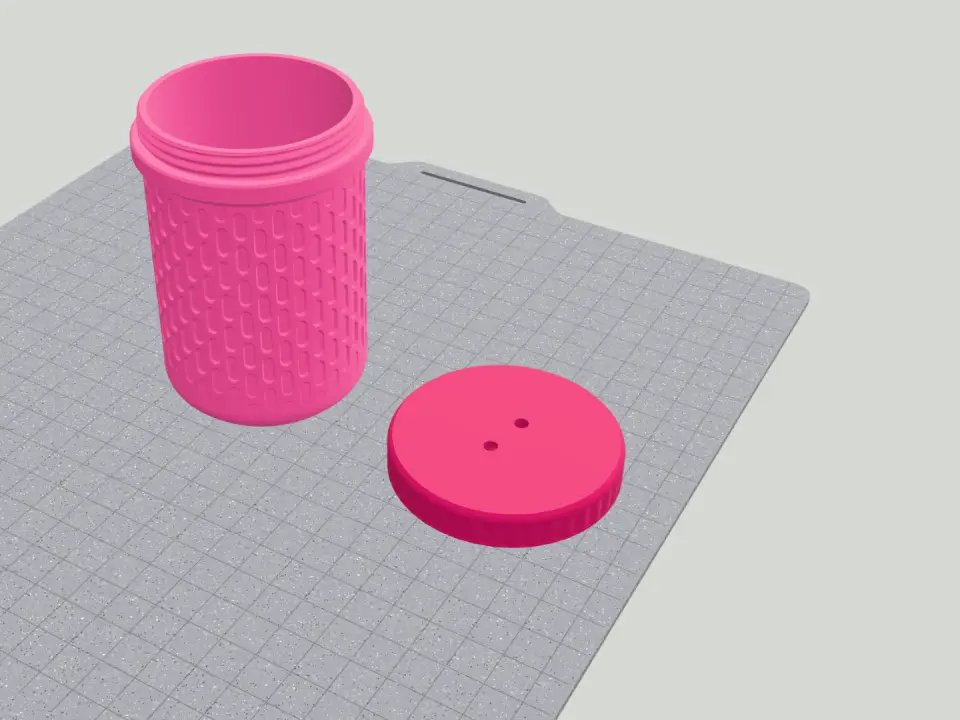
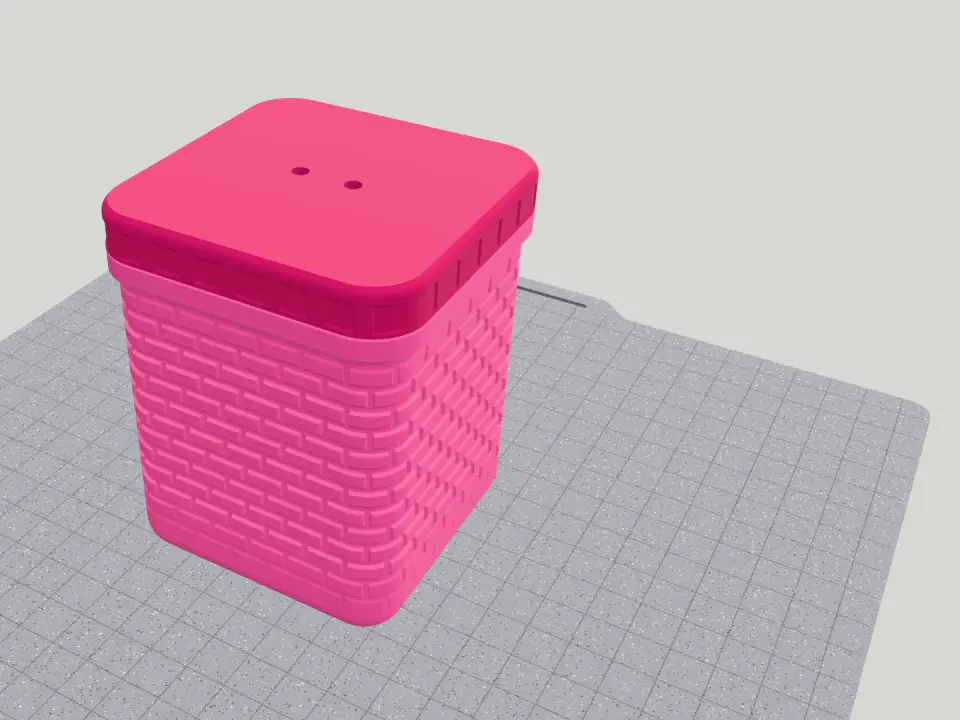
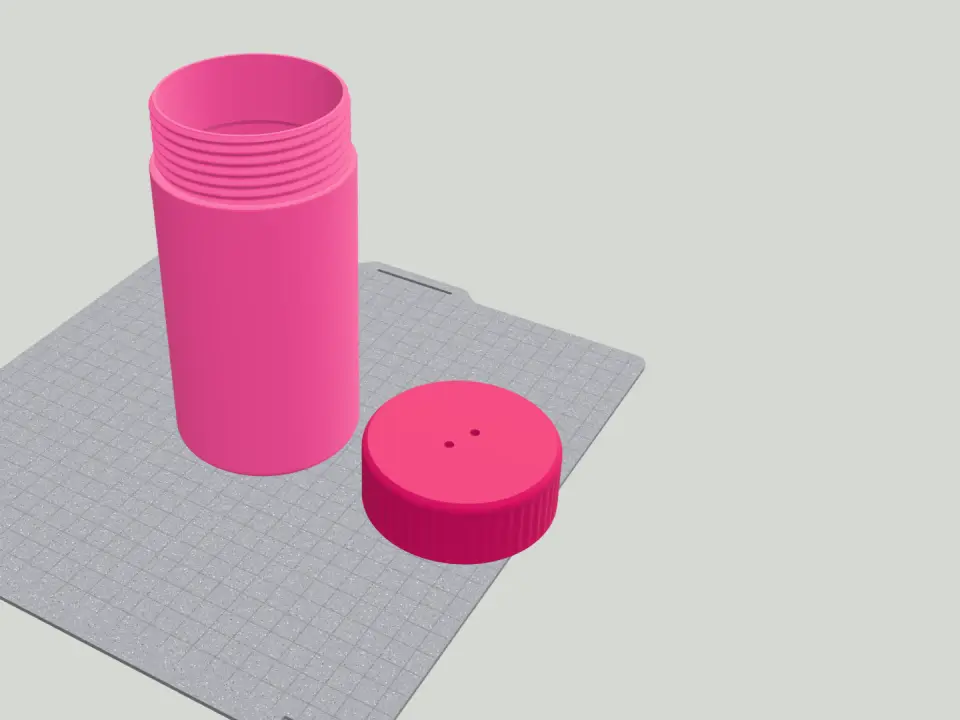
A screw-top jar and its lid, round or square, for cosmetics, spices, supplements or a keychain. Pick the size and pattern, then open the lid in the preview to see the thread.
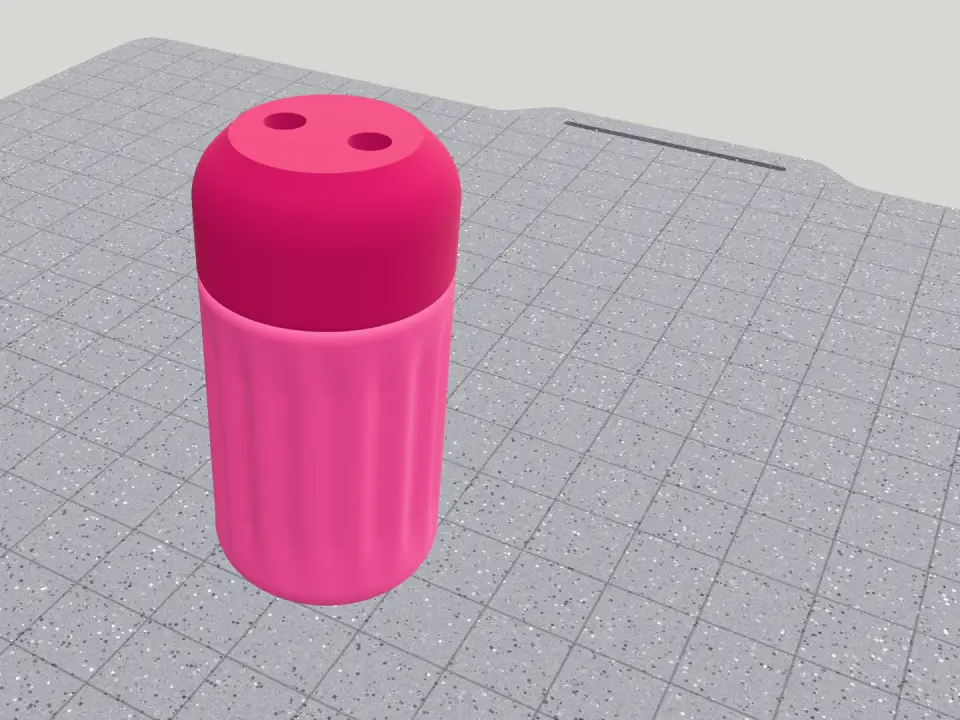
A round patterned jar, lid onLid off, the thread showingA square jar, its lid square tooCapsule: the lid as wide as the jarA keychain capsule, the holes in the lid's top
Features and options in the generator
Shape
Round, or square with rounded corners; the lid always the jar's shape and square with it when closedA lip and thread, or a capsule with the lid as wide as the body
Size
Diameter or width 25 to 160 mm, height 25 to 230 mm, wall 1.6 to 4 mmReady sizes: balm pot, cosmetic jar, cream jar, spice jar and supplement jar
Thread
Thread pitch 1 to 4.4 mm, a taller lid means more turns, the lid's fit adjustable
Patterns
27 body and 13 lid patterns, cut in or raised, their depth and a fade at the endsA flat or domed lid top, a rounded bottom edge
A keychain
A bar in the middle of the lid's top with two holes, or a loop on the lid's edge or the jar's foot with the same options as the Name clickerThe holes always round
Preview
Open and close it in the preview: the lid unscrewed, lifted and set down beside the jar
Printing
The jar and lid on one plate or two, or either aloneNo supports, the lid printed upside down, every part checked printable with a 0.4 mm nozzle
Vectorizard
Turn a PNG or JPG into an SVG, each colour its own layer. Drag the line to compare the picture with the result, then tidy its paths right on the canvas. Use it for stickers, screen printing, laser cutting, logos or other 3D print designs.
Slide: the picture and the SVGSide by side, 8 coloursMove path pointsBucket: recolour a pathOutline mode
Features and options in the generator
Content
PNG, JPG, WebP or GIF pictures, up to 2048 px on the longest sidePictures are processed on your device only, never stored
Trace
2 to 40 coloursDetail, smoothing and line simplificationSharp corners kept by the angle you setBackground removed automaticallyFlat areas stay one colour: no gradient, shine or shadow the picture doesn't have
View
Slide, side by side, picture only or SVG onlyZoom and pan the canvasDifference map: where the SVG differs from the picture shows in redOutline mode: edges and points only
Tidy
Pick one path or many (Shift+click or drag a box)Move, add or remove points, make a point sharp or smooth, lock to 45° stepsStraighten the stretch between two pointsSmooth the picked paths or give them fewer pointsUndo and redo
Colour
A bucket to recolour paths, melt a path into the colour around itBrush and pen to draw new shapesChange or hide each colour in the colour list
File
SVG at the width you choosePaths as fill, stroke or both, with a set stroke widthOne group per colour, seams between colours filled
Print service
Message us on Instagram and tell us what you want printed. We tell you how to send the file, check it can be printed, then send a quote before we start.
FDM printers: Bambu Lab P1S with AMS, Snapmaker U1 with four toolheads and Elegoo Centauri Carbon 2, 0.4 mm nozzle
0.20 mm layers as standard, 0.12 mm for fine detail
One generator for 26 designs, from name clickers to city models, plus Vectorizard. Set everything in your browser, see it in 3D, then download a file ready to print. Designing and the preview are free; free downloads only for some generators.
Objectpick a product
Contenttext, pictures, files
Shapesize, base, style
Colourup to 8 filaments
Hardwareswitches, keychains
Download 3MFready to print
Why the generator
Works right away, no fuss
Just open your browserNothing to install, no account, no CAD or Blender skills needed. Type a name or upload a picture and the design is made.
Live 3D previewEvery slider move shows at once. Turn it and look from the top, the front or the side.
Shown on the printer bedYou see the size at once: whether it fits, and how many print in one go.
Ready-made examplesEvery design opens with an example, with sample pictures and shapes to try without uploading. Change it, never start from nothing.
Assembled or apartProducts in several parts, like jars, tool boxes and medal frames, can be seen assembled or pulled apart.
Files that really are ready to print
3MF ready to sliceColours set to filament slots, plates laid out, printer and filament presets filled in.
Made for FDM printersDetails sized for a 0.4 mm nozzle and 0.20 mm layers, so nothing is too thin to print.
Kept printableLines too thin are thickened, specks too small are dropped, and textures stay within 45° so no supports are needed.
First-layer check One click on Bed marks the side touching the bed with yellow stripes. You see whether the base is flat and wide enough to stay put.
Bambu Lab, Snapmaker and resinP1S + AMS for Bambu Studio, U1 with 4 toolheads for Snapmaker Orca, and STL for models on resin printers.
PLA and PETGWeight estimates follow the material you pick.
Saves time and money
Material and time estimatesFilament weight per colour and print time, matched to real slices. Ready to use for pricing what you sell.
Many names at onceOne name per line, laid out over several plates by itself. Right for souvenirs, seminar kits and bulk orders.
Works without an AMSChoose one colour per plate, then assemble or glue the prints.
Room to create
Up to 8 coloursSet colours per part or per letter, and merge colours that are alike.
36 fonts and hundreds of iconsBold, handwritten, pixel and monospace fonts, plus icons of animals, food, sport and emoji.
Finishing choicesBody textures like knit, bamboo and lines, keychain styles, and raised, flush or engraved letters.
Pictures into SVGVectorizard turns a PNG or JPG into an SVG layered by colour. Compare before and after, then tidy the paths yourself.
Poster editorThe medal frame comes with an A5 poster editor: photos, a greeting, a quote and colours, then a 300 dpi PNG to download. Its words can be printed on paper or raised in 3D.
26 designs in one placeFrom clickers to city models, dioramas, boxes, drawer organisers, Gridfinity organizers and jars, plus Vectorizard, all used the same way.
Private and easy to share
Uploads are not keptPhotos, logos, 3D models and route files are used only to make your design, then deleted from the server within 10 minutes. Never stored.
Design linksOpen the same design again, or send it to a customer to approve before printing.
Two layoutsA simple layout for beginners and a Studio layout for wide screens.
Printers and files
Files are made for a 0.4 mm nozzle and 0.20 mm layers, with printer and filament presets filled in.
Bambu Lab P1S + AMS3MF file for Bambu Studio
Snapmaker U1, 4 toolheads3MF file for Snapmaker Orca
PLA and PETGWeight estimates follow the material
Resin printersSTL files for city and mountain models
Without an AMSOne colour per plate, change filament between them
SVG from VectorizardPictures as vectors for stickers, screen printing or laser cutting
Generator access pricing
Every generator can be designed and previewed on every plan, the free one too. Free is for personal use, with no account, and downloads from some generators only. For every download and to sell the prints, choose Monthly, Quarter or Annual. Annual also gives a lifetime licence for Text clicker, Image clicker and Keychain.
The generators, the preview and the files are the same on every plan. What differs is the account, which generators may be downloaded, how long you have the generator, the licence and the right to sell what you generate.
Comparison of the Free, Monthly, Quarter and Annual plans
Free
Monthly
Quarter
Annual
Price and access
Cost
Rp0
$5 per month
$12 per 3 months (about $4 a month)
$40 a year (about $3.33 a month)
Generator access
No limit
1 month
3 months
12 months
Account
Not needed
Your own account
Your own account
Your own account
Generators and features
All 26 designs, from Text clicker to city models, plus Vectorizard (pictures to SVG)
Yes, design and preview
Yes
Yes
Yes
3D preview, first-layer check, material and time estimates
Yes
Yes
Yes
Yes
3MF downloads for Bambu Lab and Snapmaker, and SVG from Vectorizard
Some generators
Yes
Yes
Yes
Upload your own pictures, SVGs, photos, STL models, fonts and routes (GPX, KML, GeoJSON)
Yes
Yes
Yes
Yes
Uploads deleted from the server within 10 minutes, never stored
Yes
Yes
Yes
Yes
Using and selling
Print for yourself, family, a collection and gifts
Yes
Yes
Yes
Yes
Sell physical prints from every generator and take print orders
No
Yes, while the membership is active
Yes, while the membership is active
Yes, while the membership is active
Text clicker, Image clicker and Keychain: sell the prints for good, after the plan ends too
No
No, only while the membership is active
No, only while the membership is active
Yes, for life, for files made while your Annual membership is active
Text clicker, Image clicker and Keychain: sell their digital files (3MF, STL)
No
No
No
Yes, for life, for files made while your Annual membership is active
Sell digital files from the other generators
No
No
No
No
Licence to sell the designs
These terms cover everything generated with the Percetakan Digital generator. What you may sell depends on your plan: Free, Monthly, Quarter or Annual.
Active members: sell the prints
With Monthly, Quarter or Annual, prints from every generator may be sold while your membership is active, in an online shop, on a marketplace, at a bazaar or in your own shop.
Annual: for life, for Text clicker, Image clicker and Keychain
Text clicker, Image clicker and Keychain files you generate while your Annual membership is active may be sold for good, the physical prints and the digital files.
Free: personal use only
With Free, what you generate is for you, your family, a collection and gifts. Neither the prints nor the files may be sold.
The Annual plan's lifetime licence
For Text clicker, Image clicker and Keychain only. Every file you generate and download while your Annual membership is active may be sold for good, after the plan ends too.
Covers
Text clicker (name clicker), Image clicker (picture clicker) and Keychain. The other generators may be sold while the membership is active.
What may be sold
The physical prints, and the digital files (3MF or STL), on a 3D file marketplace for example.
The condition
The file was generated and downloaded while your Annual membership was active.
Not covered
Files made while a Monthly or Quarter membership was active, and logos, characters or brands of others you put in without their owner's permission.
For example
Year one, AnnualYou generate and download 40 Text clicker designs. Those 40 files have a lifetime licence.
Year two, moved to MonthlyNew Text clicker designs may be sold as physical prints while the membership is active. Their digital files may not be sold.
The membership endsThe 40 files from year one may still be sold, the prints and the files. Everything else you generated is no longer sold.
Limits on the digital files
Digital files from the generator (STL, 3MF and other formats) may not be sold, shared, distributed or spread, free or paid. The one exception: Text clicker, Image clicker and Keychain files you generate while your Annual membership is active. Those you may sell, for good.
While your membership is active, you may
Sell what you generate as physical prints in online shops, marketplaces, bazaars and your own shop
Take design and print orders from customers, souvenirs in bulk included
Put your own business name or logo on the products you sell
Not allowed
Sell anything from the Free plan, prints or files
Sell, share or spread STL, 3MF or other files, except Text clicker, Image clicker and Keychain made while your Annual membership was active
Share one account with other people
Print other people's logos, characters or brands without their owners' permission
Questions about plans and the licence
What can I use for free?
With no account: designing and the 3D preview in every generator, uploading your own files (pictures, SVGs, photos, STL models, fonts and routes), and 3MF or SVG downloads from some generators. A generator with a lock keeps its download for members. Free is for personal use only. The prints and the files may not be sold.
What happens to the files I upload?
Uploads are used only to make your design. The server keeps them in memory, never on disk, and deletes them at most 10 minutes after they were uploaded. On every plan, signed in or not.
How do I subscribe?
Make an order for the plan you want. You get the amount to pay, with a three-digit unique code, and the QRIS, on the payment page and by email. Pay within 24 hours, then send the proof of payment on that page. Once we have checked it, we make or extend your account and email you its username and password.
What happens when my membership ends?
You cannot sign in until the plan is renewed, but the generator stays open as on the Free plan: for personal use, with downloads from some generators only. What you generated may no longer be sold, except the Text clicker, Image clicker and Keychain files you generated while your Annual membership was active.
Can I move to a longer plan?
Any time, from Monthly to Quarter or Annual, or from Quarter to Annual. Make an upgrade order with your account's email. If your plan is still active, the new plan is added after what is left of it. If it has ended, it counts from the day the order is confirmed.
I'm on Silver or Gold. What happens to my plan and licence?
Silver becomes Monthly: what you generate may be sold as physical prints while your membership is active. Gold becomes Annual, with the lifetime licence for Text clicker, Image clicker and Keychain. Your account's end date does not change.
I moved from Annual to Monthly or Quarter. What about my Text clicker, Image clicker and Keychain files?
Files made while your Annual membership was active keep their lifetime licence. Text clicker, Image clicker and Keychain files you make while a Monthly or Quarter membership is active may be sold only as physical prints, while the membership is active. Their digital files may not be sold.
How does this licence work in practice?
This licence runs on mutual trust. We trust everyone to use what they generate as their plan allows, and we appreciate it. If you are unsure what is allowed, just ask through a support ticket and we will help.
May I sell or share the generator's STL or 3MF files?
Only Text clicker, Image clicker and Keychain files you generated while your Annual membership was active. Files from other generators, or made while a Monthly or Quarter membership was active, may not be sold, shared, distributed or spread, free or paid.
May I put my business's name or logo on what I sell?
Yes. What you print from the generator may carry your own business's name or logo.
May I print someone else's logo or character?
Not without its owner's permission. This licence covers the generator's designs, not other people's logos, characters or brands.
May one account be shared?
No. One account may not be taken in turns with other people.
Which printers does the generator work with?
Files are made for the Bambu Lab P1S with AMS and the Snapmaker U1 with 4 toolheads, a 0.4 mm nozzle, 0.20 mm layers, in PLA or PETG. City and mountain models also download as STL for resin printers.
No 3D printer yet?
No problem. We also take print orders, from the catalogue or from your own. Contact us on Instagram.
From an idea to a file ready to print
Pick a design
26 designs in the generator, from name clickers and keychains to lithophanes, city models, dioramas, tool boxes, drawer organisers, Gridfinity organizers and screw-top jars, plus Vectorizard for pictures into SVG.
Set it up and preview it
Type the text or upload a picture, set the shape and colours, then check its 3D preview. Free, no account needed.
Download and print
Download a 3MF ready for Bambu Lab or Snapmaker, then print. The Free plan downloads from some generators, for personal use.
Sell what you make
Choose Monthly, Quarter or Annual, pay by QRIS, and we email you your account. The prints may be sold while your membership is active.
Sign up for the generator
Choose a plan, pay by QRIS, and we email you your account. For personal use, the generator can be tried free with no account, with downloads from some generators only.
Choose a planMonthly $5, Quarter $12 or Annual $40, then fill in your name and email.
Pay by QRISPay exactly the amount, its last three digits being a unique code, within 24 hours.
Get your accountSend the proof of payment on the payment page. Once we have checked it, we email you your username and password.
Small products like keychains and clickers usually take 1 to 2 working days. City and mountain models and large orders can take 3 to 5 working days.
Can I order souvenirs for an event?
Yes. Send the list of names by Instagram DM; our generator makes one clicker or keychain per name in one go. Special prices from 50 pcs.
What is a clicker?
A keychain with a mechanical keyboard switch inside, so it presses down and clicks. Its top is a name, picture or keycap of your choice.
If I buy generator access, can I sell what I make?
With Monthly, Quarter or Annual, what you generate in every generator may be sold as physical prints while your membership is active. Free is for personal use only. For Text clicker, Image clicker and Keychain, Annual gives a lifetime licence: the prints and the 3MF or STL files you generate while your Annual membership is active may be sold for good. Files from the other generators may not be sold. Read the licence terms.
How do I pay?
Print orders: by Instagram DM with QRIS from any e-wallet or banking app, or on Shopee with any of Shopee's methods, cash on delivery too. Generator plans: QRIS from the order page.